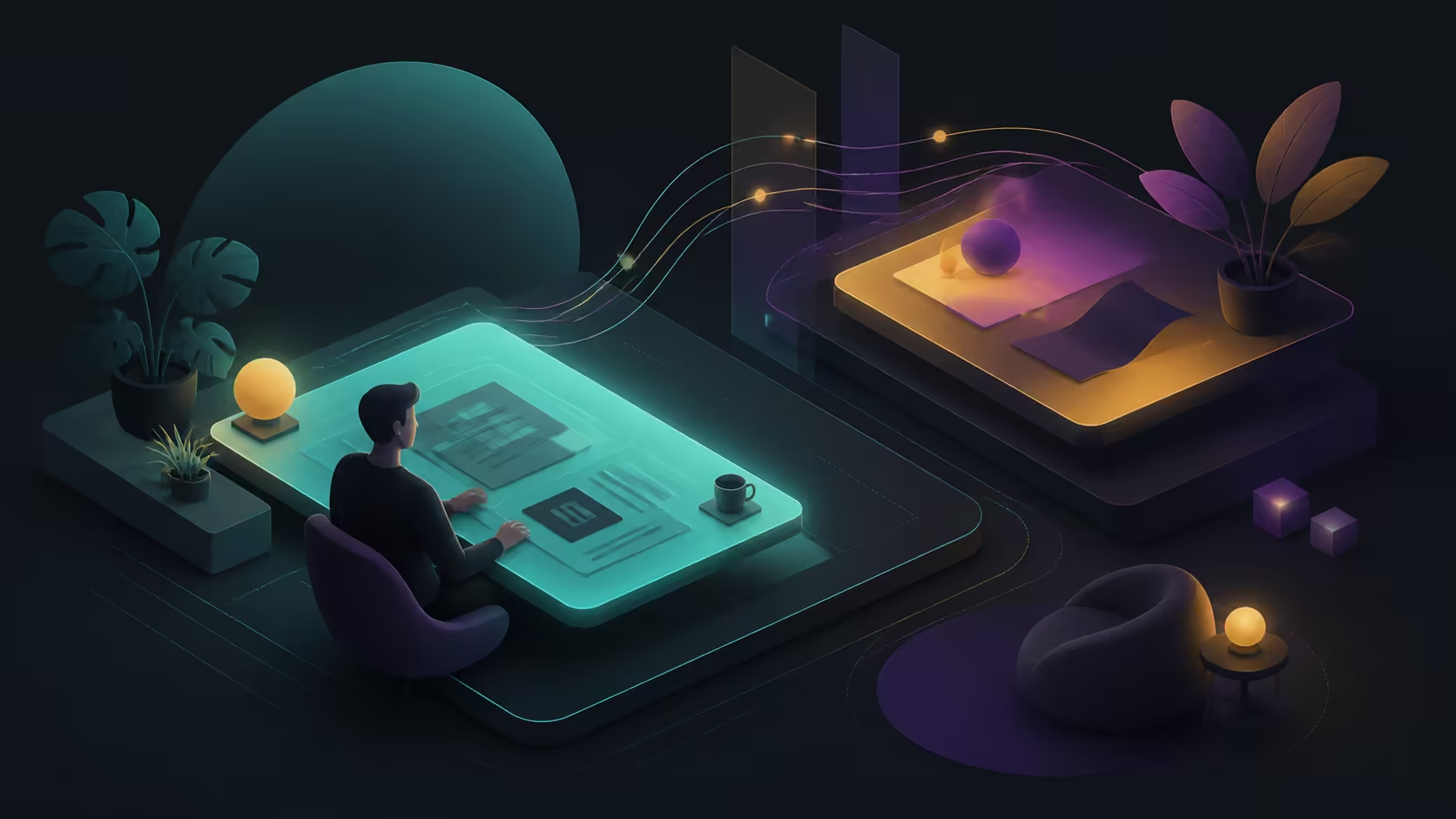
Hybrid work and study repeat the same setup in very different rooms. The best portable monitor setup for hybrid workers and students is the one that preserves a useful layout, legible content and reliable connection at every regular location.
Quick Answer
Hybrid workers and students gain an 18.5-inch Full HD second screen with 100% sRGB, wide viewing, eye-care and an included portable case.
Build the setup around the smallest desk, the exact source route, readable Full HD scaling and a complete carry plan. At R2,499, an 18.5-inch UPERFECT IPS workspace adds 100% sRGB coverage, 178-degree viewing and hardware low blue light.
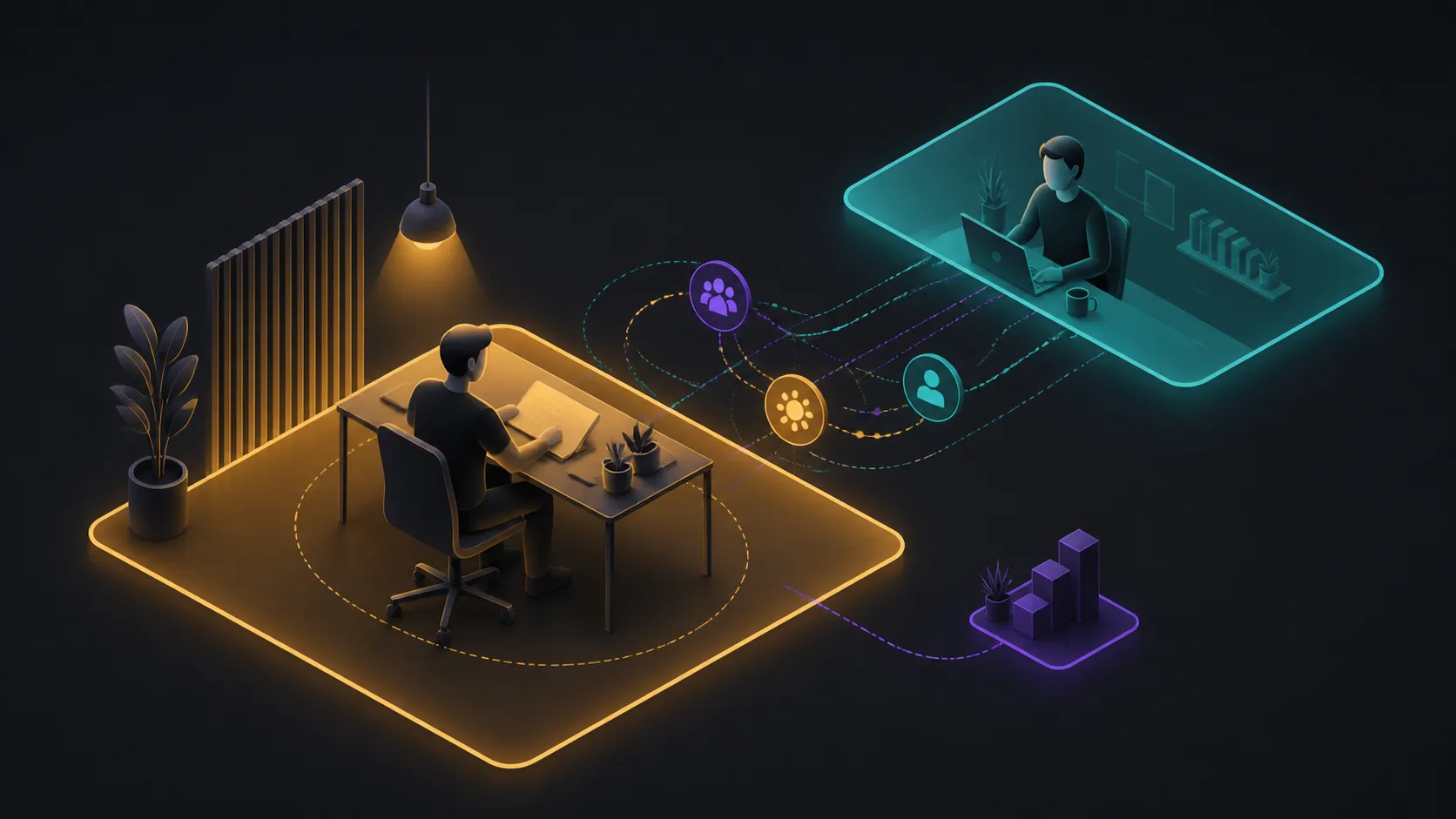
🗂️ Give the second screen a fixed role
Assign the portable display one repeatable job: reference material, communication, research, lecture notes or a preview window. A stable division of work makes the benefit easier to measure across home, office and campus.
The NxtLED One Plus uses 1920x1080 resolution. Choose scaling that keeps text comfortable, then rehearse the normal application arrangement instead of maximising the number of tiny windows.
Save the layout through the operating system where possible. Record orientation and primary-display settings so the arrangement can be rebuilt after moving.
Browse portable screens at Evetech if another size would fit the repeated workspace more effectively.
🔌 Standardise the connection routine
List the source output, monitor input, cable function and power supply used at each location. Do not assume USB-C or another route behaves identically across devices without model-level confirmation.
Label proven cables and store them with the correct power equipment. A hybrid plan weakens when one essential lead is repeatedly borrowed from another desk.
Test startup, sleep, wake and reconnection. Keep the shortest reliable sequence as a setup card rather than troubleshooting from memory every morning.
🌤️ Adapt to light and shared viewing
The paper-like screen treatment reduces glare, with Omni Visible supplying another reflection-control layer. Place the display away from direct windows first because surface treatment does not establish brightness in sun.
The 178-degree viewing specification may assist when a classmate or colleague needs to see the panel. Rotate the display to a realistic second seat and check text and colour rather than merely confirming that an image remains visible.
Hardware low blue light can accompany suitable text size, distance and breaks. It is one element of a viewing routine, not a promise of all-day comfort.
🎒 Rehearse the full weekly movement
Measure every regular surface and obtain exact body dimensions and weight before choosing a bag or stand. The 18.5-inch diagonal does not describe the complete carried package.
Add cables, power, support and protection, then perform a home-to-destination rehearsal. Note setup time, space used and any item that moves the screen or strains a connector.
Choose needed workspace items from the Evetech monitor accessories section only after each role is known. A strong hybrid setup returns to the same useful layout without making travel or connection the dominant task.
Create a weekly failure log for one trial period. Note a missed cable, lost display mode, cramped table or reflection that interrupted work, along with the location and recovery time. Fix the most frequent disruption first. This turns the phrase best setup into a measurable reduction in repeated friction.
After repairs, run another week with the same categories. A falling interruption count shows that the routine is improving; an unchanged pattern points to a deeper fit problem.
Archive the earlier log so the improvement remains visible.
Let the primary worker confirm the interruption threshold.
At a shared desk, the 178-degree view supports collaboration without strong edge darkening; in a bright cafe or library, diffuse reflection controls distracting hotspots. Stable brightness, reduced blue emissions and the absence of visible flicker suit longer reading or document sessions. The rugged 2.79-pound body can then return to its protective case, making the same R2,499 display practical across home, campus and office locations.
A hybrid kit should have one labelled power and signal routine for each common location. Predictable setup protects class or meeting time from repeated cable experiments.
Keep the case beside the normal packing station.
Frequently Asked Questions
Which window should stay on the portable panel?
Choose a repeated supporting task whose visibility reduces switching, such as notes, research or communication.
How can several desks share one routine?
Record the connection, power, orientation and window layout for each location, then keep proven cables with the kit.
What should a second viewer inspect?
Check text, colour and darker content from the actual side seat under the room's normal lighting.
When does the carry plan fail?
It fails when the complete screen, support, cable, power and protection load exceeds acceptable space or effort.
Ready to make every hybrid location feel like a known workspace?
Rehearse the weekly route, then compare portable monitors and role-specific desk accessories through Evetech.