


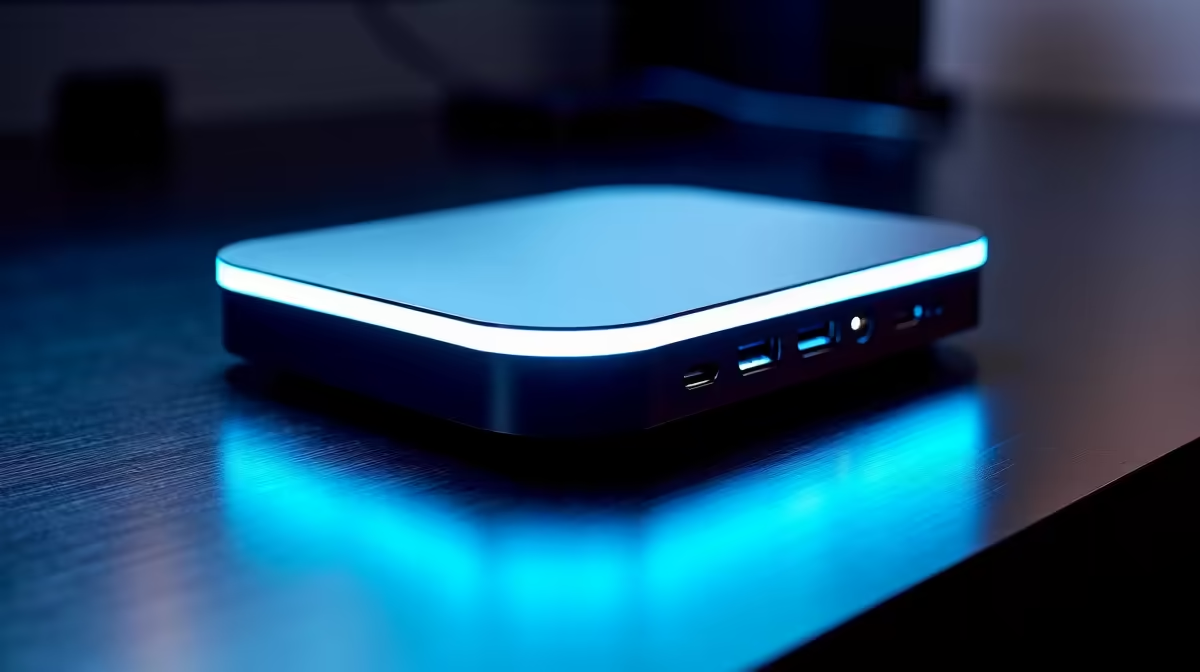
A docking station should turn one USB-C cable into a full desk, power, screens, network, and peripherals. For everyday South African use, the trap is buying a dock that cannot drive your monitor or charge your laptop, so the specs that matter are bandwidth and power delivery.
Quick Answer
For everyday South African use, the docking station spec that matters is enough display and data bandwidth, meaning at least one HDMI 2.0 or DisplayPort output that drives a monitor at 1080p 60Hz or 1440p, plus USB-C power delivery of 85W to 100W to charge a laptop. Reliable USB-C and Thunderbolt docks at Evetech run roughly R1,200 to R4,500 depending on display and port count.
What Actually Matters in a Dock for Everyday South African Use
Start with displays. Confirm the dock can drive your monitor at the resolution and refresh you want; a basic dock may cap a second screen at 1080p 60Hz, while a Thunderbolt 4 dock can push 4K 60Hz or dual 1440p. For everyday South African use, check the power delivery rating: an 85W to 100W dock charges most laptops over a single USB-C cable, so you plug in once and get screen, network, and power together. Then count the ports you truly use, two or three USB-A, an SD reader, and Gigabit Ethernet cover most workflows without paying for ports you will never touch.
Wired Network, Stability, and Cable Sanity
A dock earns its keep by replacing a tangle of adapters with one cable. Gigabit Ethernet matters when Wi-Fi is congested, giving a steady 1,000Mbps for downloads and video calls during everyday South African use. Watch the host requirement: full bandwidth needs a USB-C port that supports DisplayPort Alt Mode or Thunderbolt, so confirm your laptop before buying. Budget docks around R1,200 to R2,000 suit single-monitor setups; if you run two screens or move large files, a R3,000 to R4,500 Thunderbolt dock avoids dropped displays and bandwidth bottlenecks.
FAQ
What dock do I need for everyday South African use?
A USB-C dock with 85W to 100W power delivery, Gigabit Ethernet, and an HDMI or DisplayPort output handles most needs. Step up to Thunderbolt 4 if you run dual monitors or move large files.
How much should I budget for a docking station?
Single-monitor USB-C docks start around R1,200, while dual-display Thunderbolt 4 docks run R3,000 to R4,500. The extra spend buys higher resolution and steadier displays.
Will any dock charge my laptop?
Only if its USB-C power delivery meets your laptop's needs; thin-and-light laptops want 65W to 100W. Check your charger's wattage and match or exceed it.
confirm your laptop's USB-C port supports DisplayPort Alt Mode or Thunderbolt and note its charger wattage; a dock that cannot match both will not drive your monitor or charge the machine.









