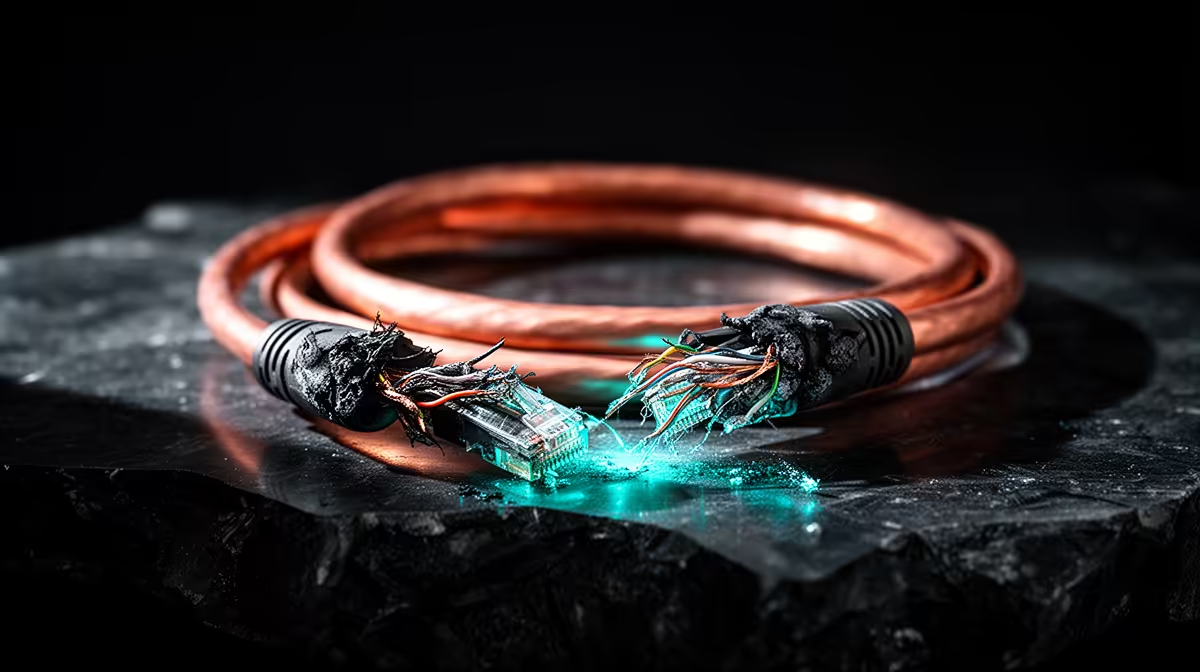
Can Lightning Kill a PC Through the Ethernet Cable?
Quick Answer
Yes. A nearby lightning event can induce damaging voltage in an outdoor copper Ethernet or PoE cable, and that energy can travel through a switch or router to connected equipment. A direct strike can exceed normal consumer protection.
Use fibre between buildings where possible, or have outdoor copper protection and bonding designed by a qualified network and electrical professional. An inline protector does not electrically isolate the cable.
Trace the Copper Path
Check for Ethernet leaving the building, running overhead, crossing a roof or linking two structures. PoE carries power on the same cable and needs compatible protection.
Indoor patch leads between devices in one room present a different exposure from a long outdoor run. Do not treat every Ethernet cable as the same lightning risk.
Browse networking equipment to map routers, switches and PoE devices. Use accessory best sellers for supported connection pieces, then verify exact surge and data ratings.
Protection Needs a Discharge Path
An Ethernet SPD must match link speed, PoE mode, cable category and shield design. It also needs the earthing or bonding arrangement in its instructions.
Poor installation can hurt speed and leave surge energy without a safe path. Use a qualified installer and coordinate it with the building SPD.
Do not attach an unknown ground wire or open fixed electrical equipment yourself.
Fibre Breaks the Conductive Link
Optical fibre does not conduct electrical surge current. Media converters, ONTs and switches still use powered adapters that need mains protection.
Between buildings, fibre can remove the copper data path when designed and installed for the site.
Prepare Before a Storm
Disconnect outdoor copper and mains before nearby lightning only when it is safe and the system guidance allows it. Do not handle cables during the storm.
Keep backups. Protection reduces risk and cannot guarantee that hardware or data survives every event.
Inspect an Existing Outdoor Run
Look for water entry, cracked sheath, unsupported spans and cable sharing a conduit with mains. Do not climb a roof or pole for the check.
Ask the installer whether the cable is outdoor-rated, shielded as designed and bonded through the supported method. A loose shield connected at random can create another problem.
Document where the cable enters each building and where its protector connects. Keep the SPD model and replacement guidance with the network map.
Check the Link After Protection
Test negotiated speed, packet loss and PoE delivery after a qualified installation. A protector with the wrong category or PoE support can limit the link.
Run the check during normal use and inspect the device status after a known storm event. Replace exhausted protection through the documented route.
Do not bypass the protector for speed until the design has been reviewed.
FAQ
Can a surge travel from the router to the PC?
It can through connected copper paths during some events. Exact damage depends on the installation and surge.
Does an inline protector isolate Ethernet?
No. It diverts specified surge energy through a designed path and must be earthed and coordinated correctly.
Is fibre safer between buildings?
It removes the conductive data link. Powered fibre equipment still needs a suitable mains-protection plan.
Map every outdoor copper network run, replace inter-building links with fibre where practical, and have compatible PoE and earthing protection designed for the rest.