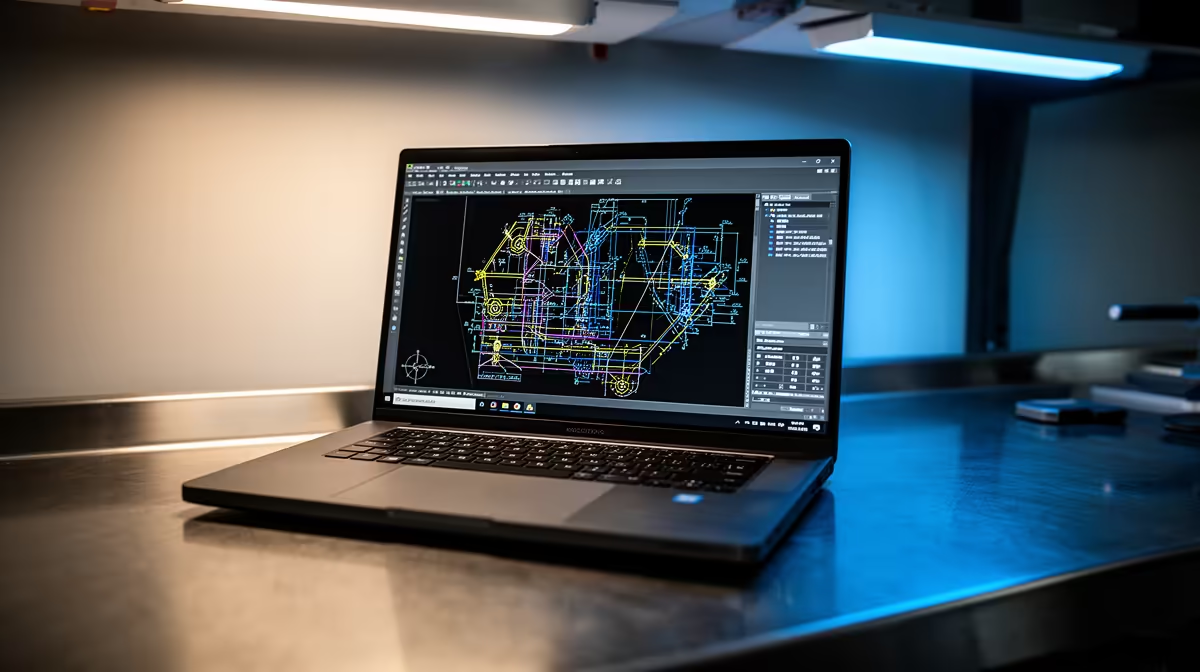
AutoCAD 2026 can install on 8GB RAM, but Autodesk recommends 32GB on Windows. Its basic graphics line calls for a DirectX 11-compliant GPU with 2GB VRAM. A student doing simple 2D drafting and one doing 3D models should buy to different targets.
Quick Answer
For light 2D coursework, start above the installer minimum where possible: 16GB RAM, SSD storage, a current processor and graphics that meet Autodesk's basic requirement. For 3D, large datasets or specialised toolsets, use the higher vendor guidance.
There is no honest universal cheapest model without the course files and current price. Compare popular laptop models and current laptop offers, then send the full specification to the department.
The Current AutoCAD 2026 Lines
Autodesk lists 8GB as basic and 32GB as recommended for AutoCAD 2026 on Windows. It recommends a 3GHz-or-faster base processor and a DirectX 12 card with 8GB VRAM for the stronger configuration.
Basic graphics still require a DirectX 11-compliant GPU with 2GB VRAM and stated bandwidth. Fast visual styles require DirectX 12 feature level 12_0.
Student Work Changes the Target
Simple 2D drawings can run below the recommended tier. Large 3D models, point clouds and specialised toolsets increase memory, GPU and storage demands. Ask which version and toolsets the course uses.
An SSD helps installation, file work and temporary data. Leave room beyond the application itself. A 512GB drive gives a student more space for projects and other course software.
Screen resolution does not change drawing accuracy, but more workspace helps tool palettes and plans. An external monitor can improve desk use without making the laptop larger.
Ask for a Sample Drawing
Get a representative first-year file from the department with identifying data removed. Open it, pan, zoom, switch layouts and print to PDF. For 3D work, orbit the model and test the visual style used in class.
Watch memory, GPU and processor use during the session. A laptop that opens an empty drawing can still struggle with the course's xrefs, layers and blocks.
Confirm whether the institution provides a licensed version and which Windows release it supports. Specialised toolsets can add their own memory and disk requirements.
If labs handle the large models, verify their hours and booking rules. The personal laptop should still complete the work expected away from campus.
Leave room for a mouse. Precise drafting on a touchpad is possible, but a basic external mouse improves control for most students.
FAQ
Is 8GB enough?
It meets Autodesk's basic AutoCAD 2026 memory line, while 32GB is recommended. Sixteen gigabytes is a more practical light-student target.
Does AutoCAD need dedicated graphics?
The current requirements name GPU capabilities and VRAM. Light 2D use may work on suitable integrated graphics, but verify the exact GPU against Autodesk's line.
What is the cheapest proper laptop?
There is no fixed answer. Define 2D or 3D workload, match official requirements, then price named models on the purchase date.
Get the course's AutoCAD release, toolsets and 2D-or-3D workload before choosing a laptop against Autodesk's current requirements.