

Inspecting the Hardware Before You Pay
Buying a pre-owned machine in South Africa often feels like a gamble. You meet a stranger at a coffee shop, hand over thousands of Rands, and hope for the best. Don't leave it to luck. Knowing how to check used laptop before buying is your only real protection against a "lemon". This COD checklist ensures you walk away with a win, not a paperweight. 🔧
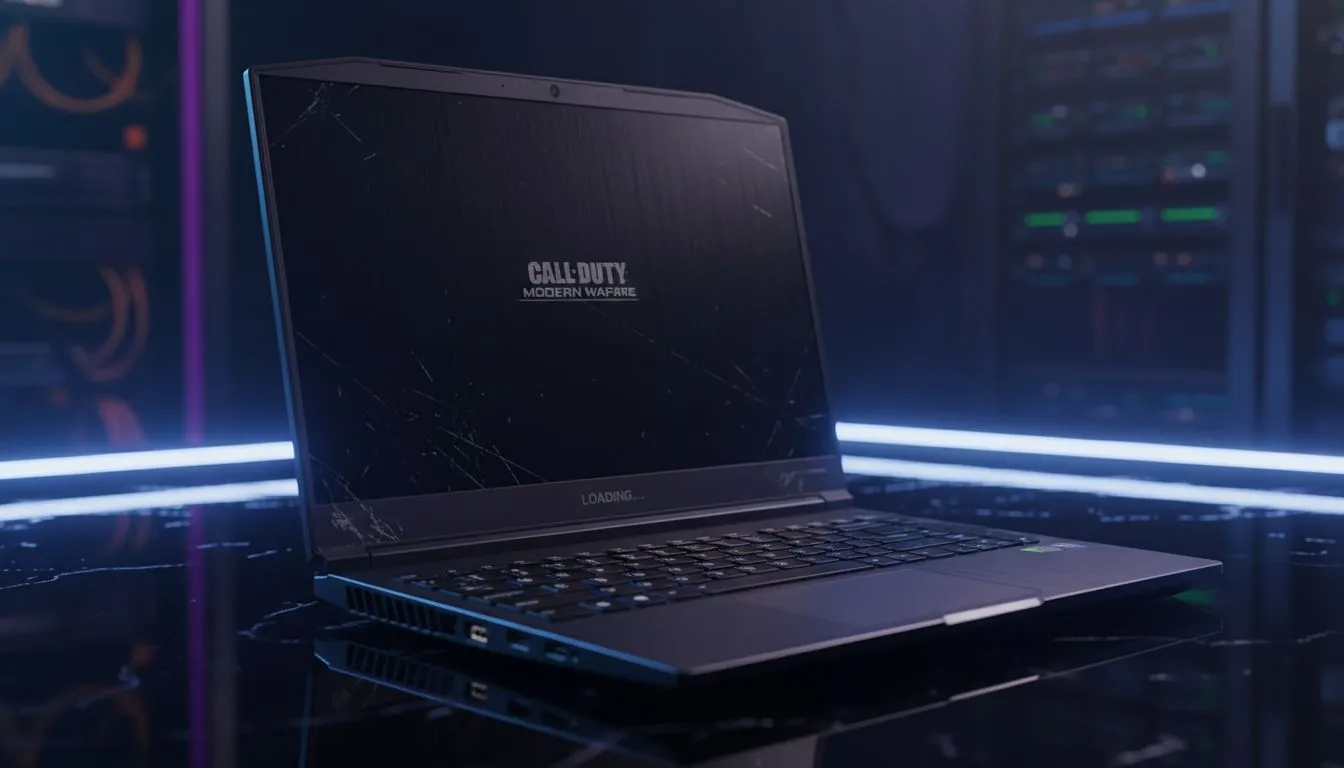
Start with the exterior. Look for deep scratches or dents... these suggest the laptop has been dropped. Open and close the lid several times to feel for hinge resistance. A loose hinge is a sign of heavy wear. Check every single USB port with a flash drive to ensure they actually work. If you find too many red flags, it might be easier to browse Intel laptops on special for a guaranteed working machine.
Running Vital Internal Health Checks
Once the physical inspection is done, boot the system. Check the screen for dead pixels by opening a completely white and then a completely black image. If you see tiny dots that won't change colour, the panel is failing. Next, verify the specifications in the "About" section of Windows. Ensure the CPU and RAM match what was advertised.
If the seller claims it's a powerhouse, look for GeForce RTX gaming laptops on special to see what a modern GPU should actually cost. For those who prefer Team Red, comparing the used price against current Ryzen laptop deals can help you negotiate a better discount.
Battery Health Pro Tip ⚡
Open the Command Prompt as an administrator and type 'powercfg batteryreport'. This generates an HTML file showing the original capacity versus the current capacity. If the battery has lost more than 30% of its original life, you should ask for a price reduction to cover a future replacement.
Stress Testing and Final Verdict
Never buy a laptop without seeing it under load. Run a quick benchmark or a demanding game for ten minutes. If the laptop shuts down or the fans sound like a jet engine taking off, the thermal paste is likely dry or the fans are clogged with dust.
Sometimes, the "deal" isn't worth the risk of no warranty. You can often buy gaming laptops under R20k that outperform older, high-end used models. Always weigh the second-hand price against the best gaming laptop deals currently available at retail. If the price difference is less than 20%, the peace of mind a warranty provides is usually worth the extra spend. 🚀
Ready to Find Your Perfect Match? Checking a used laptop is a chore, but buying new doesn't have to break the bank. For maximum power, choice, and the safety of a full manufacturer warranty in South Africa, Evetech has you covered. Explore our massive range of laptop specials and find the perfect machine to conquer your world.











