


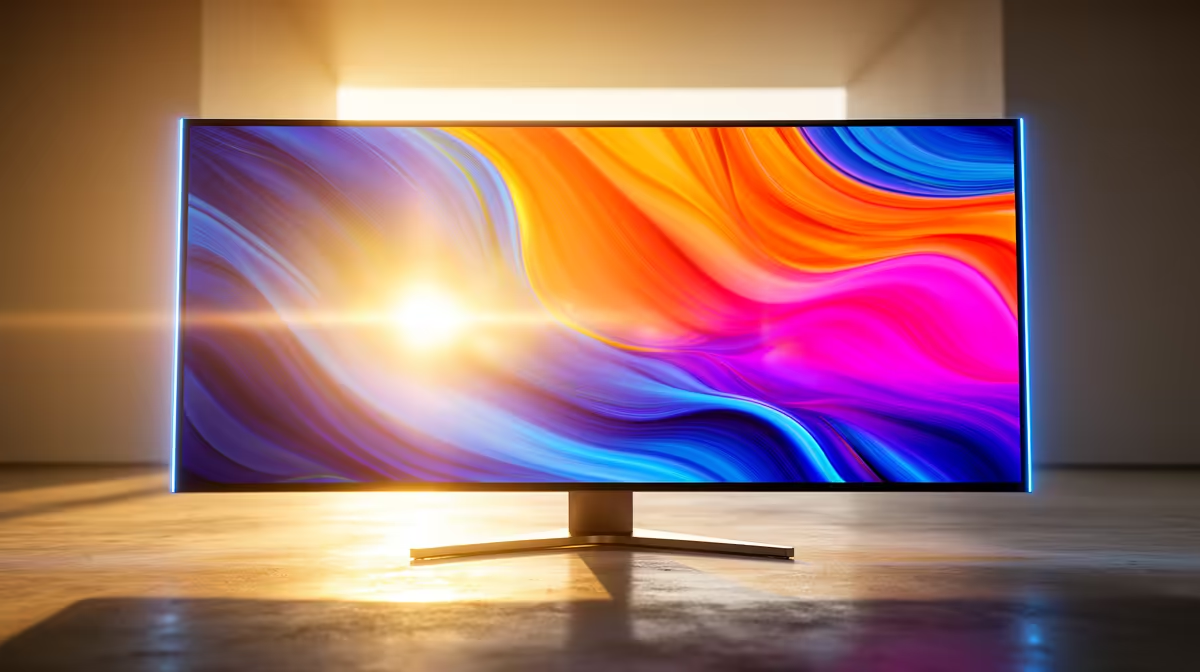
MSI MAG 274F 27" 200Hz MONITOR at R3006 suits gamers who need a fast reference screen while checking whether a 4k monitor issue is really caused by the panel, cable, refresh setting, or source device.
Quick checks before replacing the screen
Most display problems start with resolution and refresh settings. If a new screen looks soft, confirm the PC is not mirroring to an older FHD display such as the Dahua LM22-A200X 22" FHD Monitor 100Hz at R1050. Mirroring can force the sharper monitor down to 1920 x 1080, which makes text look less clean than expected.
If motion feels choppy, test a faster known-good screen before blaming the graphics card. The Dell SE2726H 27-inch 1920 x 1080p FHD 16:9 144Hz 1ms LED IPS Monitor 210-B at R1797 gives you a 144Hz baseline, while the VIEWSONIC VX2779A 27" 240Hz Gaming Monitor at R2350 is useful for spotting whether the issue is frame pacing rather than the monitor menu.
Creator desk cable and scaling checks
On a creator desk, the common pain is not only sharpness. It is text size, app scaling, and whether the right input is being used. The AOC 27"W IPS, QHD,200Hz,1H1DP, HAS MONITOR at R3200 has QHD resolution and a height-adjustable stand, so it is a practical comparison point when checking whether your desk distance, Windows scaling, or cable choice is making fine detail harder to read.
Pro Tip ⚡
LED MONITOR 100Hz at R1500 nearby as a 27-inch 100Hz test screen when isolating whether a display fault follows the PC or stays with the monitor."
Ready to choose the right 4k monitor? Use DAHUA DHI-LM27-A201X 27" LED MONITOR 100Hz at R1,500 as the 4k monitor shortlist benchmark, then check whether (622 in stock) matches the space, workload, and upgrade path.







