



650W PSU Planning for RTX 5090 Builds in SA
650W for RTX 5090 needs a full-build check, not a simple yes. Review GPU guidance, CPU draw, transient load, connectors, PSU quality, and upgrade plans before deciding.
Read moreCommon curved monitor problems for SA buyers are usually fixed by checking the selected input, cable, native resolution, viewing distance and refresh rate first. For a 32-inch QHD screen, soft text often points to non-native settings, while signal loss can come from the cable or source output.
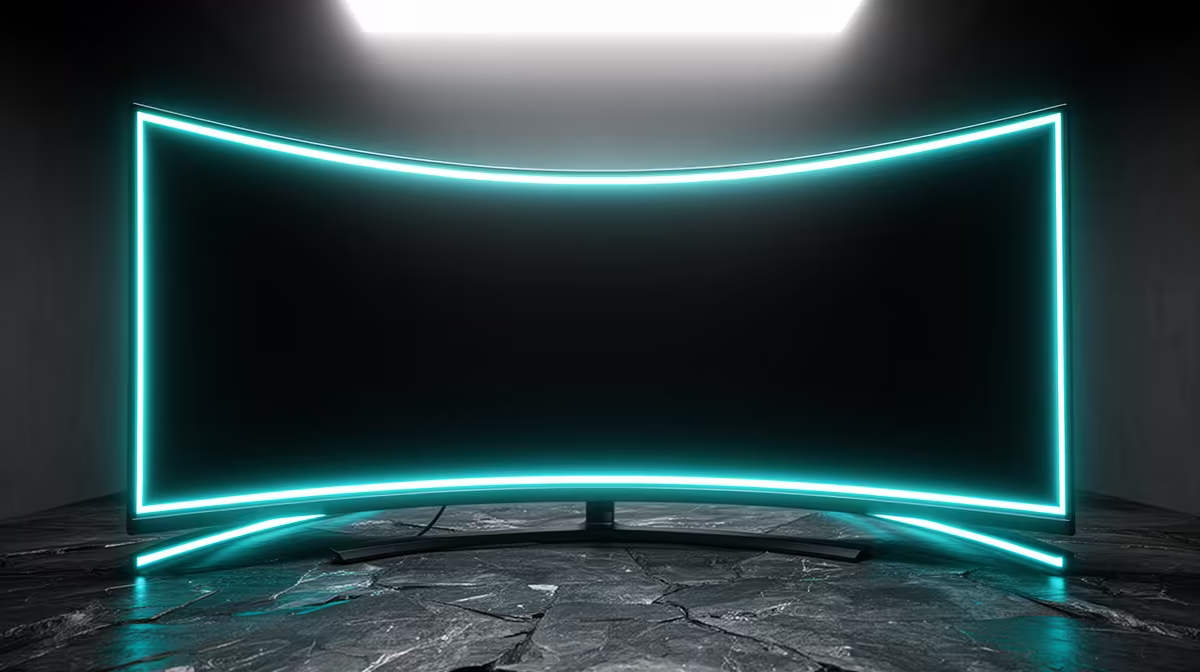
The MSI MAG 274F 200Hz at R3,006 suits SA gamers who want a fast flat-screen gaming monitor alternative when a curved panel causes glare, viewing-angle discomfort, or awkward desk placement. Curved screens can feel immersive, but many buyers only notice the practical issues after setup: the screen may catch a window reflection, the edges can look odd when viewed from the side, and deep desks are not always available.
If motion clarity is the main frustration, the ViewSonic VX2779A 240Hz at R2,350 is the sharper upgrade path. Its 240Hz refresh rate gives competitive players more headroom than a basic office display, while the 27-inch size keeps the setup familiar for a bedroom desk or gaming room.
For buyers who moved to a curved screen for size but found text and spreadsheets uncomfortable, the AOC 27in QHD 200Hz at R3,200 is the practical correction. The 27-inch QHD format gives more workspace than a standard full HD panel, while 200Hz still keeps gaming smooth after work or study hours.
A curved display can be awkward when friends sit beside you, or when a bright window sits off to one side of the desk. The Dell SE2726H 144Hz at R1,797 is a sensible lower-cost reset for casual play, while the Dahua LM25 200Hz at R1,850 gives a faster 200Hz option for a tighter setup where every rand matters.
Ready to choose the right gaming monitor? Use Dell SE2726H 144Hz at R1,797 when common curved monitor problems buyers matters, then compare the desk fit against its listed spec.
Check the selected input, reseat both cable ends and test a known-good cable or another computer output.
Set the native resolution, use recommended scaling and turn off unusual sharpening before judging clarity.
A weak cable, unstable graphics setting or unsupported port mode can interrupt the high-refresh signal.
No, reset picture settings, lower extreme brightness and inspect from the centred viewing position first.
Yes, sitting too close, too far or off-centre changes how evenly the display fills your view.
Return it when repeatable faults remain after safe cable, source and factory-reset checks within the applicable return route.
650W for RTX 5090 needs a full-build check, not a simple yes. Review GPU guidance, CPU draw, transient load, connectors, PSU quality, and upgrade plans before deciding.
Read more
How to fix FPS drops Windows 11 RX 9070 XT starts with GPU drivers, overlays, power plans, and frame pacing checks. For SA gaming PCs, verify chipset updates, HAGS, refresh rate, thermals, and per-game graphics settings.
Read more
How to fix FPS drops on X870E motherboard starts with BIOS, chipset drivers, PCIe settings, and memory stability. SA gamers can check EXPO, resize BAR, thermals, display refresh, and background apps before replacing components.
Read more
RTX 5060 is popular with SA students because it can fit gaming, coursework, and creative app needs in one setup. Compare total system price, cooling, RAM, storage, and screen quality before picking a desktop or laptop.
Read more
1440p is the sweet spot for SA gamers because it balances sharp visuals, high frame rates, and GPU cost better than 4K. It is a practical monitor target for players who want smoother upgrades without the heavier hardware demands of 4K.
Read more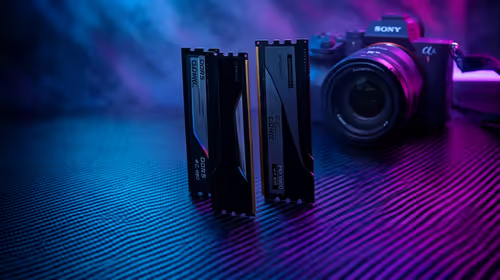
RAM pricing for Midrand gamers can shift with exchange rates, supply, specs, and model tier. Treat the title as a buying prompt, then compare SA warranty, timing, and build priorities.
Read more
Windows 11 update KB5121003 is linked to crashes in several multiplayer games on versions 24H2 and 25H2. Check the build, report the fault and avoid risky file or update changes unless the problem is confirmed on your PC.

Sennheiser's Momentum True Wireless 5 adds user-replaceable batteries, 12-hour playback and a $299.95 launch price. There is no confirmed South African date, so compare longevity with live earbuds from R199 to R2,999.

AVerMedia's GC531 and GC535 are professional HDMI capture devices for continuous streaming, with RGB24 capture up to 2K30 and 4K30. South African creators should compare them with live 4K capture cards from R2,099.

From 1 October 2026, WhatsApp Business Platform service replies in South Africa are expected to cost about $0.0076, or 12 cents, per delivered message.
Windows 11 update KB5121003 is linked to crashes in several multiplayer games on versions 24H2 and 25H2. Check the build, report the fault and avoid risky file or update changes unless the problem is confirmed on your PC.

Comsol's standalone 5G network covers about one million Gauteng homes and starts commercial ISP service in September. Early packages range from R275 to R875 a month, but coverage and fair-use rules still decide the real value.
Sennheiser's Momentum True Wireless 5 adds user-replaceable batteries, 12-hour playback and a $299.95 launch price. There is no confirmed South African date, so compare longevity with live earbuds from R199 to R2,999.
AVerMedia's GC531 and GC535 are professional HDMI capture devices for continuous streaming, with RGB24 capture up to 2K30 and 4K30. South African creators should compare them with live 4K capture cards from R2,099.
Windows 11 update KB5121003 is linked to crashes in several multiplayer games on versions 24H2 and 25H2. Check the build, report the fault and avoid risky file or update changes unless the problem is confirmed on your PC.
Comsol's standalone 5G network covers about one million Gauteng homes and starts commercial ISP service in September. Early packages range from R275 to R875 a month, but coverage and fair-use rules still decide the real value.
Sennheiser's Momentum True Wireless 5 adds user-replaceable batteries, 12-hour playback and a $299.95 launch price. There is no confirmed South African date, so compare longevity with live earbuds from R199 to R2,999.
AVerMedia's GC531 and GC535 are professional HDMI capture devices for continuous streaming, with RGB24 capture up to 2K30 and 4K30. South African creators should compare them with live 4K capture cards from R2,099.