


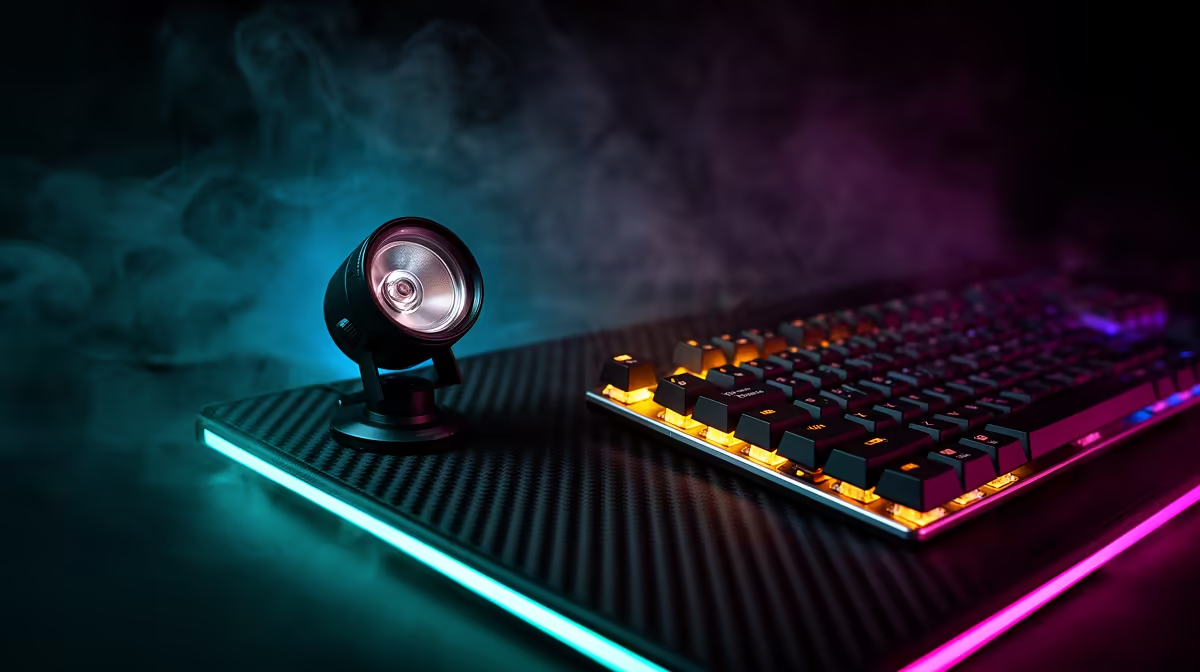
Small gaming bedrooms are not well-suited to multi-light rigs: the desk is tight, the floor space is spoken for, and nobody wants a light stand threatening the monitor every time they push back from the chair. The answer is a compact single lighting panel chosen carefully to do the job of two lesser choices combined.
Quick Answer
For a small SA gaming bedroom, a bi-colour LED panel under 25cm wide on a monitor clamp is the right pick. It needs no floor space, runs off USB so there is no extra power brick, and a white nearby wall bounces enough fill light to soften shadows without a second unit.
🔧 Size, Mount, and Desk Space
A monitor clamp mount solves the space problem before it starts. The light attaches to the top edge of the monitor frame, sits at roughly the right height relative to the face without any adjustment to a floor stand, and pulls away cleanly when the session ends. The desk stays clear.
Width under 25cm is a practical threshold. Panels larger than that tend to clip the sides of the monitor frame or intrude on the visual peripheral that matters during gameplay. A 20cm to 24cm panel is wide enough to produce soft, diffused output without bumping into gear on either side.
The angle matters more than most people expect. Tilt the panel forward at roughly 25 to 35 degrees rather than pointing it flat at the wall. That downward angle lands light across the cheekbones and brow rather than washing out the forehead and leaving the chin dark.
⚡ USB Power and Cable Management
A panel drawing power over USB-A at around 8 to 12 watts takes that load from the monitor's built-in USB hub, which most gaming monitors include. The cable routes behind the monitor stand alongside the display cable, keeping the desk surface free of extra bricks and adapters. No additional socket required.
Most monitor hubs supply 5V at 1A or 2A per port. Panels designed for desk streaming use stay within that range, but confirm the hub output before purchasing anything that draws close to 12 watts.
🌗 Bi-Colour and Bedroom Ambient Light
SA gaming bedrooms cycle through very different ambient light across the day: warm tungsten lamps in the evening, afternoon daylight through curtains, and LED strips that vary widely in temperature. A panel with a range from roughly 3,200K to 5,600K matches that variation rather than clashing with it and making skin tone look off on camera.
Without bi-colour, a fixed temperature panel produces visibly mismatched colour in at least one of those environments every time you stream.
A nearby white or light-grey wall amplifies what a single panel can do. The key light from the panel bounces off the wall and returns as a softer fill on the shadow side of the face. In most compact bedrooms in Cape Town or Joburg, that wall is already within reach of the light without any additional reflector needed.
Frequently Asked Questions
How wide can a desk clamp panel be before it becomes awkward?
Panels wider than 25cm tend to overhang a standard 27-inch monitor on both sides, which looks ungainly and makes the clamp less stable. A 20cm to 24cm panel fits the monitor top cleanly and leaves the viewing area unobstructed. The trade-off is slightly less surface area for diffusion, but at a 60cm to 80cm shooting distance the output is still ample for a facecam.
Does a single clamp light produce enough brightness for night gaming streams?
A compact 15W to 20W panel delivers roughly 800 to 1,200 lux at 50cm, which is considerably more than most bedrooms manage with ceiling or desk ambient light alone. At night, a single panel set at 60 to 70 percent brightness is typically sufficient for a clear, well-exposed facecam without washing out the background. Reduce brightness if the image looks blown out on the stream preview.
Is bi-colour more important than higher wattage on a first light?
For most small bedroom setups, yes. A 12W bi-colour panel is more versatile across different shooting times than a 20W fixed-temperature panel that clashes with the ambient light in the room half the sessions. Colour temperature matching produces better-looking footage on camera than raw brightness does, assuming a reasonable minimum output level is met.
What should the light angle be when mounted on a monitor?
Tilt it down at roughly 25 to 35 degrees from horizontal. Mounted directly on the monitor top, a flat-pointing panel hits the ceiling rather than the face. A downward angle sends light toward the cheekbones and eyes, where it does the most work. Most clamp panels include a ball joint or pivot that lets you dial in that angle without tools.
Does a white wall nearby remove the need for a second light?
In a small bedroom, usually yes. A white wall within 1.5 metres on the shadow side bounces the key back as gentle fill, softening shadows without the hard edge a second panel introduces. It covers the gap without additional hardware or desk clutter.
Ready to sort your facecam with one compact light? Browse the clamp-mount LED panels for South African gaming setups and find a bi-colour model that fits your desk, your monitor, and your stream schedule.










