


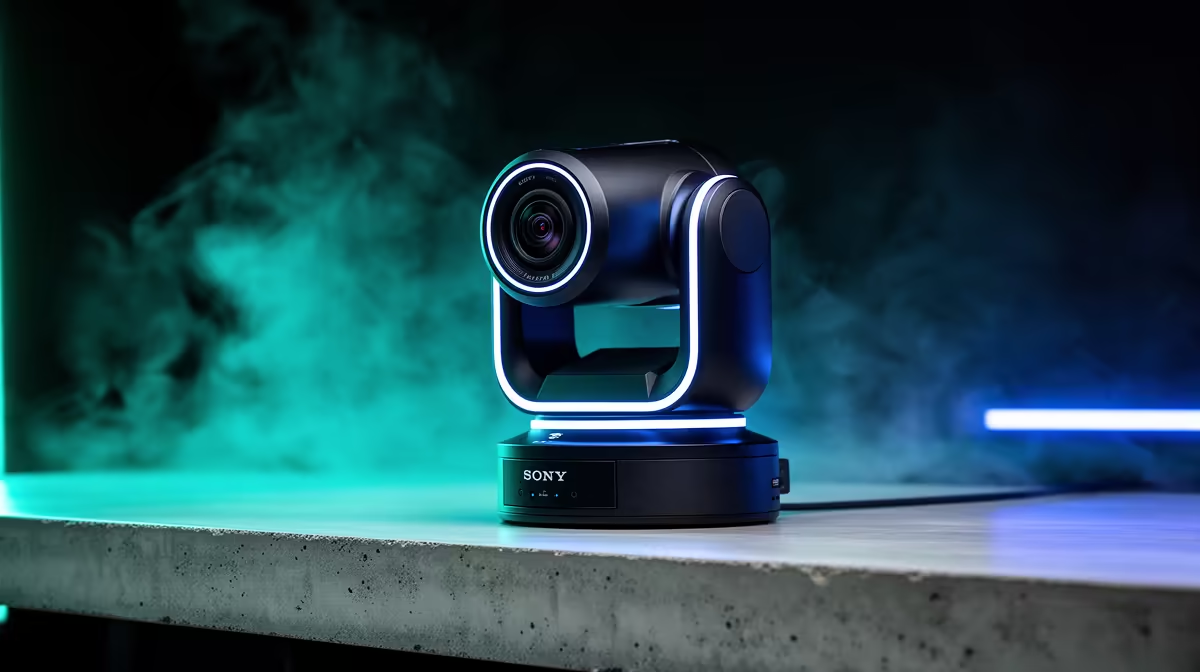
A wireless streaming camera that handles its own encoding and transmission removes the capture PC from a simple single-camera broadcast. Getting there requires correctly filling two configuration sections in the camera's streaming menu. Configuring direct RTMP and RTSP protocols is straightforward once you understand what each field needs and how the two protocols serve different routing purposes.
Quick Answer
RTMP pushes an encoded stream outward to a platform ingest server using a server URL and stream key. RTSP serves a local pull feed at the camera's IP address for network switchers or OBS. Both remove the PC from a basic broadcast, but RTMP is for internet distribution and RTSP is for local network routing.
🌐 RTMP Configuration: Pushing to a Platform
RTMP (Real-Time Messaging Protocol) sends the camera's encoded video and audio to a platform ingest server over Wi-Fi. The configuration requires two values, both available in the platform's live streaming dashboard.
The first is the server URL, formatted as rtmp:// followed by the ingest domain and path. The second is the stream key, a unique identifier 20 to 30 characters long that authenticates the push to your specific account. Enter both in the camera's streaming menu under the RTMP section, save, and the camera connects and begins pushing when you start the stream.
The camera needs a stable upload connection of at least 5 Mbps for 1080p. On a 5GHz SA fibre home network that is readily available. Congested 2.4GHz signals in dense residential buildings are less reliable for live RTMP, and a wired ethernet backhaul is the more stable option where possible.
🔌 RTSP Configuration: Serving a Local Feed
RTSP (Real-Time Streaming Protocol) works differently. The camera does not push outward; it makes the video available at a local network address that other devices pull from. That address follows the format rtsp://[camera-IP]:554/stream, using port 554 by default and the IP address your router assigns to the camera.
In OBS, a Media Source pointed at that RTSP URL pulls the feed with sub-second latency. A hardware video switcher on the same network can do the same. This suits multi-camera setups where a central production machine aggregates feeds from cameras placed around a room without running USB or HDMI cables back to the PC.
RTSP latency on a local wired network is lower than RTMP, which makes it useful for switching where timing is critical. For sending to a remote platform, the RTSP feed needs to be re-encoded to RTMP by the receiving software.
⚙️ Running RTMP and RTSP Together
Many streaming cameras support both protocols simultaneously. The camera routes one encoded stream outward via RTMP to the platform, and separately makes the same content available locally via RTSP. Configuration is handled in two independent sections of the streaming menu.
Dual-protocol operation increases processing load on the camera's onboard chip. At 1080p30 most dedicated streaming cameras handle it without issue. Dropping one output to 720p is a practical step during long sessions if the camera runs warm.
Frequently Asked Questions
What exactly goes into the RTMP fields on a streaming camera?
The server URL and the stream key. The URL is the platform's ingest address starting with rtmp:// and pointing to the specific ingest endpoint. The stream key is generated on the platform's live settings page and authenticates the push to your account. Both are found in the streaming or creator tools section of any major live platform.
How is RTSP different from RTMP for in-room use?
RTSP makes the camera's feed available as a pull source at a local network address. Other devices on the network fetch it from there. RTMP pushes the stream actively to a remote server for internet distribution. RTSP stays inside your network; RTMP sends it outside.
Does a direct RTMP setup need a PC at all?
Not for a single-camera broadcast. The camera encodes internally and pushes over Wi-Fi directly to the platform. No capture card or software encoder sits in between. A stable upload connection is the only requirement beyond the camera itself.
Which port does RTSP use and how do I add it to OBS?
Port 554 by default. In OBS, add a Media Source and paste the full URL in the format rtsp://[camera-IP]:554/stream. The feed appears in the scene with latency typically under one second on a local network. The camera IP is shown in its network settings menu.
How much Wi-Fi speed does direct RTMP streaming need?
Around 5 Mbps upload for a reliable 1080p stream. A 4K RTMP feed needs approximately 15 to 20 Mbps. On a South African fibre connection with 5GHz Wi-Fi those figures are achievable. Metered LTE or congested 2.4GHz bands are less consistent options for live broadcasts.
Ready to set up a wireless stream that runs without a PC in the chain? Browse the wireless streaming cameras and 4K webcams at Evetech and find the model with direct RTMP and RTSP support for your setup.










