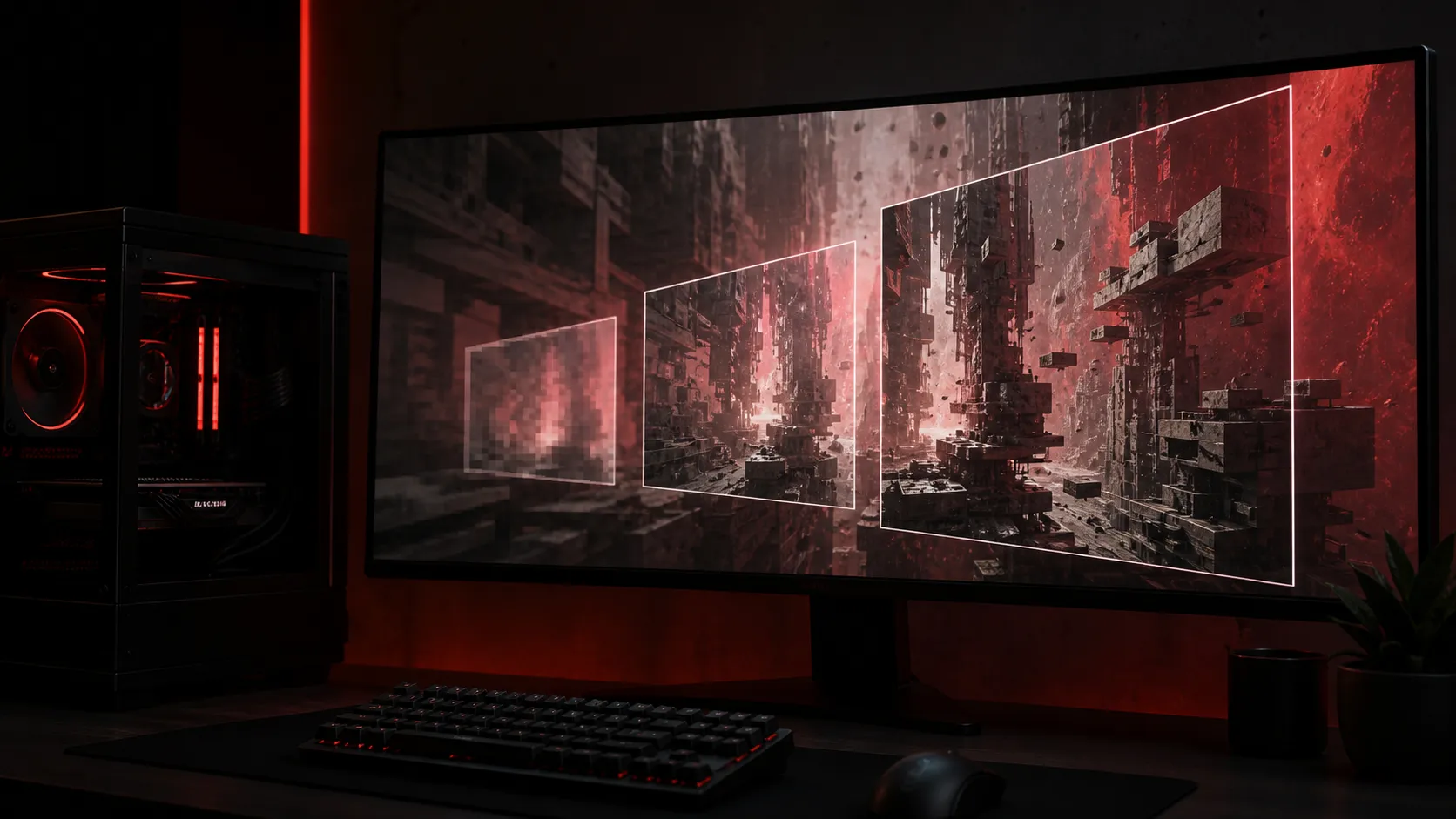
No honest preset can be called launch-tested four weeks before release. CONTROL Resonant PC settings should therefore begin with Remedy's confirmed hardware table and a repeatable tuning method, not invented benchmark charts. The game arrives on 24 September 2026, and its minimum and recommended tiers do not state resolution or frame-rate targets.
Quick Answer
Keep the pre-launch upgrade spend at R0 unless your PC misses a confirmed requirement. The minimum lists Core i5-8500 or AMD equivalent, 16 GB RAM, GTX 1070 or RX 5600 XT 6 GB and 100 GB storage. Recommended moves to Ryzen 7 3700X or Intel equivalent with RTX 3070 or RX 6700 XT 8 GB. Build the actual preset after measuring the retail version.
🎯 Establish a clean 1080p baseline
At 1080p, start with the game's default preset appropriate to the detected hardware. Leave resolution scaling at a quality-focused mode if the game recommends one, disable optional ray-tracing features for the first test, and use a repeatable combat or traversal route. Watch frame time, not only an average fps counter, because sharp spikes are what make movement feel uneven.
The minimum GTX 1070 and RX 5600 XT are useful eligibility markers, but Remedy has not attached them to a promised 1080p target. Do not turn that list into a claim of High settings or 60 fps. If performance is unstable, reduce effects that affect many objects or lighting calculations before sacrificing texture quality, provided VRAM is not overflowing.
Compare current graphics-card options at Evetech only after the measured bottleneck is clear.
🖥️ Treat 1440p as the recommended-tier test
An RTX 3070 or RX 6700 XT with 8 GB is the published recommended graphics class. That makes it the sensible place to test 1440p, but it still does not guarantee a preset or frame rate. Begin with the recommended default, record a busy section, and then change one setting per pass.
Prioritise consistent input response. Cap the frame rate slightly below a stable ceiling when uncapped output repeatedly hits the same limit. This can reduce large swings and leave headroom for combat effects. If the GPU is close to full utilisation, test upscaling before lowering every individual option. If utilisation is low while frame time remains high, investigate the CPU, background tasks and asset streaming instead.
Sixteen gigabytes appears in both official memory tiers. Close memory-heavy background software during the first run so the test represents the game rather than a browser session. Keep enough free space beyond the listed 100 GB for installation work and patches.
✨ Approach 4K and ray tracing separately
4K carries more than twice the pixels of 1440p, so do not copy a 1440p preset and assume it will hold. Establish 4K with ray tracing off, select an image-quality mode that keeps text and fine geometry stable, and measure the heaviest scene you can repeat. Only then add one ray-tracing effect at a time.
Remedy has announced CONTROL Resonant as a larger, open-ended action-adventure RPG set in a warped Manhattan. Open zones can move pressure between GPU rendering, CPU simulation and storage streaming. A single indoor benchmark is not enough to approve a system-wide preset.
The Evetech gaming-PC deals page provides complete-system choices if several components fall below the confirmed table. A full replacement is not automatically better value than a focused GPU or storage change.
Frequently Asked Questions
Are these CONTROL Resonant settings final?
No. They are a safe tuning order based on official requirements. Exact settings must be verified on the 24 September retail build.
Does CONTROL Resonant need 16GB RAM?
Yes. The current minimum and recommended PC lists both specify 16 GB RAM on 64-bit Windows 10 or 11.
Is 100GB enough free space for CONTROL Resonant?
It meets the published requirement, but extra free space is prudent for unpacking, shader data and later updates.
Which resolution suits an RTX 3070?
The RTX 3070 is in the recommended table, but Remedy gives no resolution target. Test 1440p first, then use measured results to decide.
Preparing a PC for Dylan Faden's next mission?
Compare your exact CPU, GPU, memory and free storage with the confirmed tiers, then use Evetech categories only for the component that evidence says is short.