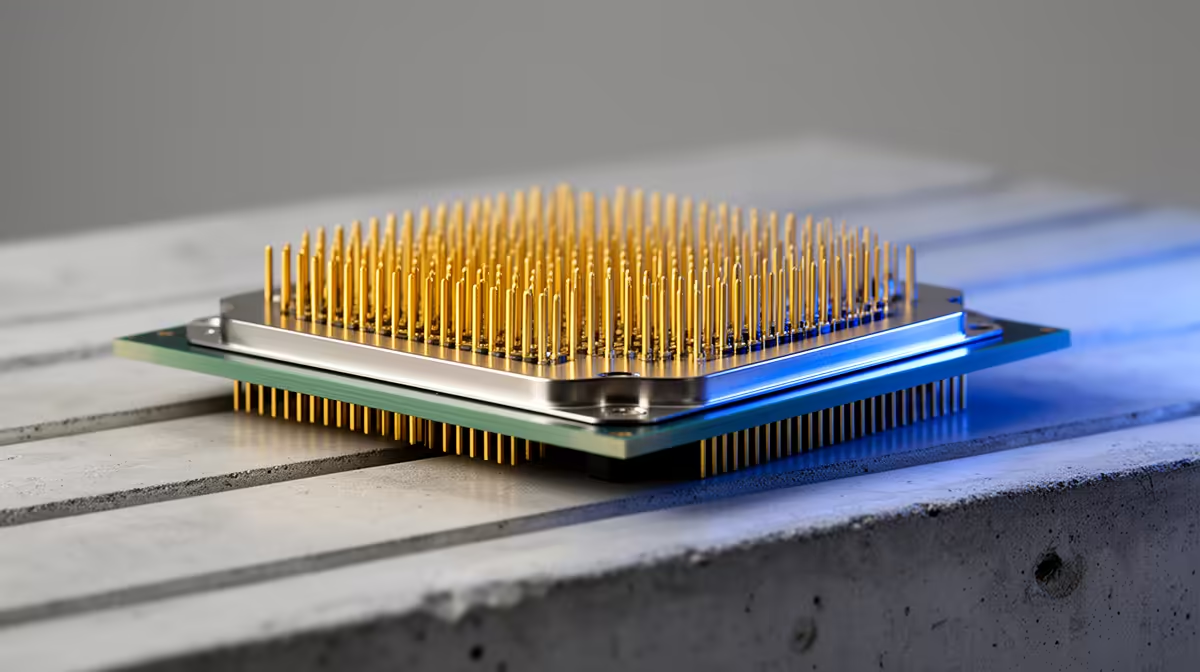
The Core i7-14700K remains a muscular desktop CPU in 2026. Its 20-core hybrid layout handles gaming, compilation, encoding and busy multitasking, while the mature LGA1700 platform can lower the complete-build cost. Cooling and platform longevity are the trade-offs.
Quick Answer
Choose the 14700K when a well-priced LGA1700 board, existing DDR4 or DDR5, and heavy multi-threaded work make the package attractive. Compare newer Core Ultra and AMD X3D systems before a fresh gaming build. The older i7 can still win on total value, rather than age alone.
Review AMD desktop CPU options beside Intel processor choices. If portability is part of the decision, compare the Intel Core i7 laptop range with the complete desktop before buying separate parts.
Twenty Cores With Real Work Capacity
Intel combines eight P-cores and 12 E-cores in the 14700K. Hyper-Threading on the P-cores brings the total to 28 threads, and the fastest core can boost up to 5.6GHz under suitable conditions.
That layout suits code builds, content creation and background work. Check your application because some scale well across E-cores while others favour a few fast P-cores. One real project tells you more than a broad score.
Gaming Is Still Strong
The 14700K can feed a fast graphics card and high-refresh screen. AMD X3D processors may produce better CPU-limited game results with less platform power, while a GPU limit at 1440p or 4K can shrink the difference.
Use your game list, resolution and 1 percent lows. If the i7 build saves enough to move up a graphics-card tier, compare the complete systems under one budget ceiling.
Cooling Is Part of the Price
Intel specifies 253W maximum turbo power. A sustained render can put serious heat into the cooler and room. Choose a capable cooling solution, sound motherboard power delivery and an airflow path that works under long loads.
Install the latest stable BIOS with current Intel microcode guidance and use Intel Default Settings for the baseline. This is important for 14th-generation desktop parts. Test memory at standard settings before enabling XMP.
LGA1700 Value and Limits
The socket supports motherboards built around DDR4 or DDR5, never both on one board. Reusing a good DDR4 kit can lower cost, though DDR5 can improve performance in some workloads and offers a newer memory base.
LGA1700 has reached the end of its main desktop upgrade ladder. That matters if you expect a drop-in CPU change. It matters less when the 14700K will serve the full life of the machine.
The processor is worth considering when the board, memory and cooling create a strong complete package. Buy the platform you need now with clear eyes about the next upgrade.
FAQ
Is the i7-14700K still good for gaming?
Yes. It remains fast, though X3D alternatives can lead in CPU-limited games and use a different power profile.
Can the 14700K use DDR4?
Yes, on a DDR4 LGA1700 motherboard. A DDR5 board requires DDR5 memory.
How many cores does the 14700K have?
It has eight P-cores and 12 E-cores, for 20 cores and 28 threads.
Price the 14700K with its board, memory and serious cooling, then compare the complete result against current Core Ultra and X3D builds.