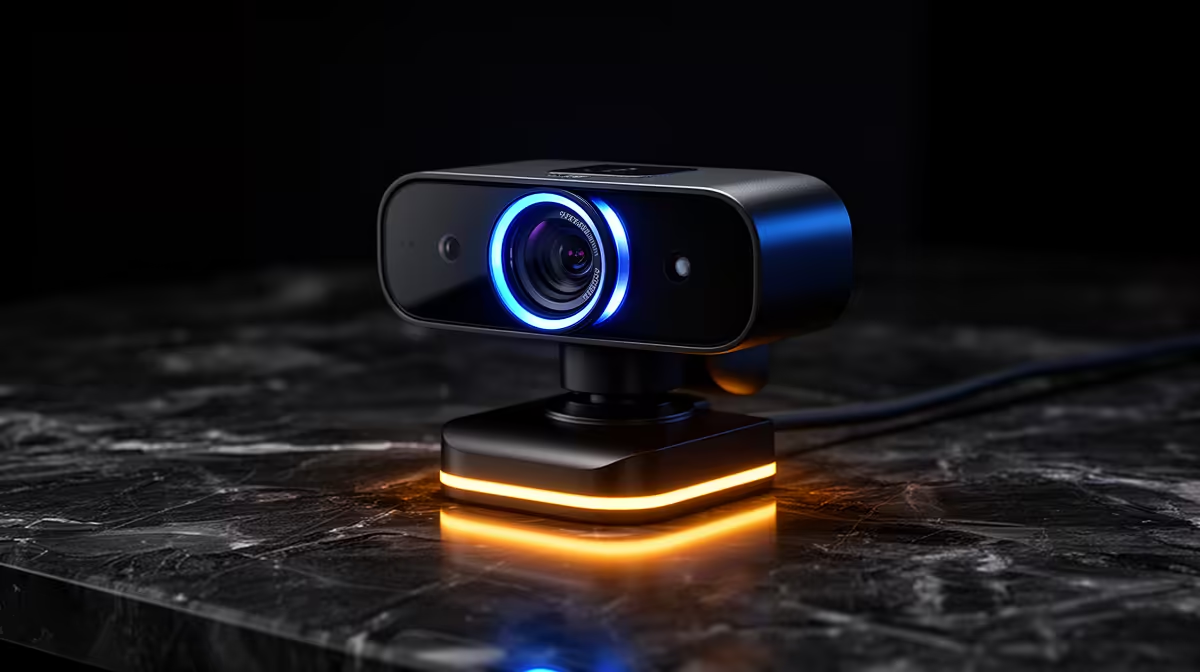
Connecting a new webcam used to mean hunting down a driver disc or sitting through a Windows Update cycle while your stream slot slid past. That friction is gone. Plug-and-play webcam integration relies on a universal standard baked into every modern operating system, and understanding how it works saves you from unnecessary troubleshooting when something does not behave as expected.
Quick Answer
Webcams that follow the UVC standard are recognised automatically the moment they connect over USB. Windows and macOS both include UVC support natively, so no driver installation is needed for basic capture. The camera then appears as an available source in every app on the machine simultaneously.
🔌 The UVC Standard: Why It Just Works
UVC stands for USB Video Class, a protocol specification that defines a shared language for cameras and operating systems. A webcam carrying UVC certification speaks that standard dialect rather than a proprietary one requiring a dedicated manufacturer driver.
Windows has included full UVC support for many years, and macOS the same. The moment you connect a UVC webcam, the OS reads its descriptor, identifies it as a video input device, loads the built-in class driver, and makes it available to every application. Because the camera is a standard system-level device, it does not need reconfiguring when you change ports or move to a different machine.
🧠 How Multiple Apps Share the Camera
One of the less obvious aspects of UVC integration is that the camera becomes available to every application simultaneously, not just the one you open first. OBS can receive the feed, Teams can see the device, Zoom lists it in its camera settings, and a browser-based video tool can request access, all without any of them conflicting.
The operating system manages this by treating the camera as a shared resource with access controlled by application priority. On Windows, the first application to request the active video stream holds the feed. Other apps can list the camera as an available device, but they receive an inactive or frozen frame until the primary application releases it. On macOS the sharing model is slightly more permissive, with some concurrent access possible depending on the applications involved.
The practical takeaway is that having multiple apps list the same webcam is normal and expected behaviour, not a sign of a conflict. If a second app shows a frozen or dark preview, it simply means another application currently holds the stream.
✨ When You Do Need the Manufacturer App
UVC handles baseline capture reliably, but it only carries the fundamental video and audio stream. Features that go beyond that baseline require the camera's own software.
AI-powered subject tracking, which keeps a presenter centred in the frame as they move, typically runs on the manufacturer's companion application rather than inside the driver layer. The same applies to automatic HDR adjustment, high-frame-rate modes above what the OS defaults select, multi-zone exposure, and background replacement done at the hardware level rather than in software.
For a straightforward stream, recording session, or video call, the baseline UVC feed is all you need and the companion app is optional. For creators who want the camera's full feature set, particularly the auto-framing on newer wide-angle webcams, installing the companion app is worth it. It layers on top of the UVC foundation rather than replacing it, so basic capture still works if the app is removed.
Frequently Asked Questions
Why does one webcam take longer to appear than another on the same port?
Recognition speed reflects USB enumeration time, meaning how long the device takes to identify itself to the host. Higher-resolution cameras with more internal processing sometimes take a few extra seconds to complete their startup sequence. Once enumerated, all UVC devices behave identically.
Can an unpowered USB hub cause webcam instability?
It can. A 4K webcam draws significant bandwidth and power. An unpowered hub shares both across all connected devices, which can cause dropped frames or failed enumeration. Connecting directly to a USB 3.0 port on the machine is the recommended starting point when a webcam behaves inconsistently.
Does UVC support extend to ChromeOS and Linux?
Yes. Both include UVC support natively, so a standard webcam connects and captures without manual driver installation. Manufacturer companion apps for advanced features typically do not exist on Linux, but basic capture works out of the box on all three platforms.
Is there any reason to install the manufacturer driver if the webcam already works?
Only if you need the advanced features the driver enables, such as auto-framing, lens correction profiles, high-frame-rate modes, or colour temperature presets. For clean, reliable basic capture in streaming and conferencing software, the UVC class driver the operating system supplies is entirely adequate.
Ready to add a webcam that connects and works immediately?
Browse the plug-and-play webcam range at Evetech and find the right resolution, field of view, and feature set for your desk setup.