Do Dark Mode and Screensavers Really Protect an OLED?
Quick Answer
Dark mode can reduce OLED light output across large interface areas, and a moving screensaver prevents one desktop image from staying fixed while it runs. Both can reduce repeated exposure.
Display sleep is stronger when you leave the desk because it turns the panel off. Use dark mode for normal work, then let the monitor sleep after a short idle period.
None of these habits makes burn-in impossible. Keep built-in pixel shift, static-element dimming and compensation routines enabled as well.
What Dark Mode Changes
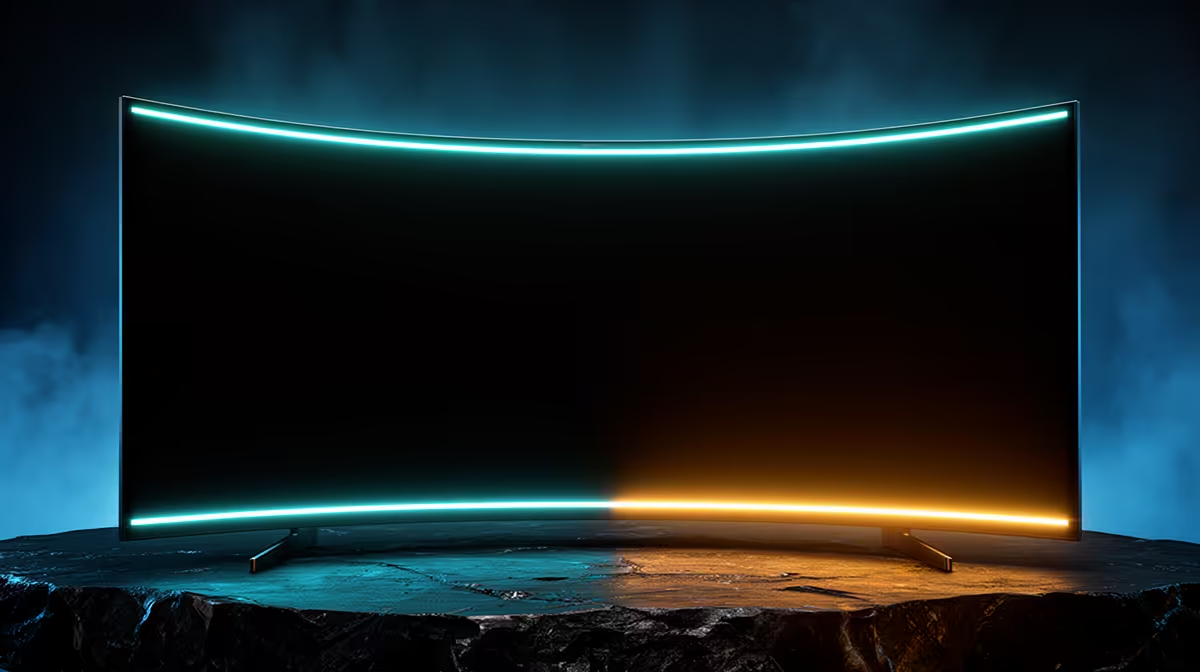
Black OLED pixels produce little or no light, depending on the panel and content. Dark backgrounds reduce average panel output compared with a bright white desktop.
Text, icons and toolbars still emit. A bright logo on a dark interface can remain a repeated pattern.
Choose dark mode when it is comfortable in your room. Do not force tiny low-contrast text and strain your eyes to protect the panel.
Application support also varies. A dark operating-system theme can leave a bright document, web page or remote desktop unchanged. Look at the content that fills the largest part of the screen rather than the colour of the title bar.
Screensaver or Display Sleep?
A moving screensaver varies the image. A black screensaver may leave pixels dark, although the computer and display remain awake.
Display sleep is the cleaner idle state. It stops image output and can provide the condition in which automatic OLED maintenance starts.
Set the screensaver as a short transition if you enjoy it, then schedule display sleep soon after. Follow the monitor manual for standby power.
Avoid leaving an animated saver running all night. It continues adding panel hours and may repeat the same bright logo or clock. A blank panel in the correct standby state is the cleaner end point.
Build a Useful Routine
Use a five-to-ten-minute starting point for idle display sleep, then adjust it to your work. There is no universal timer for every desk.
Test it through one ordinary week and keep the shortest interval that does not break presentations, reading or remote sessions.
Lock the PC when you walk away. Let the display enter standby and avoid switching mains power off until any automatic care finishes.
Browse current PC monitors, popular screen choices and OLED display options by exact protection features and warranty.
FAQ
Does dark mode reduce wear?
It can reduce light output from dark interface areas. Bright repeated elements still age through use.
Is a black screensaver best?
It keeps the screen dark, but display sleep is the more direct unattended state.
How fast should the timer engage?
Choose a short period that does not interrupt real work. Five to ten minutes is a practical place to test.
Are these habits needed on newer OLEDs?
Modern safeguards help, while sensible idle behaviour still reduces unnecessary static hours.
Use dark mode where it feels good, set a short display-sleep timer, and leave the monitor connected long enough for scheduled panel care.