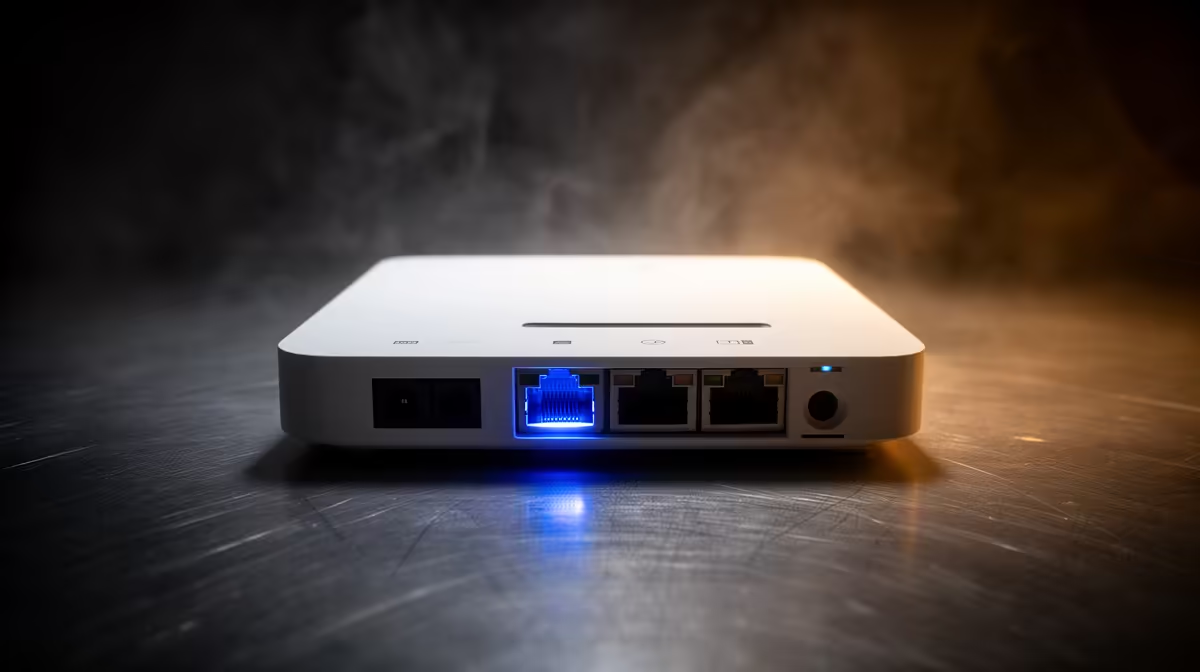
Your ISP quote says 500Mbps or 1Gbps, but the network port on your motherboard says 2.5Gb. That mismatch confuses a lot of builders shopping for a new rig. A b860m motherboard with 2.5Gb LAN is not about beating your fibre speed, it is about what happens once traffic stays inside your own home network, where the numbers change completely.
Quick Answer
Internet speed will not change, but the ASUS B860M MAX Gaming AX still gives you 2.5Gb Ethernet for R4,499, which is where the benefit actually shows up: fast transfers across your own home network, since most South African fibre lines sit at 1Gb or below anyway. Where it helps is local network speed: file transfers between your PC and a NAS, another computer, or a fast home router capable of matching that 2.5Gb link.
🌐 Fibre speed versus LAN port speed
Your internet speed is capped by whatever your ISP sells you, full stop. A 2.5Gb Ethernet port cannot exceed that ceiling for anything travelling out to the internet, whether that is downloading a game update or streaming a match. Where the extra bandwidth shows up is traffic that never leaves your house: copying files to another PC, backing up to a NAS, or streaming media across rooms. Check the spec sheet and you will find 2.5Gb LAN listed alongside the board's other connectivity, and it is this local-transfer case where the number actually matters.
⚡ When the upgrade pays off
If your router and any other networked devices are still on Gigabit, a 2.5Gb port on its own will not change much day to day. It becomes useful once you pair it with a router or switch that also supports 2.5Gb, at which point large local transfers roughly double in speed compared to standard Gigabit LAN. Households running a home server, a media library, or frequent large file transfers between machines will notice the difference most.
🖥️ What else the board brings to a networked setup
Beyond the LAN port, this board's Micro-ATX layout also packs triple PCIe 5.0 M.2 storage onto the same Intel B860 chipset, so a NAS-adjacent build has room for fast local storage as well as fast local networking. Add 20Gbps USB-C for external drive transfers and the board covers most home-network scenarios without extra hardware. For context on where this sits among Intel B860 options at Evetech, the 2.5Gb port is a standard feature at this price rather than a premium add-on.
Frequently Asked Questions
Will 2.5Gb Ethernet make my fibre internet faster?
No. Internet speed is set by your ISP package, and most South African fibre lines run at 1Gb or below, so the extra LAN bandwidth only applies to local network traffic.
Do I need a special router to benefit?
To see full 2.5Gb speeds you need a router or switch that also supports 2.5Gb; otherwise the connection negotiates down to Gigabit.
Is 2.5Gb LAN worth it if I do not run a NAS?
It still gives faster transfers between PCs on your home network and some headroom for future devices, though the day-to-day benefit is smaller without a NAS or similar setup.
Does this affect online gaming ping?
Ping is driven mainly by your internet connection and route to the game server, not by local LAN port speed, so 2.5Gb Ethernet will not lower in-game latency on its own.
For the full lineup beyond this chipset, the broader Intel motherboard catalogue is worth browsing if networking features are a priority in your next build.
Ready to match your fibre line to your network port?
The ASUS B860M MAX Gaming AX, just R4,499, rests under our Intel B860 motherboard lineup, ready to keep pace with faster SA fibre packages over a 2.5Gb port.