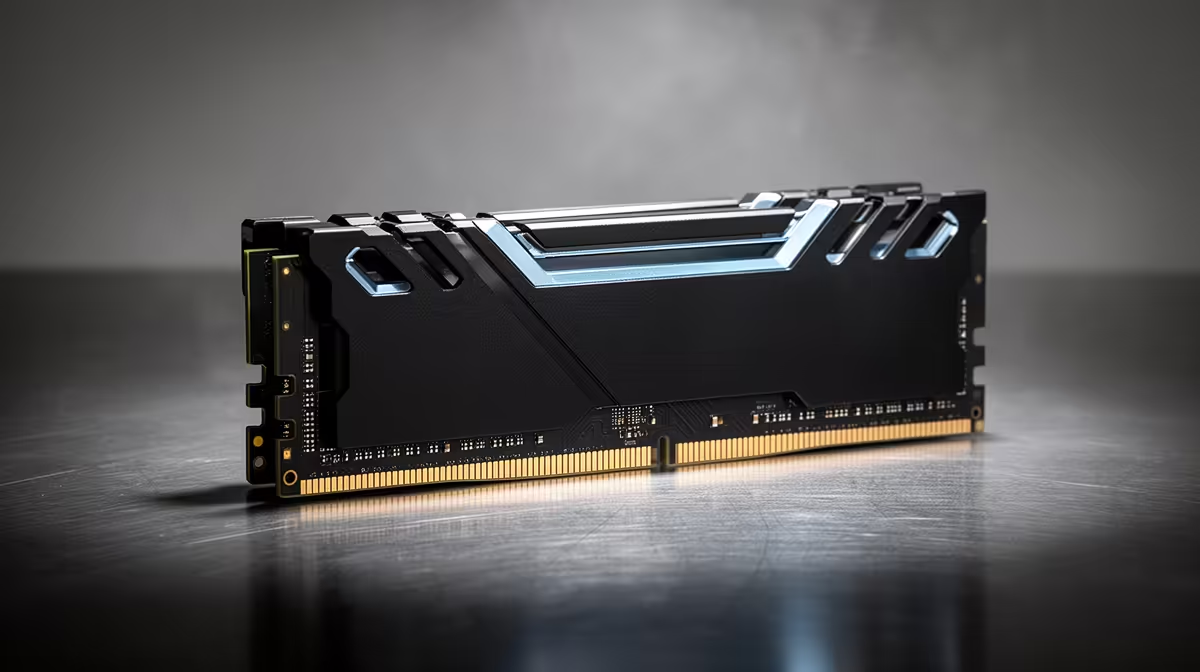
Most DDR5 lives happily in normal case airflow, while voltage and tight timings can turn heat into a stability variable. DDR5 airflow becomes worth testing when module temperatures rise during sustained memory loads.
Quick Answer
Standard DDR5 in a case with sound front-to-back airflow does not need a dedicated RAM fan. High data rates, tight timings, added voltage and long memory stress can make module temperature part of stability, especially with four DIMMs or a large graphics card heating the area. Add targeted airflow only after a repeatable warm error or sensor trend points there. Tall heatspreaders are no substitute for moving air.
DDR5 places power work on the module
DDR5 DIMMs include power-management components on the module, and some kits expose temperature sensors. The memory chips, power circuit, voltage and workload all contribute heat.
Temperature limits and sensor availability vary by component. Use the kit maker's guidance for the exact part number. A generic claim that every DDR5 module becomes unstable at one number will mislead you.
Build a warm stability test
Record room temperature and DIMM temperature at idle when available. Run a memory-heavy test for an hour while logging errors and module temperature. Repeat with a game or GPU load that warms the case.
If the memory test passes alone and fails when the graphics card heats the case, airflow deserves attention. Remove the side panel for one comparison. A large improvement points towards case ventilation rather than proof of bad RAM.
Four populated slots place another load on the controller and crowd the air gap between modules. Test that arrangement as a complete kit rather than extending a two-DIMM result.
Fix the main airflow path first
Clean filters and confirm intake plus exhaust direction. Keep front intake air from being blocked by a solid panel, cable bundle or drive cage. A top exhaust can help remove heat around tall DIMMs, though fan placement should serve the whole case.
A small fan aimed at the modules can reduce temperature during tuned-memory work. Mount it securely, keep blades clear of cables and avoid loading a motherboard header beyond its rating.
Heatspreaders have fit costs
Heatspreaders add surface area and protect components, but height can clash with a large air cooler. RGB lighting adds appearance and a small electrical load; it does not prove poor thermal design.
Check cooler clearance before buying. Low-profile modules with good case airflow can be easier to build around than a tall kit hidden under the CPU cooler.
Compare exact voltage, height and capacity in the DDR5 memory range. The memory best-seller page helps you choose a second kit for the same airflow plan.
FAQ
Does stock DDR5 need a fan?
Usually no in a ventilated case. Confirm the exact kit guidance and test the complete build under load.
Can heat cause memory errors?
Yes, when a tuned setup loses margin as modules warm. A repeatable temperature-and-error pattern is useful evidence.
Are tall heatspreaders enough?
They cannot replace case airflow and may conflict with the CPU cooler. Judge design, voltage and fit together.
Log DIMM temperature and errors during a combined GPU and memory load, then add targeted airflow only when the warm test needs it.