


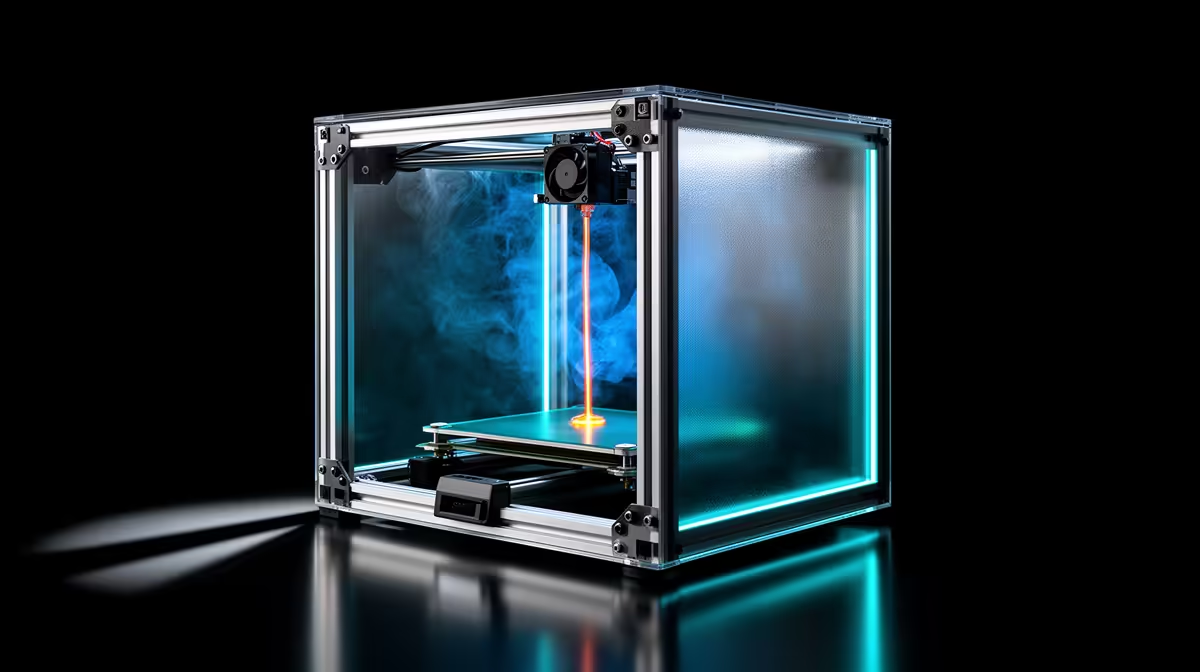
A print that lifts at the corners halfway through a long job almost always traces back to the air around the printer, not the slicer. Drafts and room temperature pull heat out of the plastic unevenly, and that uneven cooling is what curls a part off the bed. A cold window, an open door, or a fan pointed across the desk is often the whole problem.
Quick Answer
Cold air cooling one side of a print faster than the other creates internal tension that lifts corners. Keep the room between 20 and 25 degrees Celsius, block all draughts, and for warp-prone filaments like ABS run a printer enclosure so the build chamber holds 35 to 55 degrees. That alone fixes most warping without touching a slicer setting.
Why Cold Air Warps a Print
Molten plastic shrinks as it cools. When the bottom layers cool slowly on a heated bed but a draught chills the upper layers quickly, the top shrinks first and drags the corners upward. The bigger the temperature gap between the part and the air, the harder it pulls.
PLA is fairly forgiving and resists warping with a bed around 50 to 60 degrees, but it still curls in a cold, breezy room. ABS is the real troublemaker: it shrinks far more and genuinely needs a warm, still chamber to print flat at all. PETG sits in between.
Fixing It Without Spending Much
Start with the free changes. Close the windows and the door, and move the printer away from any aircon vent or fan. A spot near an exterior wall in a Cape Town winter or a draughty passage is a poor home for a printer. Just sealing the room often takes a stubborn PLA part from curling to flat.
Next, add adhesion help at the base: a brim of around 5mm for PLA and PETG, or 8 to 10mm for ABS, gives the corners more grip while the part is most vulnerable. Make sure the bed is clean and level, because a draught only finishes a job that poor first-layer adhesion started.
When You Need an Enclosure
For ABS, ASA, polycarbonate, and large flat parts, a draught shield is not enough. An enclosure traps the heat the bed and hotend already produce and raises the chamber to roughly 35 to 55 degrees, which shrinks the temperature gap between part and air to almost nothing. That is the single biggest anti-warp upgrade for high-shrink materials.
You can buy a purpose-built enclosure or, on many open-frame printers, fit one. If you are still choosing hardware, an enclosed or enclosable machine from the 3D printer range at Evetech saves you retrofitting later. A few practical extras like a draught seal or a small thermometer turn up in the accessories best sellers and make it easier to confirm the chamber is actually warming up.
Frequently Asked Questions
What room temperature is best for 3D printing?
Aim for 20 to 25 degrees Celsius with no moving air. That range keeps cooling even across the part. Colder rooms widen the gap between the warm print and the air, which is what triggers curling.
Does PLA really warp from a draught?
Yes, though less dramatically than ABS. A fan or open window blowing across a PLA print cools one side faster and can still lift thin corners on larger parts. Closing the room usually solves it.
Do I need an enclosure for everything?
No. PLA and PETG print fine in a still, room-temperature space. Enclosures matter for ABS, ASA, polycarbonate, and big flat models where shrinkage is severe and the chamber needs to stay warm.
My first layer sticks but corners still lift later. Why?
That points squarely at ambient cooling rather than bed adhesion. The base grips fine while warm, then a draught chills the upper layers and the tension overcomes the grip. Block the air and add a brim.
Sort the environment first, then match the machine to your filament. Browse enclosed and open-frame options in the Evetech 3D printer range and get prints that stay flat from corner to corner.









