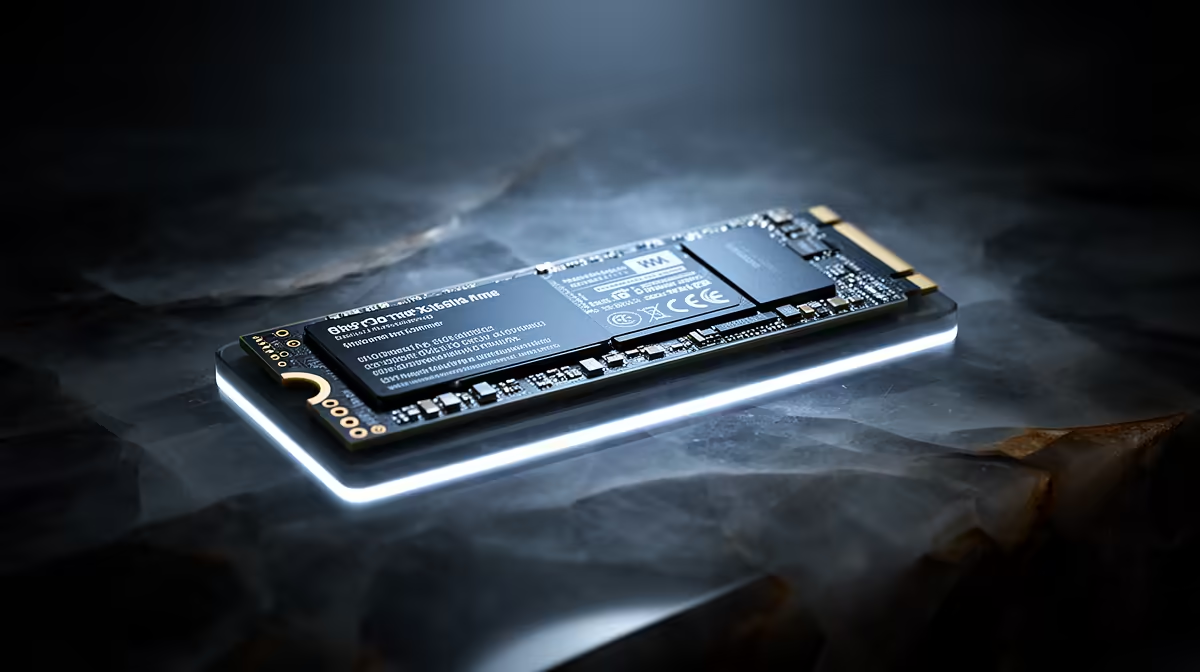
A DRAM-less NVMe SSD can be a good value drive for Windows, games and everyday files. Modern controllers often use Host Memory Buffer, borrowing a small amount of system RAM for mapping data. That helps consumer responsiveness, though it does not turn every DRAM-less model into a high-end sustained-work drive.
Quick Answer
Choose DRAM-less NVMe when the named drive has sound reviews, suitable NAND and endurance, and its lower live price improves capacity. Choose an SSD with onboard DRAM for heavy mixed writes, virtual machines, scratch work or a professional workload where long slowdowns cost time.
Compare solid-state drives by exact specification and inspect popular SSD models. Look beyond the DRAM line to controller, NAND, firmware and warranty.
What the DRAM Cache Does
An SSD controller needs a map between logical file addresses and physical NAND locations. Onboard DRAM can hold much of this mapping close to the controller, helping random access and sustained mixed work.
A DRAM-less NVMe drive can use HMB over PCIe to store some mapping information in system memory. The amount is small, and Windows plus the NVMe driver must support it. Good controller design can make normal desktop use feel quick.
SATA drives cannot use NVMe HMB. A DRAM-less SATA model has a different performance trade-off, so do not transfer an NVMe review conclusion to it.
Cache Behaviour Still Matters
Many drives also use part of their NAND as a fast SLC write cache. Short downloads and updates land there quickly. Once it fills, native NAND speed takes over.
A light user may rarely see that transition. A large game migration, video ingest or disk-image copy can sit beyond it for minutes. Read sustained tests from the exact capacity, including behaviour when the drive is partly full.
Good Uses and Poor Fits
Game libraries, study PCs and general home systems can suit a sound DRAM-less NVMe drive. Loads are read-heavy, and capacity may deliver more daily value than the final benchmark margin.
Daily large writes, databases, virtual machines and editing caches deserve stronger consistency. On a one-slot laptop used for work, paying for a better primary drive can avoid replacing it later.
Check the Whole Product
Find NAND type, endurance rating, warranty, firmware support and temperature testing. Confirm the M.2 slot supports NVMe and the drive's physical size. Leave free space for cache and housekeeping.
The DRAM-less label is one design choice. Buy the exact model when its complete behaviour matches your workload, rather than buying or rejecting the category.
FAQ
Is a DRAM-less SSD slow?
Some are, while modern NVMe HMB models can be fast in everyday use. Exact controller, NAND and workload matter.
Does HMB use a lot of system RAM?
No, it borrows a small amount for controller mapping. It remains different from dedicated onboard DRAM.
Is DRAM-less good for a game drive?
It can be. Check loading, sustained update speed, endurance and the price gap to a cached alternative.
Compare exact DRAM-less and cached SSDs after the write cache fills, then choose the capacity and consistency your workload needs.