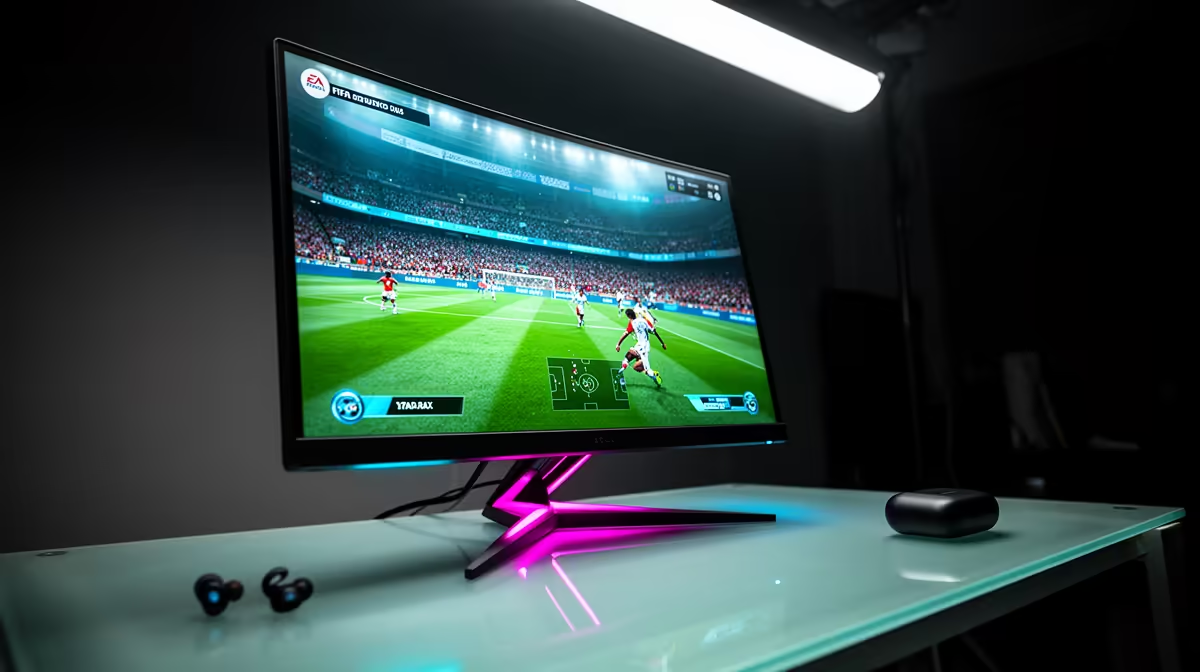
An EA FC match that feels sharp in the afternoon can become heavy after dinner. To diagnose EA FC 26 night-time lag, check household traffic, ISP congestion, server route and matchmaking conditions before blaming one device.
Quick Answer
EA Sports FC has a Johannesburg game data centre for supported online modes, so a bad South African match at night does not prove you were sent overseas. Peak-hour ISP congestion, busy home uploads, Wi-Fi interference, route changes, the selected centre and the game's own input or animation behaviour can all feel like delay. Use FC's connection indicators and match history where available, then compare a wired quiet-hour match with a wired evening match.
Prove whether the route changed
Record pre-match ping and the in-game connection symbols. Note the mode, opponent, time and whether the result stayed bad through the full match.
Play the same mode in a quiet window. If the route remains local-looking but evening variation rises, peak congestion is a stronger lead. If the base ping jumps to an overseas range, the selected path or centre deserves investigation.
EA lists Johannesburg among its African FC game data centres, alongside Lagos. Matchmaking and mode determine the actual connection; a published location list does not guarantee every match lands on one city.
Remove household traffic
Connect by Ethernet and pause backups, livestreaming and large console updates. Watch the upload, since a full upstream can delay small game packets.
Set traffic management around measured speeds when the router supports it. Compare an evening match before and after. A feature that does not change the test should not get the credit.
Keep in mind that display delay and frame performance can feel like network lag. Use Game Mode on the television, maintain a stable frame rate and separate controller response from the connection indicator.
Escalate with a useful record
Check EA service status. If several wired evening tests show the same route problem, contact the ISP with times and measured results. Include traceroute evidence as context, not absolute proof of the game path.
Explore routers and networking gear for wired capacity and queue controls. The current accessories selection can support a clean Ethernet and display setup.
Use FC's own connection evidence
Where FC provides a connection-quality history or report for your account, compare the affected match with a good one. Look at ping, jitter and packet loss rather than the final score.
Capture the pre-match indicator before accepting a suspiciously high-latency game. If the mode lets you back out without a competitive penalty, follow its current rules rather than forcing the match.
Keep three evening examples. One difficult opponent or heavy animation sequence can feel unresponsive without a network fault. Repeated connection warnings at the same hour build a much stronger case for home or ISP congestion.
FAQ
Does FC 26 use a South African data centre?
EA's current location list includes Johannesburg for supported FC online modes. The actual match still depends on service and matchmaking.
Why can night play feel worse on local infrastructure?
ISP congestion, household queueing, Wi-Fi loss and centre load can add variation without an overseas detour.
Can router QoS fix animation delay?
No. It can manage network queues. Display, frame-time and game-animation behaviour need separate checks.
Compare one wired FC 26 mode at quiet and peak hours, then act on the connection indicator instead of assuming an overseas server.