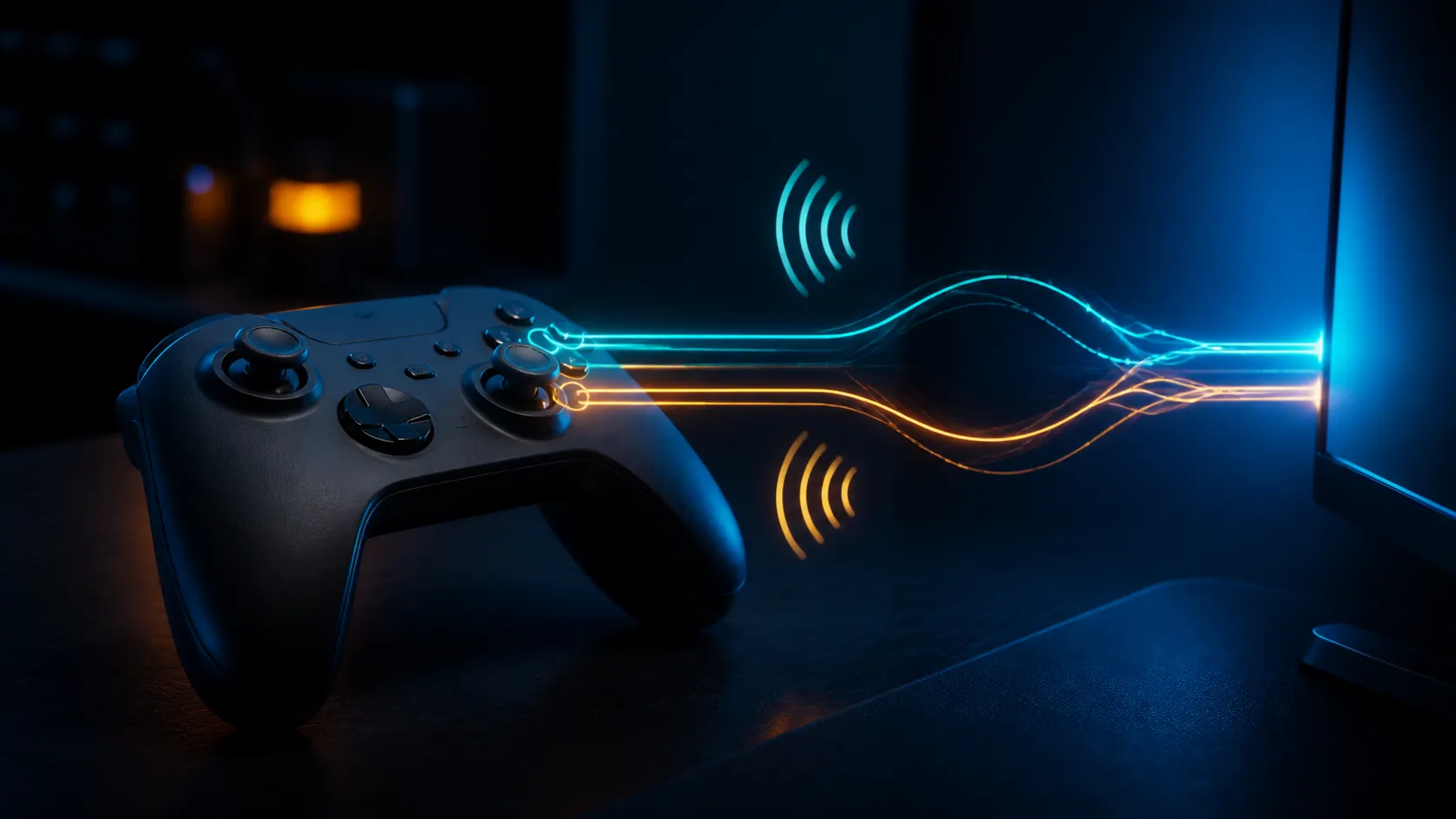
EA FC controller double input usually means one physical press travels through two Windows device paths. Steam Input can translate a controller into an emulated Xbox pad, while another remapping utility or the controller's native interface remains visible. The cure is not a faster controller. It is one clean input path from pad to game.
Quick Answer
Close external remapping tools, disconnect every spare pad and test EA FC with Steam Input disabled, then enabled, using a full restart between states. Remove stale Bluetooth pairings if Windows shows duplicates. Diagnosis is free; replace the controller only if the fault follows the pad to another port or PC.
🎮 Prove the duplicate input locally
EA FC's Input Overlay can mirror local physical input. Enable Input Only in the visual settings and test menus plus an offline match. Two actions from one press at this stage point to the local controller path, not network latency.
Disconnect wheels, virtual pads and secondary controllers. Close tools that emulate an Xbox device. Valve documents that external remappers can present a PlayStation pad as an Xbox 360 controller, while Steam Input can also inject an emulated Xbox controller through Windows input APIs.
Compare current gaming controllers only if the same pad misbehaves in another game or PC with translation software closed.
⚙️ Test one Steam Input state at a time
Launch the game through its normal store route. Set the game's Steam controller override to disabled, exit Steam fully, reopen it and test. Then repeat with Steam Input enabled if the controller needs translation. Do not leave another remapper active during either test.
Valve supports Xbox, PlayStation, Switch Pro and DirectInput devices, but support does not mean every title needs emulation. Native Xbox controllers often work directly. Other pads may behave better through one Steam Input layer. The important condition is one layer, not a universal enabled or disabled answer.
📶 Rebuild the Bluetooth pairing
Remove the controller from Windows Bluetooth settings, power it off and restart the PC. Pair it once and confirm only one active entry appears. Update controller firmware using its official utility, then test EA FC before reconnecting other devices.
For a wired comparison, connect directly rather than through a crowded passive hub. USB hubs can tidy a desk, but they should not mask a duplicate software device. The broader gaming accessories range is useful after the input path is stable.
Frequently Asked Questions
Why does EA FC register one controller press twice?
The game may see both the physical pad and an emulated Xbox device created by Steam Input or another remapping layer.
Should Steam Input be on or off for EA FC?
Test both, but keep only one path active. Native pads may prefer off, while another controller may need Steam Input translation.
Can EA FC Input Overlay identify network delay?
Yes. Local Input mirrors the pad while Online Response shows processed input, helping separate duplicate local presses from latency.
Ready to get one press and one action again?
Strip the setup back to one controller and one translation layer, then choose a replacement pad or powered connection only if hardware testing proves the need.