


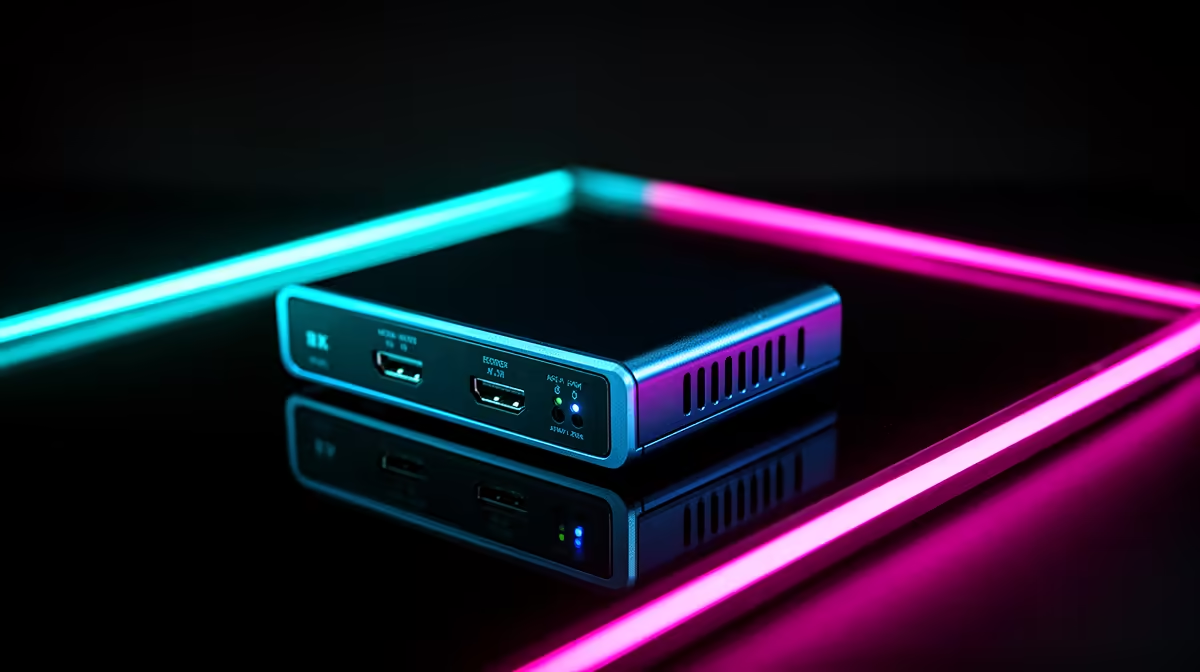
Playing a fast game through a capture card's software preview is how you discover that 80ms of delay is enough to make every reaction feel wrong. Modern consoles produce frames quickly. The screen they should reach is right in front of the player. Anything that inserts processing between those two points is felt immediately. 4K60 pass-through on a capture card solves this by separating the display signal from the recording signal entirely.
Quick Answer
4K60 pass-through eliminates console latency by routing the raw HDMI signal directly to your display in under 1ms while the card records separately. Playing through a software preview instead introduces 60 to 200ms of delay. Pass-through is what keeps gameplay responsive while recording is active.
🔆 How Pass-Through Splits the Signal
A capture card with pass-through contains two separate HDMI paths inside a single device. The input receives the console signal. The card then forks it: one path encodes and sends footage to the PC; the other forwards the untouched signal directly to the display output, bypassing all encoding circuitry.
Your monitor receives the signal through that forwarding path, which adds no processing delay. The timing from console to screen is the same as if the capture card were not in the chain at all. Sub-1ms pass-through latency on the spec sheet confirms this direct forwarding is operating correctly. The recording happens on the other path, invisible to the display.
⚡ What Software Preview Actually Costs
When pass-through is absent, the only way to see gameplay while recording is through the preview window in capture software. That preview is not a direct display feed; it is a decoded copy of the incoming stream, rendered in an application window and synchronised with the recording. Each step adds buffer time.
On a well-optimised PC, preview delay sits around 60ms. Under recording load, with OBS managing scenes and writing footage, that figure can reach 200ms. A fighting game with tight reaction windows becomes unplayable. A shooter where quick target tracking matters loses responsiveness entirely. Pass-through is the only reliable solution.
🎯 Why 4K60 Specifically Matters
Pass-through at lower resolutions is common, but the quality of the forwarded signal matters. A card that passes 4K60 at full HDMI 2.0 specification, 18 Gbps with HDR intact, delivers the native image without downscaling or colour depth loss.
Some budget cards include pass-through but limit it to 1080p60 or 4K30. If your console outputs 4K60 HDR and the pass-through only handles 4K30, the display loses either frame rate or dynamic range. Confirming that the pass-through is rated 4K60 at HDMI 2.0 bandwidth, not just "supports 4K," is the check that avoids this mismatch.
Frequently Asked Questions
How does pass-through actually get rid of input lag?
The capture card routes the console HDMI signal to your display through a direct forwarding path that involves no encoding or PC processing. Your monitor receives the signal in under 1ms. The recording happens on a separate internal path, so the display feed and the captured footage are completely independent.
What does software preview add in terms of delay?
Capture software decodes the incoming stream and renders it into a preview window, typically adding 60ms to 200ms depending on system load. That delay stacks on top of monitor processing and makes reaction-dependent games feel slow, even on otherwise capable hardware.
Is 4K60 pass-through different from standard pass-through?
Yes. A basic pass-through spec might only cover 1080p60 or 4K30. A 4K60 pass-through operates at the full HDMI 2.0 bandwidth of 18 Gbps, preserving the native frame rate and HDR output the console produces. Check the specific rating rather than a general pass-through mention.
Can I record and play simultaneously with no felt lag?
Yes, when the card has genuine sub-1ms 4K60 pass-through. The display and record paths are separated inside the device. Your screen receives the direct console signal while the NVMe drive receives the encoded recording, with neither process affecting the other.
Does Game Mode on the monitor help further?
Yes. Pass-through removes the capture card from the display path. Game Mode reduces the monitor's internal image processing, saving another 10 to 20ms on top. Using both together gives the lowest practical total latency from console to the image you perceive on screen.
Ready to record gameplay without sacrificing a responsive display? Browse capture cards with confirmed 4K60 pass-through and keep your screen lag-free while every session records in full quality.










