Quick Answer
The ASUS Prime LC 360 ARGB is a 360mm AIO with a copper microfin cold plate, three daisy-chainable 120mm ARGB fans, an infinity mirror ARGB pump head, a 2.3-inch LCD for CPU and GPU temperature readouts, and full ASUS Armoury Crate integration. It supports AMD AM5, AM4, and Intel LGA 1700, LGA 1851, and is priced in the R3,000 to R3,800 range in South Africa.
Cold Plate and Pump System Explained 🔧
The cold plate is the copper component that sits on your CPU's heat spreader. The Prime LC 360 ARGB uses a high-density copper microfin structure that increases the coolant contact surface area, extracting more heat per litre of flow than a standard channel design. The pump integrates into the cold plate housing and runs at variable speed controlled by Armoury Crate with silent, balanced, and performance presets.
First-time AIO buyers sometimes worry about leaks. Modern sealed AIOs use pre-filled, factory-sealed loops with pressure-tested EPDM tubes requiring no maintenance over the warranty period. Leak failures are rare and covered under warranty. Ensure tubes are not kinked and the pump head is not inverted for extended periods to avoid the small number of failure scenarios that occur.
The LCD Display and ARGB Features 🌟
The 2.3-inch LCD shows live CPU temperature, GPU temperature, system time, or a custom image. Configuration is through Armoury Crate after installation. The default setup shows CPU temperature immediately after driver installation without manual configuration.
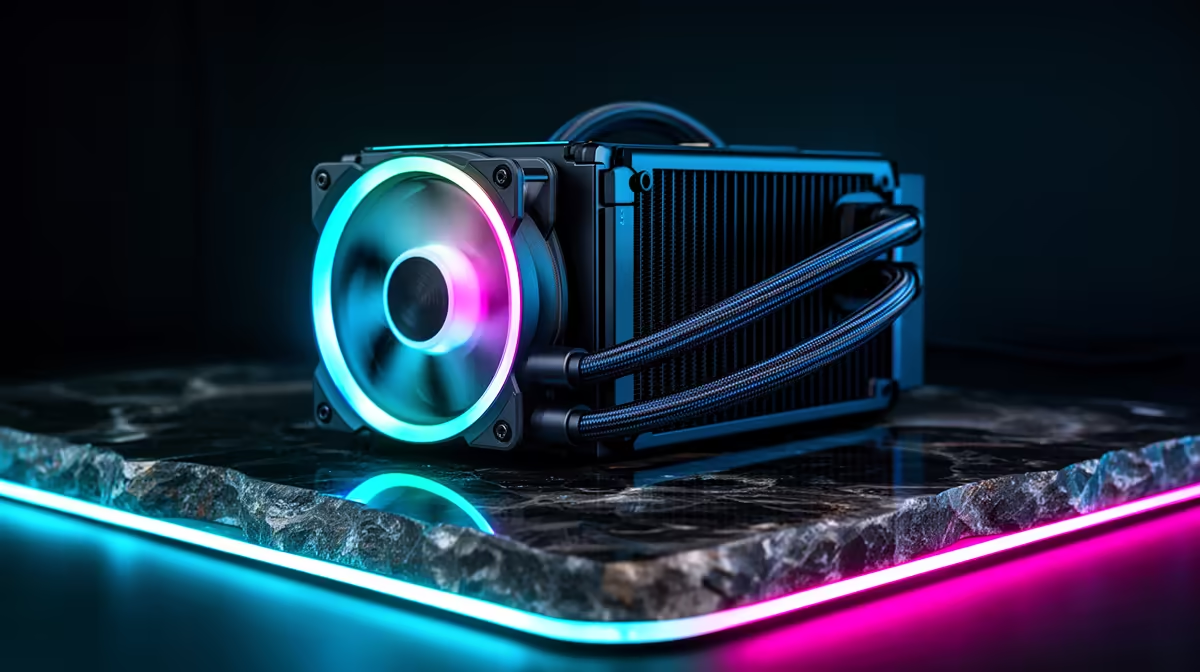
The infinity mirror ARGB ring around the pump head creates a deep tunnel reflection effect visible through a windowed case. The three 120mm ARGB fans include individually addressable LEDs in both the frame ring and the blades. All ARGB elements sync through a single Armoury Crate profile on ASUS motherboards, and all three fans daisy-chain from one ARGB header.
Socket Compatibility and Installation Steps 🖥️
The box includes mounting hardware for AM5, AM4, LGA 1700, and LGA 1851. Installation: remove the existing cooler, clean the IHS with isopropyl alcohol, mount the bracket standoffs for your socket, apply the pre-applied thermal paste or your own compound, seat the cold plate and tighten the four mounting screws in a cross pattern, then connect the three daisy-chained fans from one ARGB header, the USB internal header for the LCD, and the pump to the CPU_FAN or PUMP_FAN header.
The Prime LC 360 ARGB carries a three-year warranty through ASUS South Africa. Register your product on ASUS's site using your Evetech purchase receipt to activate full warranty benefits.
Connect the USB Header for Full LCD Functionality ⚡
First-time AIO installers often overlook the internal USB 2.0 header that powers the pump head LCD and enables Armoury Crate communication. Without this connection the LCD shows no sensor data and pump speed cannot be software-controlled. The header is labelled USB or JUSB in your motherboard manual.
FAQ
Does the ASUS Prime LC 360 ARGB come with thermal paste applied?
Yes, a factory layer is pre-applied to the cold plate. For standard installations use it directly. Enthusiasts who prefer Thermal Grizzly Kryonaut should clean the cold plate with isopropyl alcohol before applying their preferred compound.
How loud is it during gaming?
In balanced fan mode, the three fans run at around 1,200 to 1,500 RPM under typical gaming loads, producing approximately 28 to 35 dBA. This is quiet enough to be inaudible behind gaming headphones. At full performance mode under stress testing, noise rises to approximately 38 to 42 dBA.
Can I use the Prime LC 360 ARGB with a non-ASUS motherboard?
Yes. Thermal and electrical functions work on any motherboard. LCD display and ARGB control through Armoury Crate also function on non-ASUS boards, and the software supports mixed-brand systems.
Buying your first AIO liquid cooler for a new build?
Evetech stocks the ASUS Prime LC 360 ARGB with full local warranty support, available for AMD AM5 and Intel LGA 1851 builds with complete mounting hardware included.