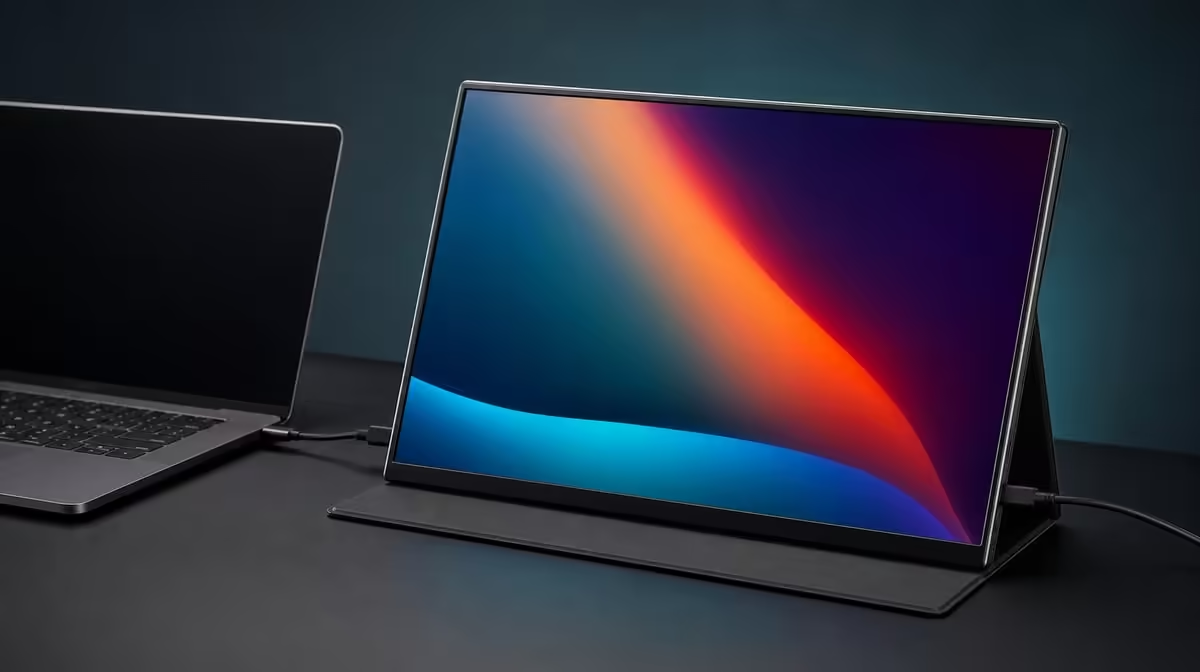
Pale blacks and weak colour can originate before the image reaches the panel. Fixing washed-out colour on a portable IPS monitor starts with a neutral mode, known source output and proven cable, then checks brightness, contrast and colour management separately.
Quick Answer
Set the R2,399 UPERFECT UFree V to native 1920 x 1080, choose a neutral picture mode and verify the source's output range through one proven display connection. Its 125% sRGB and 1500:1 contrast do not prevent washed-out results caused by settings, glare or connection problems.
🎛️ Return to neutral
Record the current controls, then remove experimental vivid, low-contrast or unusual colour presets. Open a familiar photograph and near-black test steps.
Keep saturation near the neutral baseline. More colour cannot restore lost shadow detail and can make the 125% sRGB gamut look unnatural with standard content.
Compare wide-gamut screens through Evetech's portable monitor selection using equivalent modes.
🔌 Verify the source path
Confirm native resolution and the selected input. Check the laptop's output range and colour setting without changing several controls together.
Use a known signal-capable USB-C cable or a known Mini HDMI route. If one connection looks correct and another does not, preserve the working baseline and investigate the source or cable.
Restart once to see whether the output setting returns.
🌓 Balance brightness and contrast
The UFree V states 1500:1 contrast. View near-black and near-white patches and preserve differences at both ends.
Reduce excessive brightness in a dim room. A high backlight can make dark scenes feel grey, while reflections can flatten them even further.
Use the foldable stand to move glare off the image. The Evetech PC display range can frame comparisons with fixed panels in controlled rooms.
🎨 Keep gamut and accuracy separate
The 125% sRGB figure describes coverage, not accuracy. Colour-critical work needs calibration and measured evidence.
Check a colour-aware application and a standard application. Over-saturation in only one path can indicate colour-management differences.
Save the working picture mode, connection, output range and room condition. At R2,399, the panel should be judged from that reproducible state.
Review Evetech's current monitor favourites if the known-good setup still fails the task.
Build two known images: one with neutral greys and one with deep shadows plus bright highlights. Keep their source files unchanged while adjusting the display.
Check the source's full or limited output choice only through its documented settings. Record the original value and change it once; do not combine it with a new picture preset.
Compare USB-C and Mini HDMI only after each route is stable at native resolution. If both look the same, the result is less likely to belong to one cable path.
Use another application to view the same file. A programme-specific colour profile or video setting can create washed-out output even when the operating-system desktop appears normal.
Move room reflections off the dark test image. A grey-looking black caused by a window cannot be corrected by increasing saturation.
Test from the centred chair and then from the normal side placement. Preserve the position where tonal separation remains consistent for the work.
After finding a clean baseline, save the picture mode, brightness, source output, application and connection. Then restart and confirm the state returns.
The useful conclusion should identify the layer that changed the image. "Neutral mode restored shadow steps" is stronger evidence than calling the IPS panel bad or the gamut automatically perfect.
Repeat the successful test after a normal restart and save a photograph of the settings page, not the copyrighted test image. The goal is to preserve the path, picture mode and room condition.
If another source looks different, create a new record for that device. Do not overwrite the first clean baseline or assume the panel changed between cables.
Frequently Asked Questions
Which picture mode should be tried first?
Begin with a neutral or standard mode rather than a highly vivid preset.
How can output range affect contrast?
A mismatch can compress dark or bright levels and make the image appear washed out.
Does 125% sRGB prevent washed-out colour?
No. Gamut coverage cannot correct bad output settings, glare or poor picture configuration.
What does 1500:1 contrast indicate?
It states the measured relationship between the panel's bright and dark output.
Can a cable cause a colour problem?
An unsuitable or faulty path can create display problems, so compare with a known connection.
Why lower excessive brightness?
It can improve comfort and keep dark content from appearing unnecessarily grey in a dim room.
What is the price of the colour-focused monitor?
The UPERFECT UFree V costs R2,399.
Ready to restore colour from source to panel?
Compare Evetech's portable IPS monitors and test the UFree V with a neutral mode, known cable and controlled room before judging its gamut.