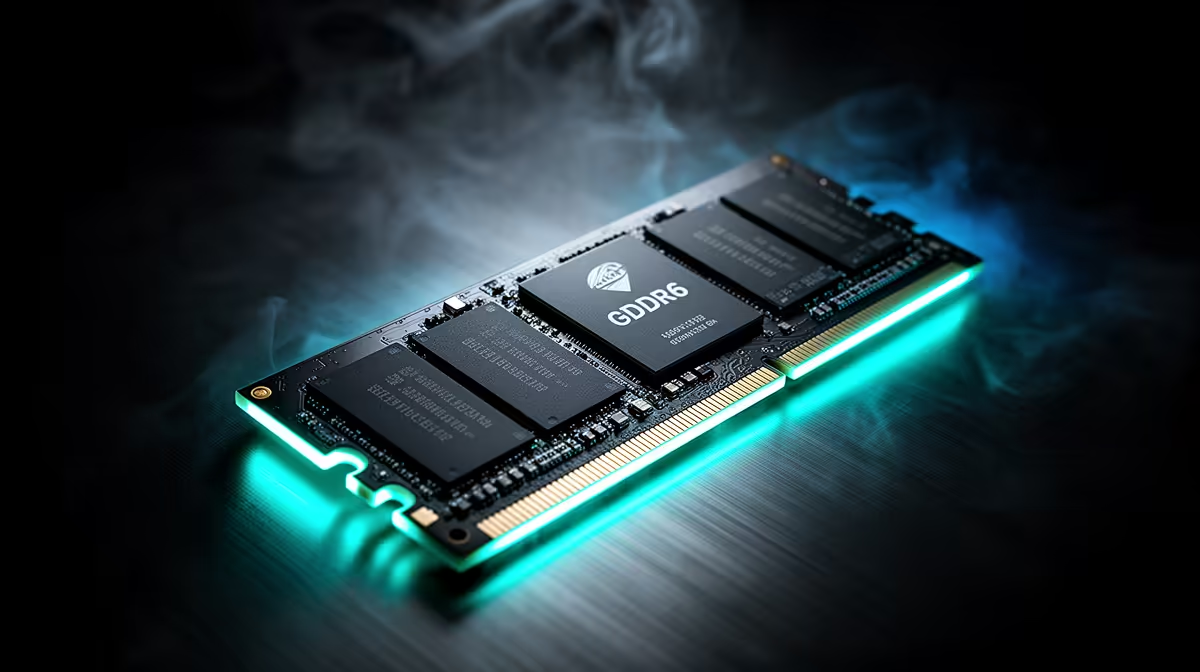
GDDR6 speed is usually quoted in gigabits per second for each memory pin. Many graphics cards use memory in the 12 to 16 Gbps range, then combine that rate with a bus width to produce hundreds of gigabytes per second of bandwidth. The printed speed is only half of the story.
Quick Answer
Judge GDDR6 through total bandwidth, VRAM capacity and the GPU it serves. A fast memory chip on a narrow bus can deliver less bandwidth than slower memory on a wide bus. Cache and memory compression also shape game performance, so two cards with the same GDDR6 figure can behave quite differently.
From pin speed to bandwidth
The rough calculation multiplies memory speed by bus width and divides by eight. A 16 Gbps interface on a 128-bit bus produces 256 GB/s before architectural effects. Wider buses move more data per clock, but they add cost and power.
Games use that bandwidth for textures, frame buffers and other graphics data. Higher resolution and ray tracing can raise demand. Capacity matters when a game needs to keep more assets available at once.
Compare the graphics card range with the GPU models buyers favour.
What to compare on two cards
Start with performance in your target games and resolution. Then check VRAM capacity, power draw and cooler design. Memory bandwidth helps explain a result, but it should not replace the result.
Avoid comparing GDDR6 and newer memory types by pin speed alone. Their signalling and supporting GPU designs differ. The complete card determines frame rate and frame consistency.
Memory temperature can matter during a long overclocked load. Use the card's normal cooling and leave voltage at supported settings unless you understand the risk. A stable stock result gives the comparison a trustworthy base.
Do not flash another card's firmware to chase a memory number. Board power and chip configuration can differ even under a similar cooler.
Frequently Asked Questions
Watch the frame-time result.
Memory bandwidth pressure can show as uneven delivery before an average collapses. Compare one-percent lows at the target resolution and texture setting. If reducing textures fixes stutter, capacity may be the issue; if lowering resolution helps, compute and bandwidth both deserve attention.
Do not compare laptop and desktop GDDR6 figures without the complete GPU power and cooling context. A similar memory label can sit beside very different core counts and limits.
For a purchase, use game tests first and the memory calculation to explain them. That keeps a clean specification from overruling the card's actual output.
Is 16 Gbps GDDR6 fast?
It is a common capable rate, though total bandwidth still depends on bus width.
Does more VRAM mean more speed?
Capacity prevents some limits, but it does not guarantee a faster GPU or wider memory path.
Can I overclock GDDR6?
Some cards allow memory tuning. Stability and temperature need testing, and gains vary by workload.
Compare graphics cards by game performance, VRAM capacity and total memory bandwidth for your target resolution.