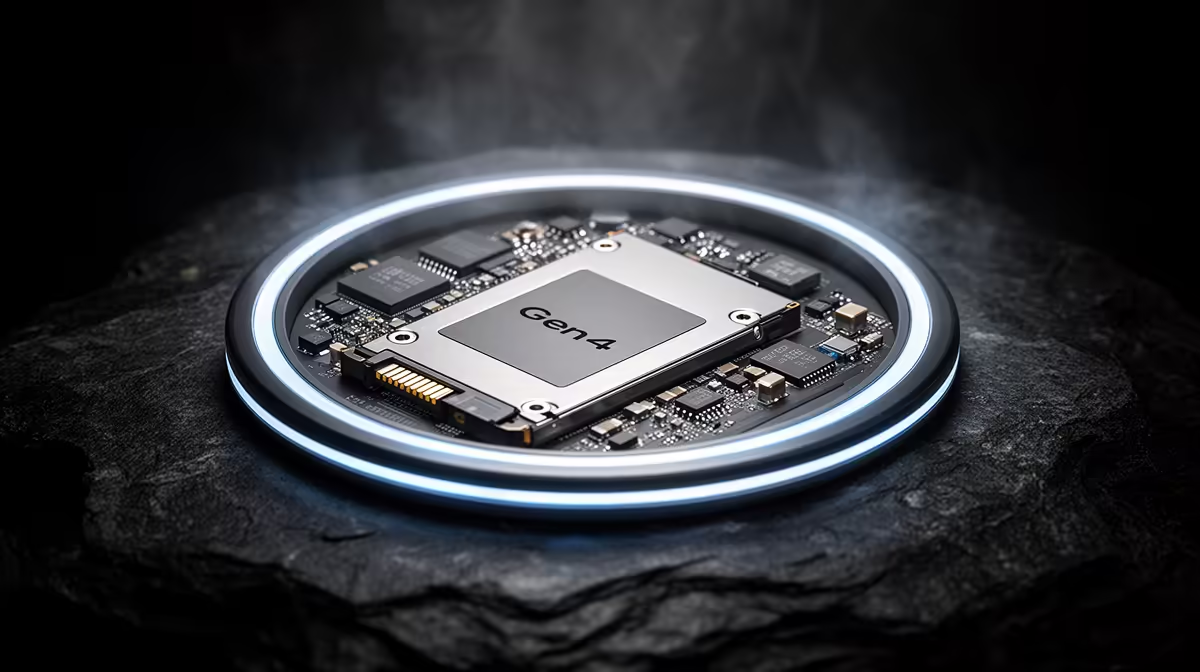
The Gen4 SSD sweet spot survives because gaming rewards balanced storage, not the fastest laboratory result. Gen4 NVMe drives are quick enough to remove the long waits associated with hard drives and older SATA storage, while avoiding the heat and price pressure attached to top-tier Gen5 hardware.
Quick Answer
Yes, Gen4 remains the practical default for a gaming PC in 2026. The median across Evetech's SSD range was R4,599 as of July 2026, although that broad category includes different capacities and interfaces, so compare like with like. A quality Gen4 NVMe drive gives games the responsiveness they can use without charging for largely invisible bandwidth.
🎮 Games need balanced storage performance
Load times depend on latency, random access, decompression and engine design as well as sequential speed. Gen4 NVMe already provides substantial bandwidth, which means another component often becomes the delay before a Gen5 drive can show its full advantage.
This is why a specification-sheet gap can collapse into a small difference at the loading screen. Capacity and reliability may change daily use more than another few gigabytes per second.
🧰 Compatibility is straightforward
A Gen4 NVMe drive needs an M.2 slot with suitable PCIe support to reach full speed. It can often operate in an older compatible slot at the lower generation's limit, making it flexible for upgrades.
Use the motherboard manual before selecting from Evetech's solid-state drives. Confirm supported drive length, lane generation and whether the slot shares resources with SATA ports or an expansion slot.
Heatsink clearance deserves a physical check. A motherboard cover, graphics-card backplate or double-sided drive can create conflicts even when the electrical interface is correct. Measure before ordering for a crowded small-form-factor build.
📦 Buy enough room for real libraries
A nearly full drive creates more inconvenience than a slightly slower benchmark. Game libraries, recordings and updates can consume space quickly, so choosing the larger sensible Gen4 capacity often produces the better experience.
The SSD best-seller page is useful for local context. Compare exact form factor, interface, capacity, endurance and warranty rather than assuming every item labelled SSD is an equivalent gaming drive.
Keep some free space for updates, temporary files and healthy drive management. Buying a capacity that will be almost full on day one creates a storage problem immediately, regardless of how fast its controller can move data.
Frequently Asked Questions
Is Gen4 still the best choice for gaming?
For most buyers, yes. It combines high NVMe performance with better value and easier cooling than the fastest Gen5 options.
Does Gen4 feel noticeably slower than Gen5?
Usually not in ordinary game loading. Differences are more visible in sustained file transfers and specialised workloads.
Does a Gen4 SSD need a heatsink?
A heatsink is useful for sustained activity, although cooling requirements vary by controller, motherboard and case airflow.
Is Gen4 compatible with older motherboards?
Often yes, if the board has a compatible M.2 NVMe slot. The drive will operate at the speed supported by that slot.
Want the storage tier that leaves room for the rest of the build?
Compare Gen4 NVMe options at Evetech by usable capacity and endurance, then choose the drive your games can exploit rather than the largest headline number.