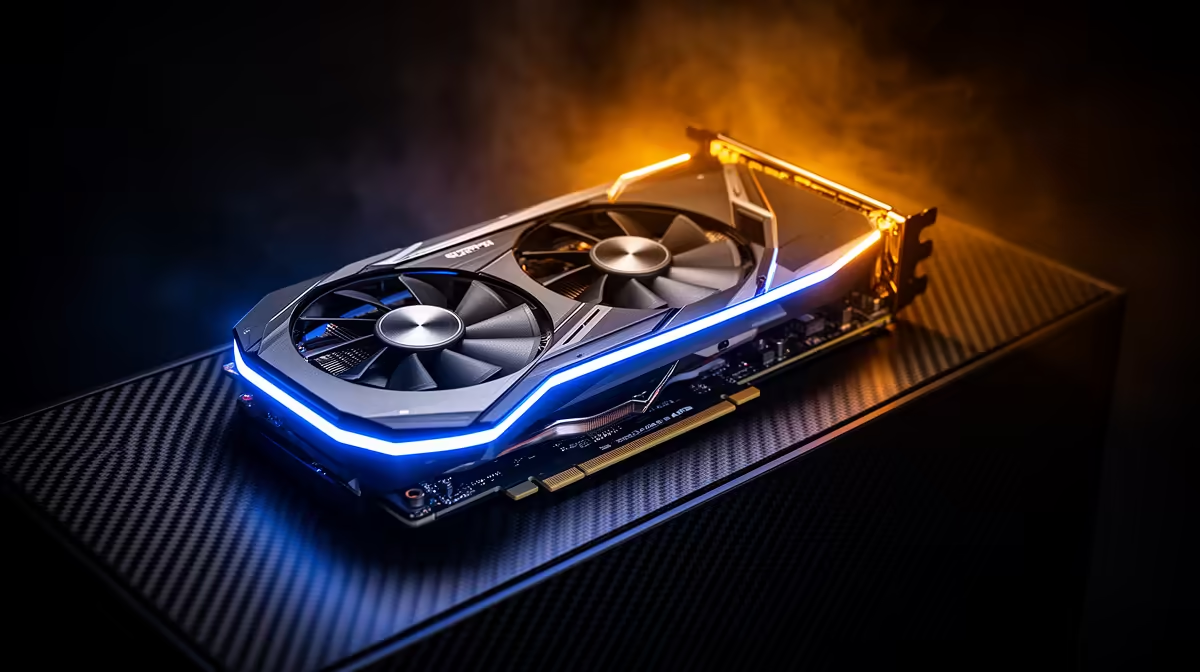
A graphics card can run cool in an esports title and much hotter in a ray-traced open world because the workloads differ. Frame caps, CPU limits and menus can leave the GPU waiting. A demanding game can hold graphics power near its supported limit for minutes, warming the cooler and the case around it.
Quick Answer
Log GPU temperature, hotspot, power, clock, utilisation and fan speed in a cool game and the hot game. Match room temperature and case fan profile. Cap unnecessary frames, clean filters and confirm intake airflow. Adjust the card's supported fan or power profile only after you know the hot title is stable at stock.
Evetech's NVIDIA graphics-card catalogue helps compare cooler designs. The GPU best sellers provide model context when one card's sustained load no longer suits the case.
Compare Power, Not Game Genre
Use HWiNFO or another trusted monitor and reset the sensors before each test. A game at 99 per cent GPU use can still draw different power depending on clocks, ray tracing, voltage and the type of work.
A capped competitive game may finish frames quickly and wait. An uncapped menu can do the opposite and create high power for no gameplay benefit.
Record the same ten-minute warm period. Peak temperature without duration is weak evidence.
Use a Frame Cap First
Cap the game to a rate your display and CPU can use. This reduces wasted work when the GPU was rendering excess frames. Use the game's limiter when it provides clean pacing.
Ray tracing and high resolution can keep load high even at a modest cap. Lower the heaviest settings or use a quality upscaler and compare image quality with the thermal result.
Do not stack several limiters. One predictable frame cap makes the power comparison easier.
Check Case Heat Soak
Watch GPU temperature over time. If it climbs for twenty minutes while case and CPU temperatures rise, warm exhaust may be recirculating or the case airflow is too low.
Clean filters, clear front intakes and confirm fan direction. Run a brief side-panel-off comparison as a diagnosis while keeping hands and objects away. A large improvement points towards case airflow; refit the panel after the test.
Tune Only After Stock Is Healthy
A stronger fan curve can trade noise for a lower temperature. A modest power limit or proven undervolt can reduce heat with a smaller performance cost in some games.
Test stability across several titles and keep a recovery profile. A card that overheats because its fans fail or heatsink contact has degraded needs service, not a permanent power reduction to hide the fault.
FAQ
Why is one game much hotter?
It can hold higher graphics power, use ray tracing or avoid the CPU and frame caps that limit another title.
Is a frame cap a valid cooling tool?
Yes. It cuts unnecessary GPU work when the card was rendering more frames than your target.
Should every demanding game get a custom fan curve?
No. Use one only when measured stock behaviour needs a noise-temperature trade and the cooling hardware is healthy.
Log the hot game against a cool one, cap unused frames and fix case airflow before tuning the card's fan or power profile.