


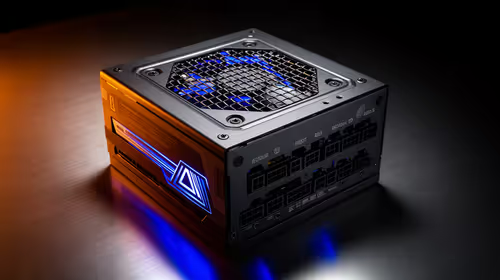
1200W PSU Planning for RTX 5090 Builds in SA
1200W for RTX 5090 needs a full-build check, not a simple yes. Review GPU guidance, CPU draw, transient load, connectors, PSU quality, and upgrade plans before deciding.
Read morehome karaoke setup: Learn to host a fun, high-quality karaoke night using a speaker with AUX or guitar/mic inputs. Step-by-step wiring, mix, and song tips 🎤🎶
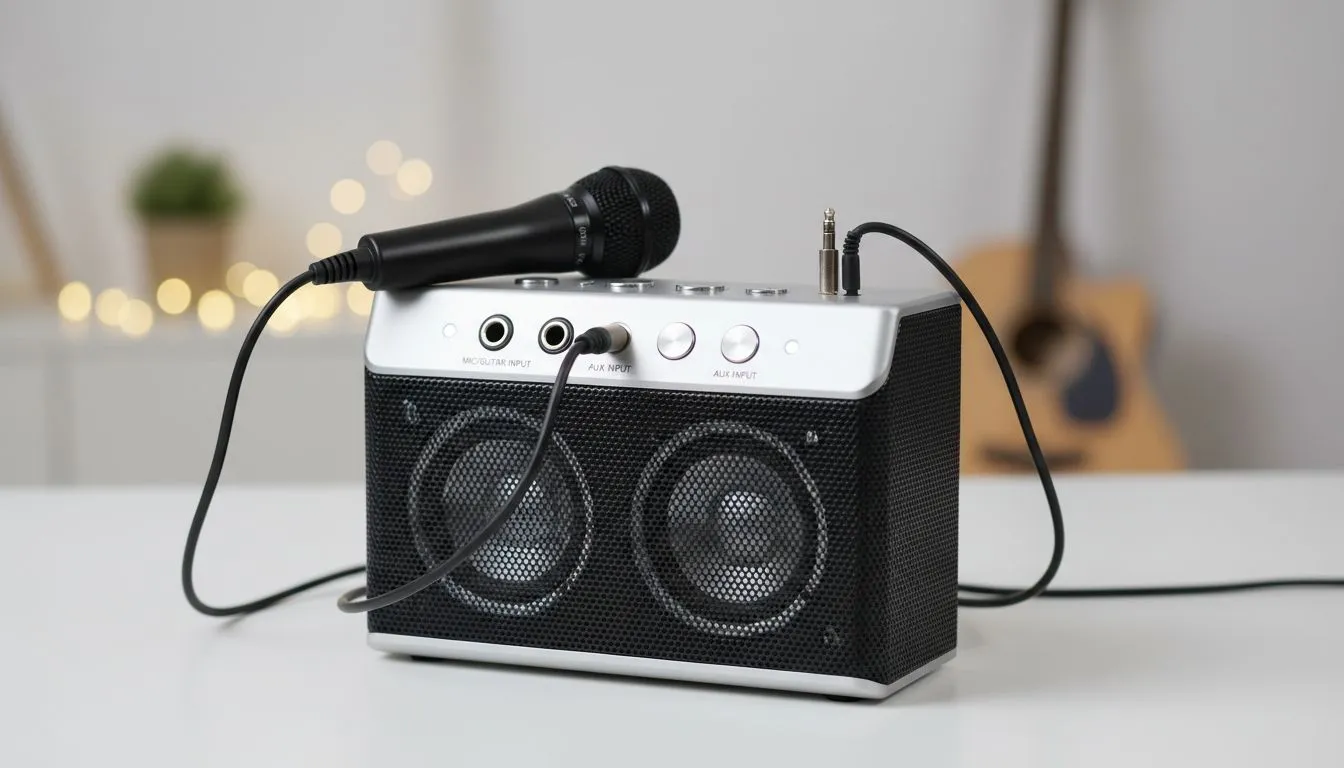
Planning a festive braai in South Africa often leads to one thing: karaoke. You do not need a professional stage to sound like a star. A solid Home Karaoke Setup: Use a Speaker with AUX or Mic/Guitar Inputs is easier than you think. Most modern audio gear is versatile enough to handle your vocals without needing a massive investment in specialised PA systems. 🎤
The secret to a great performance lies in how you connect your equipment. Most users start by looking at high-quality speakers that offer multiple input methods. If your speaker has a dedicated 6.35mm mic or guitar input, you are in luck. These ports are designed to handle the raw signal from a microphone.
If your hardware only has a 3.5mm jack, you can still create a great Home Karaoke Setup: Use a Speaker with AUX or Mic/Guitar Inputs by using a small mixer. For those who value a stable, lag-free connection, wired audio solutions remain the gold standard. They ensure your voice hits the airwaves the exact millisecond you sing... which is vital for staying on beat.
The way you arrange your sound stage changes the vibe of the room. For a simple, clear arrangement on a budget, 2.0 speaker configurations are excellent. They focus on the mid and high frequencies where most human voices sit. This ensures your lyrics are crisp and easy to hear over the backing track.
However, if you want your lounge to feel like a club, you might want more power. Choosing 2.1 speaker setups adds a dedicated subwoofer to the mix. This gives the music a rich, deep bass that fills the room. It makes the experience much more immersive for your guests.
When using a wireless setup for karaoke, try to stay within five metres of the receiver. Bluetooth can sometimes introduce a tiny delay... this can throw off your timing during fast-paced songs. A direct wired connection always provides the most responsive experience for singers.
Sometimes the party moves from the lounge to the patio. In these cases, wireless speakers offer the freedom to perform anywhere without tripping over cables. Many modern units even come with built-in battery packs... perfect for those unexpected loadshedding hours.
If you are looking for specific brands that cater to performers, Promate audio gear often features robust build quality and dedicated inputs for external devices. Investing a few hundred ZAR into a decent microphone and the right cables will transform your weekend gatherings. You do not need to spend thousands to get a professional sound... you just need the right ports. 🚀
Ready to Find Your Perfect Match? Setting up the ultimate party atmosphere is easy with the right audio gear. Explore our massive range of speaker specials and find the perfect machine to conquer your next karaoke night.
Connect your phone or player to the speaker's AUX input with a 3.5mm-to-RCA or 3.5mm cable, plug mic into mic/guitar jack, then set levels.
Often yes for passive mics or line-level signals, but dynamic mics may need a preamp—use adapters or a small mixer for best results.
Common items: 3.5mm-to-RCA, 3.5mm-to-3.5mm, 1/4" TS to XLR adapters, mic cable, and an inline preamp if mic gain is low.
Use AUX cable to connect phone, stream from karaoke apps or YouTube, or pair via Bluetooth if the speaker supports it.
Start with flat EQ, then boost mid-high for vocals, add modest reverb/echo, and keep master volume below distortion.
Yes—budget home karaoke setup with AUX works fine for small groups; focus on mic quality and clear levels rather than loudness.
Use a 1/4" or 3.5mm adapter into the guitar/mic input or route the mic through a compact mixer or preamp to match levels.
1200W for RTX 5090 needs a full-build check, not a simple yes. Review GPU guidance, CPU draw, transient load, connectors, PSU quality, and upgrade plans before deciding.
Read more
ultrawide monitor low FPS may point beyond the device named in the title. Review drivers, settings, thermals, power, background apps, display limits, cables, and game options before changing hardware.
Read more
How to fix low FPS on an RTX 5070 build in South Africa starts with driver, display, cooling, and CPU checks. Use local gaming setup context to test RAM profile, PCIe speed, airflow, and game settings.
Read more
Windows 11 gaming PC low FPS often comes from drivers, power plans, background apps, display settings, or thermals. This SA gaming checklist helps isolate Windows issues before replacing healthy hardware.
Read more
How to fix low FPS Windows 11 Steam Deck issues starts with drivers, power limits, storage, and handheld settings. Use this SA-focused checklist to tune display, background tasks, and game profiles without unsupported performance claims on the go.
Read more
4K monitors stay expensive for East London gamers because panels, refresh rates, ports, and GPU demands raise total cost. SA buyers should compare screen size, warranty, graphics card needs, and whether 1440p gives better value.
Read more
Black Friday Gaming PC Wait can help if your PC need is flexible. On a R5,000 SA budget, compare deal risk, component balance, warranty, and timing before waiting.

Wi-Fi 7 and Wi-Fi 6E differ most in capacity, latency handling, and future router support for SA gamers. The choice depends on your fibre speed, home layout, device support, and whether cable-free gaming must stay consistent.

Choosing the right USB-C hub is essential for a clean, efficient desk setup. 🖥️ Discover exactly how many ports you need to replace your bulky desktop docking station without sacrificing performance or connectivity. ⚡

ATX 3.1 vs ATX 3.0 for SA Buyers comes down to GPU power connectors, PSU quality, cable routing, headroom, and upgrade plans. SA buyers should match the choice to their setup instead of assuming one option always wins.

A recovery drive and system restore points turn a failed driver or BIOS update on a gaming pc from a full reinstall into a five-minute fix. Setting both up takes about 15 minutes, and Evetech recommends doing it the week you unbox a new build, before tweaking drivers.

RTX 5090 with a 1000W PSU is a strong compatibility target for high-end builds. SA buyers should still match the exact PSU quality, connector support, CPU choice, case airflow, and upgrade needs to the final system.

RTX 5090 on a 1000W PSU offers the best headroom in this PSU tier set. SA builders can plan more confidently for top-tier CPUs, cooling, and cautious OC, while still checking cable support and total system load.

A 550W PSU is a risky fit for an RTX 5080 Super system in SA unless guidance and demand support it. Check CPU draw, cabling, PSU age, cooling, and upgrade margin before deciding whether the setup is safe enough.
1200W for RTX 5090 needs a full-build check, not a simple yes. Review GPU guidance, CPU draw, transient load, connectors, PSU quality, and upgrade plans before deciding.
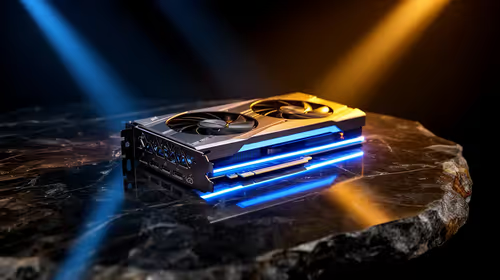
FSR 4 vs FSR 3.1 for aaa single-player gaming depends on game support, image quality preferences, latency goals, and GPU fit. SA buyers should check the game and hardware path first.
ultrawide monitor low FPS may point beyond the device named in the title. Review drivers, settings, thermals, power, background apps, display limits, cables, and game options before changing hardware.
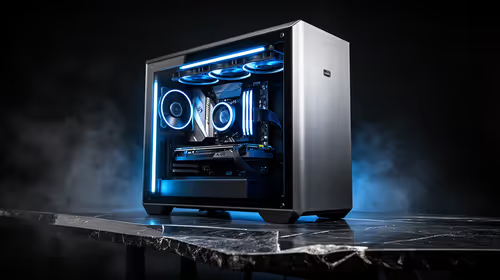
Ray Tracing vs Path Tracing for Video Editing in 4K comes down to visual settings, GPU load, creator workflow needs, and whether the feature fits your use case. SA buyers should match the choice to their setup instead of assuming one option always.