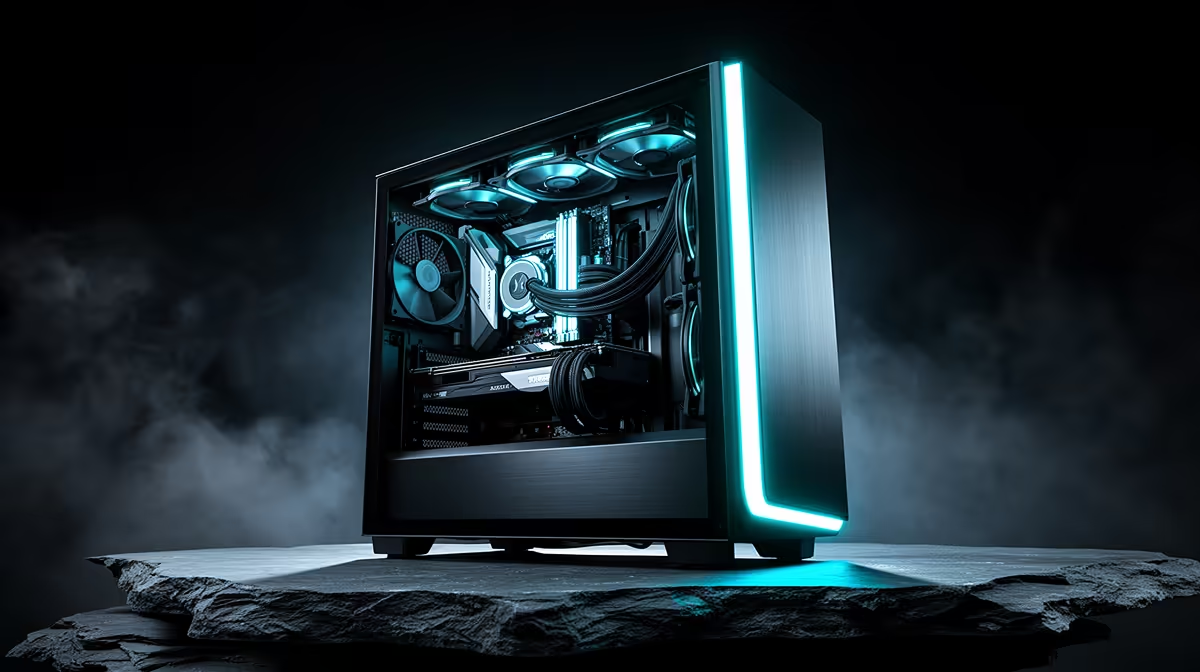
A tangle of cables draped across the middle of a case does more damage than it looks like, quietly blocking the exact path fans rely on to move air through. Tidying that mess is one of the cheapest cooling upgrades available, and it starts with the case itself rather than the fans. An atx mid-tower case with dedicated routing space makes this far easier, and the EINAREX Pulse P100 sets that space at 24mm for R1,499.
Quick Answer
Cable management improves cooling by keeping wires out of the main airflow channel between the front intake and rear exhaust, letting fans move air instead of pushing it around loose cables. The Pulse P100 dedicates 24mm behind the motherboard tray for this purpose, at a price of R1,499.
🌬️ Why Loose Cables Block Airflow
A case with no dedicated routing space forces cables to sit in the same open area where air needs to travel from front to back. Bundled power and fan cables draped across that path create turbulence and physical blockage, both of which reduce the effective airflow reaching the CPU cooler and graphics card. This effect compounds in smaller cases where there is less open volume to begin with.
🔌 What 24mm of Routing Space Solves
Routing cables behind the motherboard tray rather than in front of it moves them entirely out of the main airflow path, so fans pull air through open space instead of around obstructions. A 24mm gap is enough to route standard power supply cables, fan headers and front-panel connectors flat against the tray without the side panel bulging when closed. This is the kind of space that gets overlooked on spec sheets but has a real, measurable effect on temperatures.
Routing the 3 Pre-Installed Fans Cleanly
With 3 RGB fans already installed, their cables need somewhere to go too. The same 24mm channel handles fan cables alongside power supply cabling, keeping the front chamber clear for airflow rather than cluttered with wiring.
🧊 Cooling Gains Beyond Just the Fans
Clean cable routing also benefits components that do not have their own fans, since a clear path improves passive heat dissipation from the motherboard and drives. Combined with 360mm of front liquid cooling support, having cables tucked away means the radiator and its fans are not fighting against a wall of loose wiring for airflow.
Frequently Asked Questions
Does cable management actually lower temperatures, or is it just cosmetic?
It has a measurable effect, since cables blocking the airflow path between intake and exhaust reduce how efficiently fans can move air through the case.
How much routing space is enough for a typical build?
Around 20mm to 25mm behind the motherboard tray is generally enough for standard cabling, which is what this chassis provides at 24mm.
Do RGB fan cables need special routing consideration?
Not especially, though routing them through the same rear channel as power cables keeps the front chamber free of clutter.
Can poor cable management affect GPU temperatures specifically?
Yes, cables draped near the graphics card's intake fans can restrict its airflow, so keeping the area clear helps GPU cooling as much as CPU cooling.
Builders wanting to see the exact routing dimensions should check this case's full specification page before planning a cable layout. For other chassis with similar routing space, EINAREX's case range is worth a comparison. If extra airflow is needed once cables are tidied, more case fans can be added on top of the 3 fitted as standard.
Ready to tidy cables for better airflow?
Drop into the EINAREX Pulse P100 tower via the Evetech store for R1,499 on its own. Clear the airflow path with proper cable routing behind the tray.