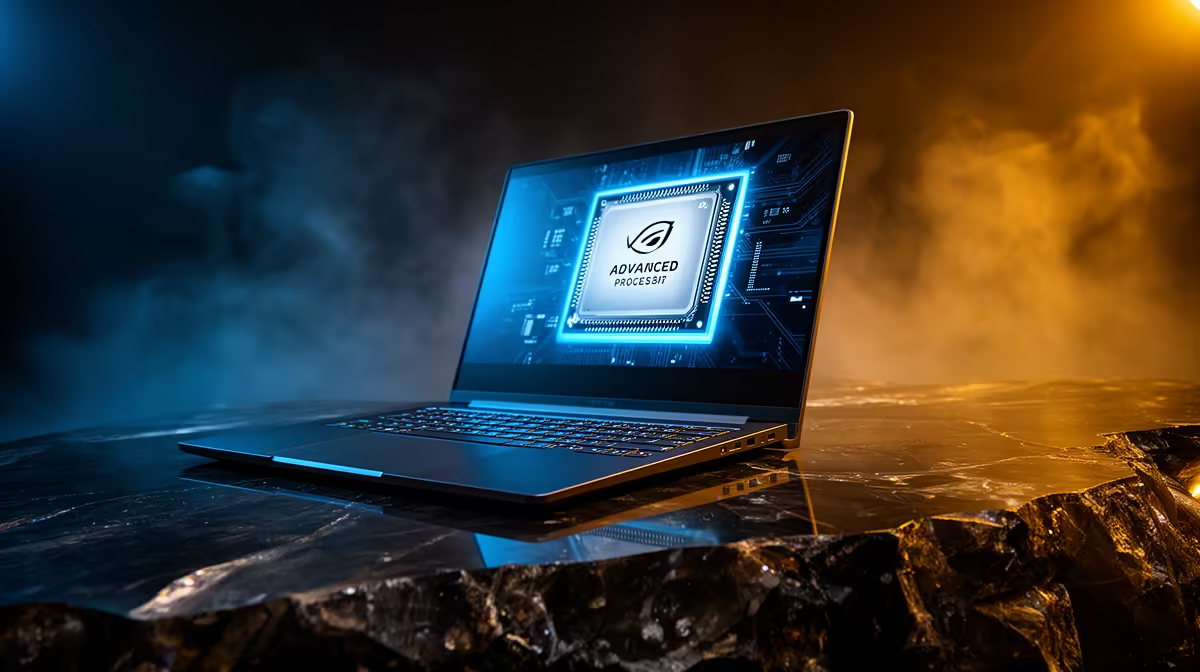
These two sit in completely different leagues despite both wearing the "AI PC" badge. RTX Spark pairs a Blackwell-generation RTX GPU with a large pool of unified memory to run serious local AI models, while a Copilot+ PC is a mainstream Windows machine that qualifies on the strength of a modest neural processing unit. One fine-tunes and runs large models on your desk; the other accelerates background Windows features.
Quick Answer
A Copilot+ PC needs an NPU rated at 40-plus TOPS to handle on-device Windows AI like live captions and image tools. RTX Spark is a different class entirely: a Blackwell GB10-based system with up to 128GB of unified memory, enough to load and even fine-tune models up to around 70 billion parameters locally. If your goal is running large language models, RTX Spark is the serious tool.
What a Copilot+ PC actually is
The Copilot+ label is a Microsoft hardware bar, not a single product. To qualify, a laptop or desktop needs an NPU delivering at least 40 TOPS (trillions of operations per second), 16GB of RAM, and a fast SSD. That NPU exists to run lightweight AI features efficiently and quietly in the background: live captions, Windows Studio Effects on your webcam, on-device image generation in some apps, and similar conveniences that should not flatten your battery.
What it is not designed for is hosting a full large language model. The NPU is tuned for small, power-efficient inference, not the sustained heavy lifting a 70B model demands. For most users that is exactly right, because the everyday AI they touch is the background kind.
Where RTX Spark pulls ahead
RTX Spark is built around the GB10 superchip, combining a Blackwell-architecture RTX GPU with a 20-core Arm CPU and a single large pool of unified memory shared coherently between them. The headline figure is up to 128GB of that unified memory, which is what lets it hold models far beyond anything an NPU-class machine can entertain. With that much coherent memory, you can fine-tune models in the 70 billion parameter range and run large models for inference without offloading to slow storage.
The architecture is the real differentiator. Because CPU and GPU share one memory pool, there is no costly copying of data back and forth, which is exactly the bottleneck that strangles large-model work on conventional setups. There is also a low-power NPU on the silicon so the chip still meets Copilot+ requirements, but the GPU stays in the driver's seat for any active AI task. You get the Windows features for free and the heavy compute on top.
Which one is right for you
Pick a Copilot+ PC if you want a capable everyday laptop or desktop where AI quietly improves video calls, search and productivity, and you are not trying to host your own models. Pick RTX Spark, or a comparable high-memory AI machine, if you are a developer or researcher who needs to run, fine-tune, or experiment with large local models on your own hardware rather than renting cloud time. The AI PC range at Evetech covers both ends, from sensible Copilot+ machines to memory-rich AI workstations, and the top-selling graphics cards give a feel for the GPU horsepower that separates the two tiers.
Frequently Asked Questions
Is RTX Spark just a faster Copilot+ PC?
No. They overlap only in that RTX Spark also contains an NPU to meet Copilot+ rules. The substance is different: RTX Spark's Blackwell GPU and up to 128GB unified memory target large local models, while a Copilot+ NPU targets lightweight background features.
What does 40-plus TOPS actually buy me?
It is the threshold that lets a Windows machine run on-device AI features efficiently, such as live captions, webcam effects and local image tools, without leaning on the cloud or draining the battery. It is not meant for running full large language models.
Can a Copilot+ PC run a 70B model?
Not practically. A 70B model needs far more memory and compute than a Copilot+ NPU provides. That scale of work is exactly what unified-memory systems like RTX Spark exist to handle.
Why does unified memory matter for AI?
A shared memory pool lets the CPU and GPU access the same data without copying it between separate pools, which removes a major bottleneck for large-model work. It is why 128GB of unified memory can hold models that would never fit conventional GPU VRAM.
Do I need either to use AI day to day?
No. Cloud AI services run on any machine. These products matter when you want AI features accelerated locally on the device, or when you specifically want to run large models on your own hardware for privacy, cost or control.
Trying to match the right AI machine to your workload? Explore the AI PC range at Evetech and weigh a sensible Copilot+ build against a memory-rich system designed to run large models locally.