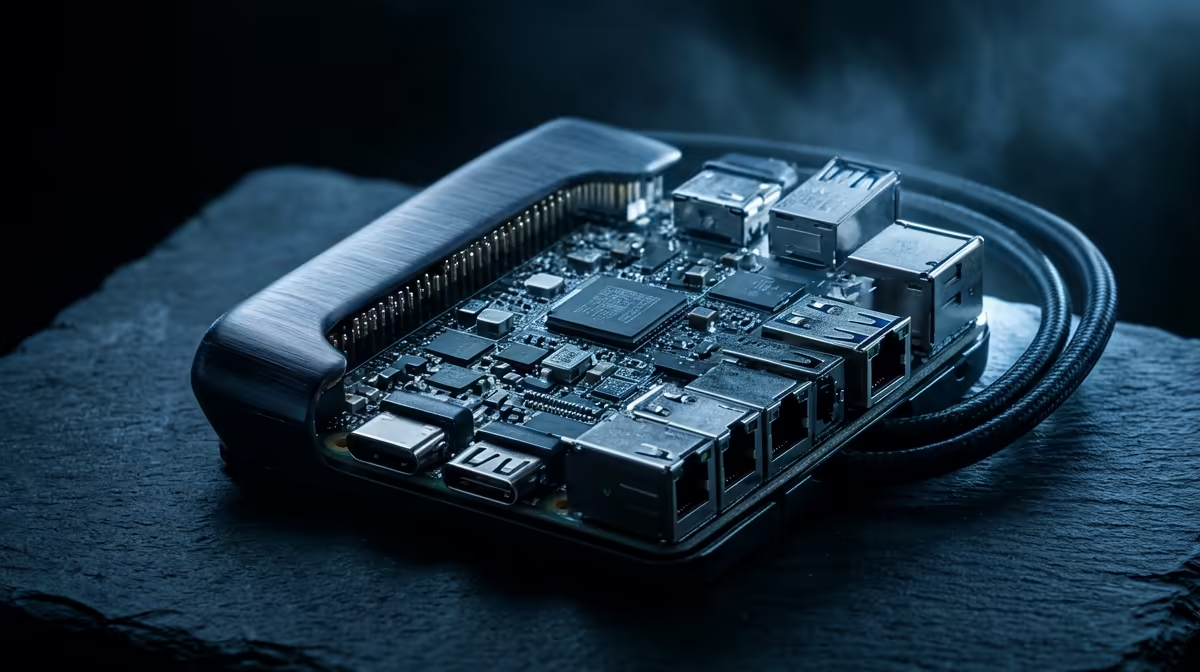
You reach for your Pi to pair a controller or a keyboard, run bluetoothctl, and the device list comes back empty. Before you start swapping dongles, know this: on a Raspberry Pi, Bluetooth not working is usually one of two unglamorous causes, a shaky power supply or a stalled hciuart service. The onboard Bluetooth shares a single combo chip with Wi-Fi, so when power dips, both can misbehave, and the radio simply never comes up cleanly.
Quick Answer
Most Raspberry Pi Bluetooth failures trace back to undervoltage or a failed hciuart service, because Bluetooth and Wi-Fi sit on the same wireless combo module that needs stable power. Run systemctl status hciuart and systemctl status bluetooth to see the state, check for undervoltage in dmesg, and fix the supply first. A genuine, adequately rated power adapter resolves a large share of cases.
Start by checking the service
The fastest first move is to ask the system what the Bluetooth stack is doing. Run:
systemctl status bluetooth
systemctl status hciuart
If hciuart is dead or failed, that is your culprit. The hciuart service configures the Bluetooth modem connected over UART, and if it does not start, the Bluetooth interface never becomes available. Try starting it manually with sudo systemctl start hciuart and watch whether it stays up or falls over again.
For deeper detail, the kernel log tells you what actually happened during boot:
dmesg | grep -iE "(bluetooth|hci)"
dmesg -l err,warn
This surfaces HCI command failures and undervoltage warnings in one place, which usually points straight at the real problem.
Fix the power before anything else
This is the cause people overlook most often. The Bluetooth and Wi-Fi combo chip is sensitive to voltage, and an underpowered or marginal supply can cause it to fail during or shortly after startup. A weak phone charger, a thin cable or too many USB devices drawing current can all drag the rail down far enough to knock the radio out.
The trap is that the Pi does not always warn you. It can detect and report some undervoltage conditions, but the absence of a warning does not prove the supply is healthy. Swap in a proper, adequately rated supply for your Pi model, unplug non-essential USB peripherals, and retest. A surprising number of mysterious Bluetooth faults vanish at this step alone. If you are running a Pi or a similar small machine as an always-on box, the mini PC range at Evetech has compact options that come with proper power built in.
When the service itself is broken
If power is solid and hciuart still refuses to start, the Bluetooth software may be corrupted, often after an update. Reinstalling the relevant packages fixes a stubborn service:
sudo apt purge bluez pi-bluetooth
sudo apt install bluez-firmware pi-bluetooth
sudo reboot
Also confirm the serial device the service expects actually exists, since a missing /dev/serial1 link or an edited udev rule can break Bluetooth. Check it with ls -l /dev/serial1. If a udev rules file was renamed or altered, restoring the stock configuration brings the interface back.
Once Bluetooth is stable, a small reliable computer makes a handy project hub, and the best-selling PCs at Evetech show the sturdier always-on options when a Pi is not quite enough for the job.
Frequently Asked Questions
Why does power affect Bluetooth specifically?
Because Bluetooth and Wi-Fi share one wireless combo chip on the Pi, and that chip needs a stable voltage. When the supply sags, the radio can fail to initialise, which shows up as missing or dead Bluetooth.
How do I know if undervoltage is the cause?
Check dmesg for undervoltage warnings, but do not rely on warnings alone. The Pi does not catch every dip, so testing with a known-good, properly rated supply is the surest way to rule power out.
The hciuart service keeps failing. What now?
Reinstall the bluez and pi-bluetooth packages, reboot, and confirm /dev/serial1 exists. A corrupted package after an update or a broken serial link is the common reason the service will not stay running.
Does this apply to the Raspberry Pi 5?
The same principles hold. Power stability and the hciuart service are still the first things to check, even though the exact hardware revision differs. Start with the service status and the supply regardless of model.
A Pi is brilliant until a flaky supply takes its radios down with it. If you want an always-on machine that just stays up, browse the mini PC range at Evetech for compact builds with the power and reliability a project box deserves.