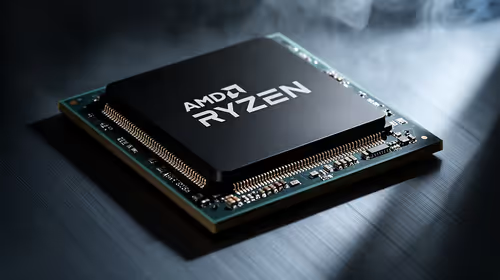
When fps drops shows up on a setup with a Ryzen 9 9950X3D, work through the obvious settings first before assuming the worst.
Quick Answer
To fix fps drops on a Ryzen 9 9950X3D setup, keep Windows 11 current so the chipset driver parks the non-cache cores during play. Most cases clear up once these are right, and you should be back to a steady framerate that holds its target.
Tuning the cpu itself
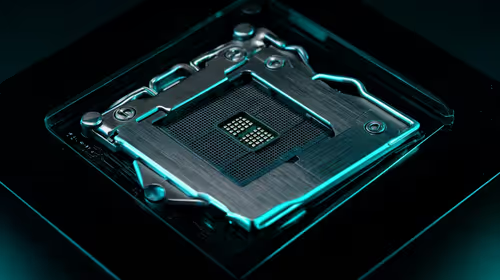
Once the software side is clean, focus on the cpu. Update to the newest AM5 BIOS, which sharpened dual-CCD game routing. If the problem only appears under heavy load, watch the temperatures and clocks, because thermal throttling can masquerade as fps drops. The aim throughout is a steady framerate that holds its target.
When it is not the Ryzen 9 9950X3D at all
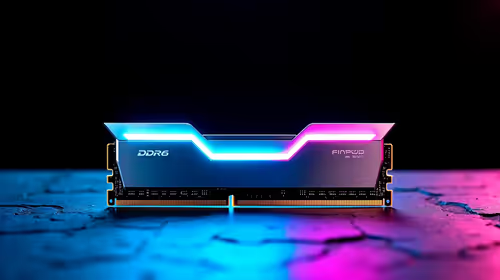
Sometimes the Ryzen 9 9950X3D is a red herring. Fps drops often hides a CPU bottleneck, a background process, or memory running below its rated speed. Run the RAM at EXPO or XMP, close startup clutter, and confirm the GPU sits in the CPU-linked slot before blaming the cpu.
Driver and Windows settings
Next, use the AMD game-bar driver so games pin to the V-Cache CCD instead of the high-clock CCD. Keep Windows 11 fully updated and turn off any background overlays or capture tools that hook into games, since these are a common source of fps drops. A clean driver install often does more than any single in-game setting when chasing a steady framerate that holds its target.
FAQ
Does the Ryzen 9 9950X3D itself cause fps drops?
Rarely on its own. A Ryzen 9 9950X3D is far more often exposing a software or settings problem. Work through the driver, Windows power plan and rated memory speed first.
Is fps drops a hardware fault?
Usually not. Fps drops on a Ryzen 9 9950X3D setup is almost always settings, drivers or thermals. Only suspect hardware after the checks above come back clean.
Why did fps drops start after my cpu change?
A new cpu often resets a setting or adds a driver that conflicts with your game. keep Windows 11 current so the chipset driver parks the non-cache cores during play, and the issue usually clears.
Ryzen 9 9950X3D fixes in order, confirm the RAM is at EXPO and the GPU is in the top slot, and the fps drops should clear up.