Speak into your mic with headphones on and hear your own voice arrive a fraction of a second late, like a faint echo chasing every word. That monitoring latency is maddening, and it has a single common cause: your voice is taking the long way round, into the computer and back out again, before it reaches your ears. Fix the routing and the echo vanishes. The setting that does it is usually one switch away on the hardware you already own.
Quick Answer
Switch on direct monitoring on your audio interface. That routes your voice straight from the input to your headphones in hardware, before the computer touches it, so you hear yourself with effectively no delay. Software monitoring through your recording app adds a round-trip of 10 milliseconds or more, which is enough to register as an audible double of your own voice.
Why the delay happens
When you monitor through software, your voice travels into the interface, gets converted to digital, passes into the recording application, then comes back out and converts to analogue again at your headphones. Every stage adds a little time, and the total round-trip is what you hear lagging behind your mouth. Most people stop noticing delay only once it drops below about 10 milliseconds, and software monitoring at a typical buffer size easily exceeds that.
The size of the audio buffer is the lever here. A larger buffer is easier on the processor but adds delay, while a smaller buffer cuts the delay but works the chip harder and can introduce clicks if pushed too far. Settings around 64 to 128 samples bring round-trip times down to a few milliseconds, low enough to feel instant.
The fix, in order
Enable direct monitoring first. Almost every audio interface has a direct monitor switch or a balance knob that blends the live input straight into your headphones. Flip it on and your voice reaches your ears in hardware, bypassing the computer entirely. This is the cleanest solution and the one to try before touching anything else.
Then disable software monitoring. This step trips people up. If you leave the input monitoring on in your recording app while direct monitoring is also active, you hear your voice twice, once instantly from the hardware and once delayed from the software. Mute or switch off the app's input monitoring so only the direct path remains.
Install the proper driver. On Windows, an ASIO driver from your interface maker dramatically outperforms the generic Windows audio path and is essential for low latency. On a Mac, Core Audio handles this natively. Generic drivers alone will leave you fighting delay no matter what else you do.
Lower the buffer size if you still monitor through software. Some setups, especially when you want to hear live effects on your voice, need software monitoring. In that case drop the buffer toward 128 or 64 samples to pull the round-trip under the threshold where it becomes distracting. Watch for crackling, which means you have gone too low for your processor.
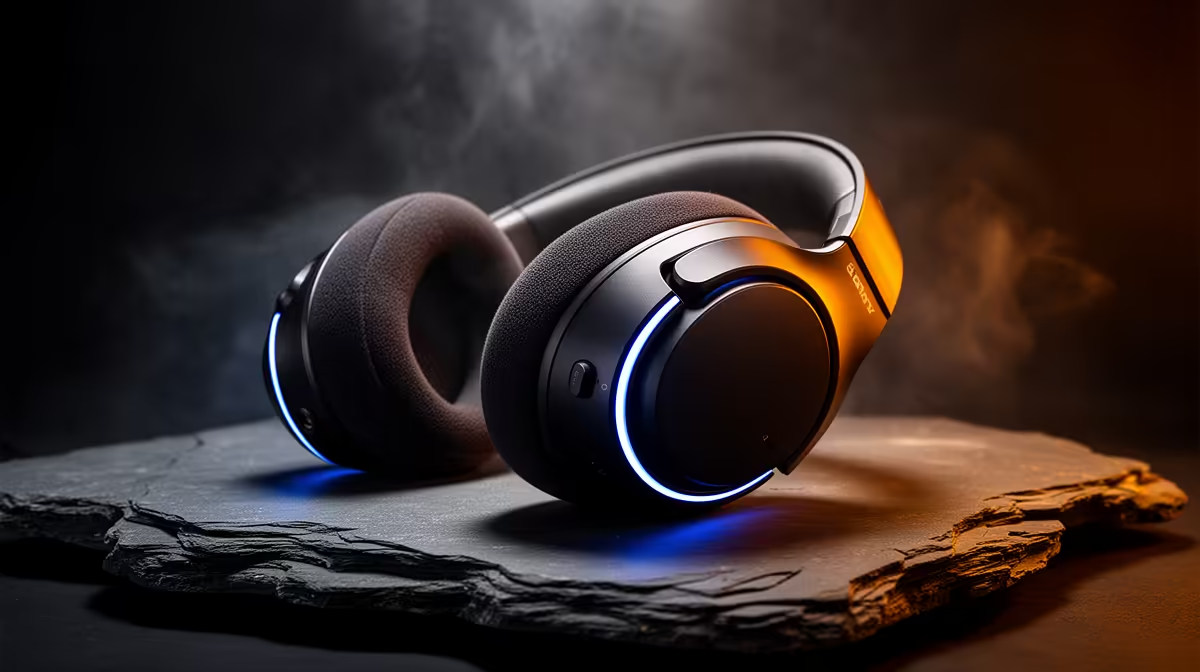
A decent set of closed-back headphones makes any of this easier to judge, since they keep the monitored signal off the mic and let you hear small timing differences clearly. Closed-back headphones from the headphones and headsets at Evetech are well suited to this kind of monitoring, and the headset best sellers show you which models other creators are currently choosing.
Frequently Asked Questions
What exactly is direct monitoring?
It is a feature on your audio interface that sends the live input signal straight to your headphones in hardware, before the computer processes it. Because it skips the round-trip through software, the delay is effectively zero.
Why do I hear my voice twice?
You almost certainly have both direct monitoring and software monitoring active at once. You hear the instant hardware version and the delayed software version together. Switch off the recording app's input monitoring to leave only the direct path.
Does a better audio interface reduce latency?
A quality interface with good drivers helps, mainly through reliable ASIO or Core Audio support and stable low buffer sizes. But the biggest single win for most people is simply enabling direct monitoring, which sidesteps the delay entirely.
Can I monitor effects on my voice without latency?
Not through direct monitoring, since that taps the dry signal before processing. To hear live effects you must monitor through software, so lower your buffer size to keep the delay short and accept a small amount of latency.
What buffer size should I use?
For tracking, aim for 64 to 128 samples to get round-trip times of a few milliseconds. If you hear clicks or pops, your processor is struggling, so raise the buffer a step until it is stable.
Want to hear yourself cleanly while you record? Pair direct monitoring with a solid set of closed-back cans from the headphones and headsets at Evetech and put the echo behind you for good.