


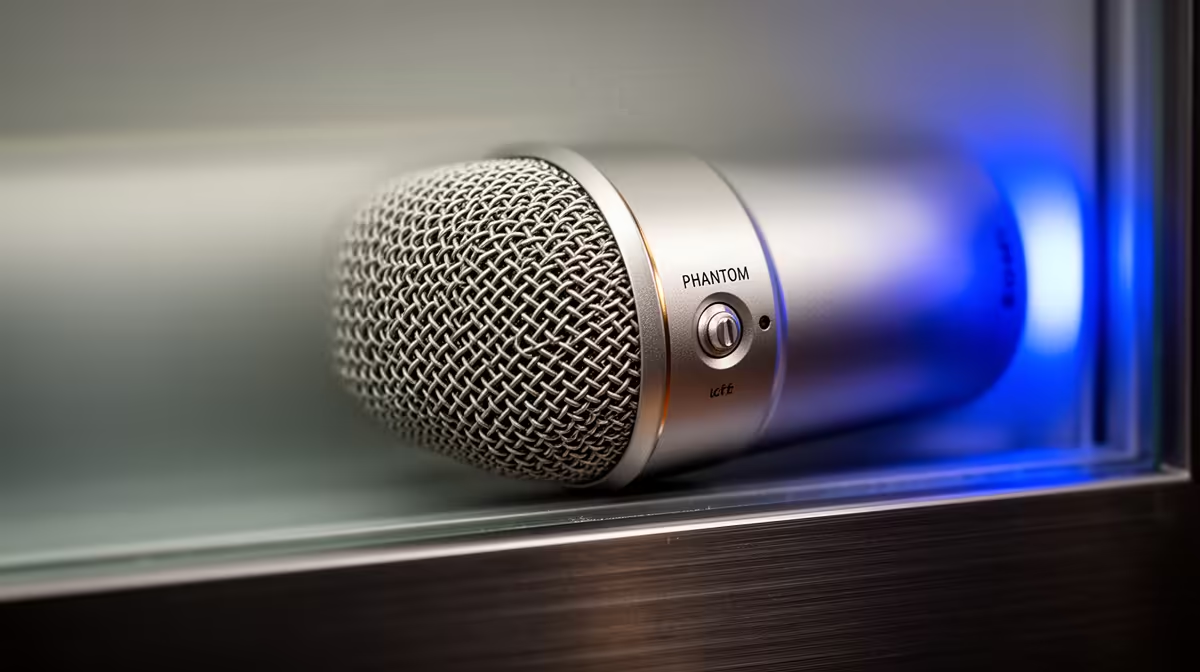
You flick on +48V, plug in your shiny new condenser, and get nothing but silence or a thin distorted whisper. Phantom power not working on a condenser mic is one of the most common studio headaches, and the good news is it rarely means a dead mic. Three things account for almost every case: the switch is off, the cable is the wrong type, or you powered things up in the wrong order.
Quick Answer
Confirm the +48V switch is actually engaged for that channel, use a proper balanced XLR cable, and set the phantom power on before the gain comes up. A condenser stays silent or weak until all three of those are right, and fixing the sequence alone solves a surprising number of cases.
Check The +48V Switch First
A condenser microphone cannot work without power reaching its internals, so step one is making sure the switch is genuinely on for the right input. On many interfaces and mixers, +48V is grouped across several channels rather than being per-channel, so a switch labelled for inputs one to four may need to be engaged even though your mic sits on input two. Confirm the indicator light is lit, and that it corresponds to the socket your mic is plugged into. It sounds obvious, but a grouped or mislabelled switch catches people constantly.
The Cable Is The Usual Culprit
Cable faults cause the overwhelming majority of phantom power failures, so this is where to look next. Phantom power can only travel down a balanced cable, which in practice means a three-pin XLR. An unbalanced cable, or an adapter that breaks the balanced connection, will stop the 48 volts reaching the mic even when everything else is correct.
The fastest diagnostic is a swap. Try the same mic with a different XLR cable on a known-good input, and try a known-working mic on the original cable. If a fresh cable fixes it, you have found your fault. While testing, push each XLR connector fully home, since a connector that is not seated properly causes intermittent dropouts that mimic a power problem. If you need a reliable replacement, the headsets and microphone gear at Evetech cover the cabling and capture side together.
Get The Power-Up Sequence Right
Order matters more than people expect. Set phantom power on first, then give it a few seconds for the voltage to settle, and only then bring up your gain or turn on monitoring. Powering everything at once, or raising the gain before the 48 volts has stabilised, can leave the capsule sitting without proper voltage and produce that weak, distorted result. The same applies in reverse: pull the gain down before switching +48V off. Building this habit removes a whole category of intermittent faults.
If the switch is on, the cable is a verified balanced XLR seated firmly, and the sequence is correct, but you still get nothing, isolate the fault by testing the mic on a completely different interface. That tells you whether the problem lives in the mic or the input. For everyday picks that just work, the best-selling headsets at Evetech are a quick reference.
Frequently Asked Questions
Why is my condenser mic silent even with +48V on?
The most likely causes are an unbalanced or faulty cable, a +48V switch that is grouped and not actually feeding your channel, or gain that was raised before the voltage stabilised. Swap the cable on a known-good input to narrow it down fast.
Does phantom power need a special cable?
Yes. It only travels down a balanced cable, normally a three-pin XLR. Unbalanced cables or adapters that break the balanced path will block the voltage from reaching the mic.
Should I turn phantom power on before or after the mic is connected?
Connect the mic first, then switch +48V on, wait a few seconds for it to settle, and only then raise the gain. Avoid toggling phantom power with the gain already up.
How do I tell whether the mic or the interface is faulty?
Test the mic on a different interface and a different mic on the original one. If the mic works elsewhere, the input or its phantom supply is suspect, if it fails everywhere, the mic itself is the likely fault.
A clean condenser signal starts with reliable capture gear. Browse the microphone and headset range at Evetech to pair a condenser with cabling you can trust.







