When your Meta Quest starts drifting, jittering or flashing a lost-tracking warning, the headset is almost never broken. The inside-out cameras that watch your room have lost the visual landmarks they rely on to know where you are. Fix the room and you fix the tracking in the large majority of cases, no repair needed.
Quick Answer
Meta Quest tracking drift is caused by the headset's inside-out cameras failing to find enough visual detail, usually in rooms that are too dim, too plain or too reflective. Add even, moderate lighting and visible texture to your play space and remove mirrors and shiny surfaces, and stable tracking returns in most situations.
How Quest tracking actually works
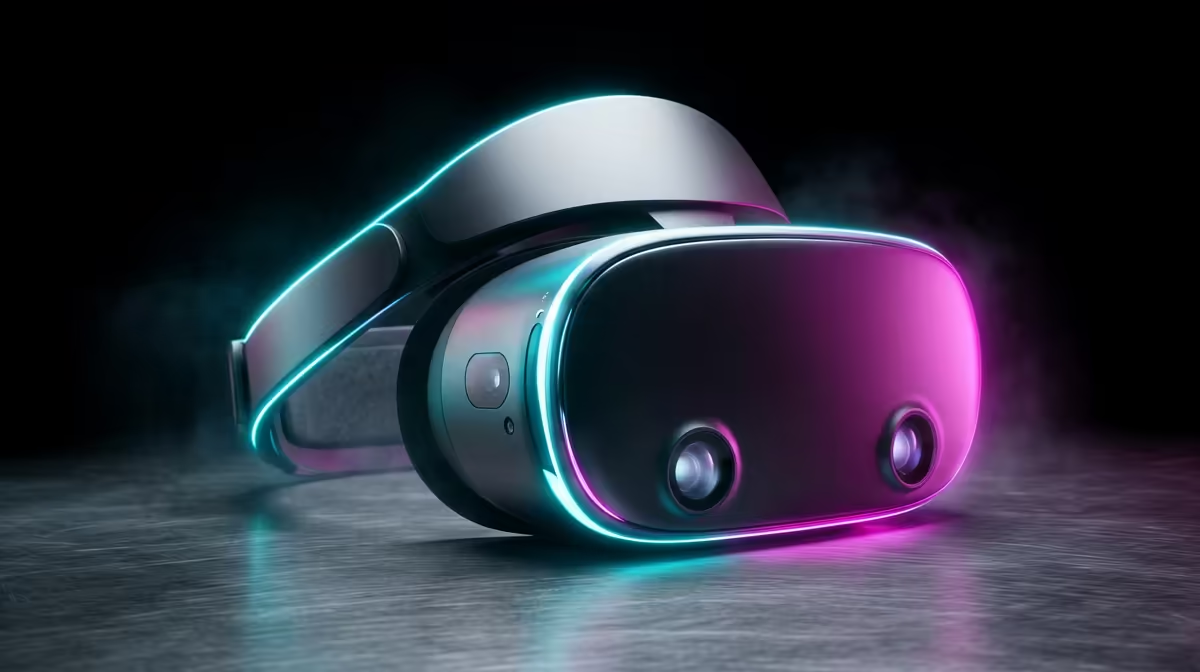
The Quest has no external sensors. Cameras on the headset look outward, pick out fixed features in your room, walls, furniture, picture frames, and use them as reference points to calculate where your head and hands are. This is called inside-out tracking, and it depends entirely on the cameras seeing a clear, well-lit, detailed scene.
When the cameras cannot find enough stable features, their position estimate slides. That is the drift you feel: the virtual world creeping, your hands lagging, or the headset giving up and showing a tracking error.
The three room problems and how to fix them
Three conditions break inside-out tracking, and each has a simple fix.
Too dark. In dim light the cameras cannot resolve detail. Raise the room lighting to a comfortable, even brightness. Avoid playing with the lights off or by screen glow alone.
Too uniform. A blank wall, a plain ceiling or an empty floor gives the cameras nothing to lock onto. Add visual texture: a poster, a rug, furniture, anything that breaks up flat surfaces. A featureless space confuses tracking even when it is bright.
Too reflective. Mirrors, large windows, glossy TVs and shiny floors throw back confusing reflections that the cameras misread as real features. Cover mirrors, draw curtains over big windows and move away from reflective surfaces while you play.
Avoid the opposite extreme too: harsh direct sunlight or a strong light shining straight into the cameras can wash out detail just as badly as darkness.
A quick recovery routine
If tracking has already gone wrong mid-session, fix the room first, then recentre. Stand still, look around the space slowly so the cameras can re-map your surroundings, and reset the view or boundary from the headset menu. If drift persists, clean the camera lenses gently, since smudges and dust degrade what the cameras see.
For headsets, controllers, and the AR and VR accessories that go with them, Evetech's AR and VR gear category is worth a look if you are kitting out or upgrading a play space.
Frequently Asked Questions
Why does my Quest tracking drift in a dark room?
The inside-out cameras need light to see the features they track against. In a dark room they cannot resolve enough detail, so their position estimate slips. Raising the lighting to an even, moderate level usually fixes it.
Can mirrors really cause tracking problems?
Yes. Mirrors and other reflective surfaces bounce back images that the cameras can mistake for real fixed features, confusing the tracking. Covering mirrors or moving away from them is a common, effective fix.
Will adding more lights always help?
Even, moderate lighting helps, but a harsh light shining directly into the cameras can wash out detail and hurt tracking. Aim for balanced room lighting rather than a single bright source pointed at the headset.
My room is bright but tracking still drifts. Why?
A bright but featureless space, like a room with plain white walls, gives the cameras nothing to lock onto. Add visual texture such as a poster, rug or furniture so the cameras have reference points to track.
Do dirty camera lenses affect tracking?
Yes. Smudges, dust or fingerprints on the headset's outward cameras degrade the image they capture and can cause drift. Wiping the lenses gently with a soft cloth often restores stable tracking.