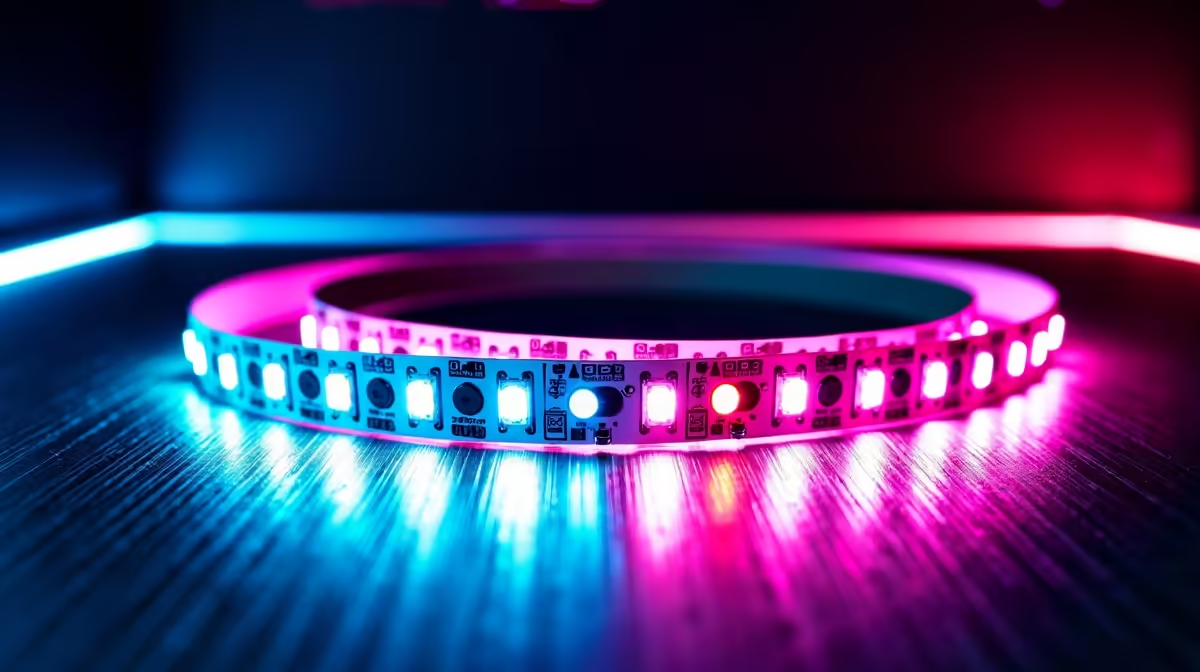
Illuminate Your Setup: How to Install RGB LED Strips
Looking to add some vibrant colour and style to your gaming den? Installing RGB LED strips might be the perfect upgrade for your rig or room. With just a few simple steps, you can transform your space into a dynamic battlezone or chill zone glowing with personalised lighting. Whether you’re a PC enthusiast or just want to brighten up your space, knowing how to install RGB LED strips is a must for any South African gamer or tech buyer. ⚡
Choosing the Right RGB LED Strips for South African Gamers
Before installation, it’s crucial to pick strips that fit your setup. Consider the length needed and the type of controller compatibility. If you’re building or upgrading a PC, check out Evetech’s best gaming PC deals for rigs that often support RGB synchronisation and can handle extra lighting power.
Remember to verify voltage requirements—most LED strips run on 12V or 5V, so confirming your power supply is compatible prevents issues. This step is a simple safeguard against frying your new lights!
Step-by-Step Guide to Installing RGB LED Strips 🔧
1. Plan Your Layout
Measure where you want the strips — behind your monitor, desk edges, or inside your PC case. Good lighting placement can improve aesthetics and reduce eye strain during long sessions.
2. Prepare the Surface
Make sure the mounting surface is clean and dry. Dust or grease can affect the adhesive backing’s grip.
3. Connect and Test Before Mounting
Always test the RGB LED strip with its controller and power source before sticking it down. This saves time if there’s a fault.
4. Stick It on Firmly
Peel off the adhesive backing and press firmly along the strip’s length. For tighter corners, consider LED strip connectors to avoid bending damage.
5. Manage Excess Cable
Keep cables tidy with zip ties or cable clips. A clean setup looks great and makes future upgrades easier.
If you want ready-to-go options, Evetech features pre-built PC deals that come with integrated RGB lighting, reducing your installation hassle dramatically.
Improve Your Gaming Space with Desktop and Laptop Lighting 🚀
Don’t limit yourself to desktops. You can also enhance your laptop setup with RGB peripherals or LED strips to complement your battlestation. South African gamers can browse through a wide variety of notebooks designed for gaming or creative work on Evetech’s laptops page.
Decorate your environment, whether wired or wireless, and let the lighting energise your gameplay and streaming sessions alike.
Pro Tip for Lasting LED Brightness
Keep your LED strips dust-free and avoid putting them where heat builds up excessively—this prolongs the lifespan and keeps colours vivid.
Ramp Up Your Visuals with Graphics Cards that Support RGB Sync
Once your RGB LED strips are installed, syncing the lighting with your PC graphics card can amplify the impact. Check Evetech’s selection of graphics cards that work seamlessly with popular RGB software to create immersive, colour-coordinated gameplay environments.
Whether you prefer soft ambience or flashing effects that pulse with game audio, pairing quality RGB strips with the right GPU is a winning combo.
Catch the Best RGB and PC Deals in South Africa
If you’re shopping on a budget, visit Evetech’s specials page regularly for discounts on lighting kits, PC components, and more. Perfect timing to grab deals and beautify your tech space without breaking the bank.
Upgrade Your Setup Today!
Ready to light up your gaming rig with top-tier RGB LED strips? Shop now at Evetech for performance and style that leave lag in the dust.