



1200W PSU Planning for RTX 5090 Builds in SA
1200W for RTX 5090 needs a full-build check, not a simple yes. Review GPU guidance, CPU draw, transient load, connectors, PSU quality, and upgrade plans before deciding.
Read moreOptimize RX 9060 for Elden Ring. Step-by-step instructions with SA-specific tips, common pitfalls to avoid & expert recommendations.
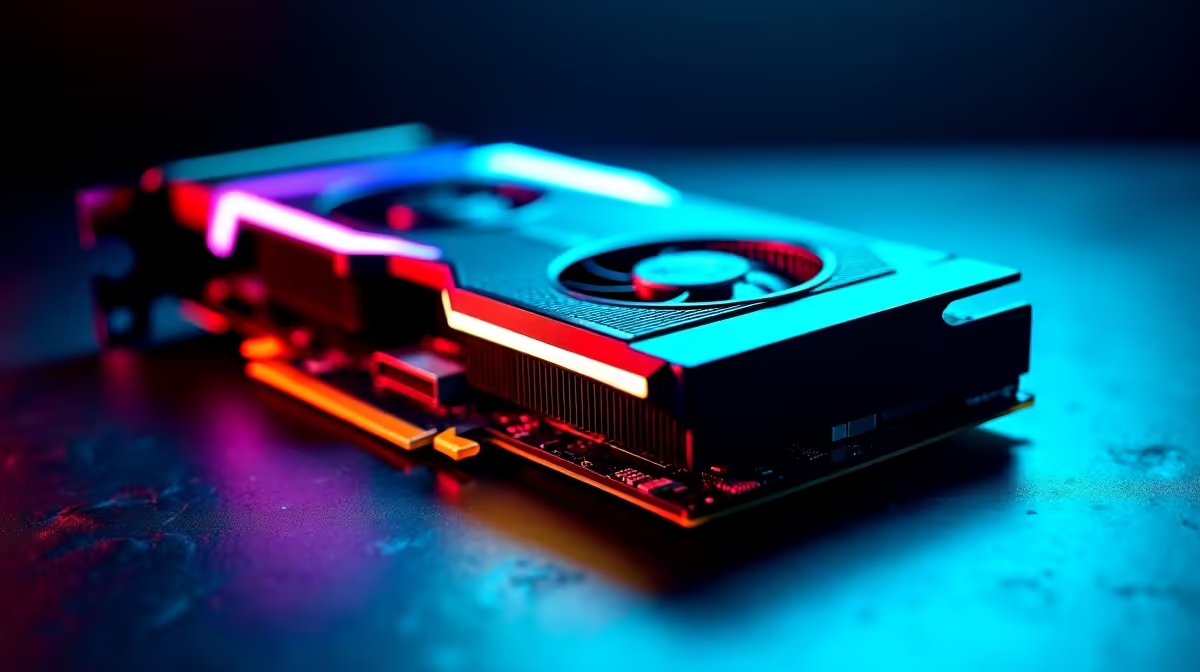
The Lands Between are unforgiving enough without your frame rate dropping when Malenia attacks. If you recently upgraded your rig, you already know the raw power of AMD's newest silicon. But raw power is not always enough. You need to optimise the RX 9060 for Elden Ring to ensure buttery-smooth dodges. Let us look at how South African gamers can squeeze every frame out of this beast. 🔧
Elden Ring is notoriously demanding on hardware. Even with a stellar GPU, the game engine can cause stuttering. This is especially true when loading vast new areas. The RX 9060 packs incredible RDNA architecture. However, it still needs a little tweaking to hit a locked 60 FPS at 1440p.
If you are still hunting for an upgrade, browsing the latest graphics cards is a great start. Once installed, getting your settings right is crucial for survival.
Do not just crank everything to maximum. Smart tweaks save performance without ruining the beautiful art style. First, drop Volumetric Quality to High instead of Maximum. You will barely notice the difference visually... but your GPU will thank you. Next, set Shadow Quality to High. Maximum shadows drain resources heavily without adding much realism. Turn off Motion Blur completely. It makes combat harder to read and wastes processing power.
If your current system struggles even on low settings, it might be time for a fresh start. We have some of the best gaming PC deals available right now. Upgrading means you can finally enjoy stunning visuals without compromise. For those who want something ready out of the box, our pre-built PC deals offer incredible ZAR value.
Your graphics drivers hold hidden performance gains. Open your AMD Adrenalin software. Turn on Radeon Anti-Lag to reduce input delay. This is vital for those frame-perfect parries. Disable Radeon Chill to stop the software from capping your frames during quiet moments.
Always ensure your Smart Access Memory (SAM) is enabled in your motherboard BIOS. It allows your AMD processor to access the full VRAM of your RX 9060... giving you a free 5% to 10% performance boost in heavy titles like Elden Ring.
If you travel often, you might not want to rely on a desktop. You can still experience the Lands Between on the go. Explore our massive range of gaming laptops for sale to find portable power.
Our local summers are brutal on PC components. Thermal throttling will ruin your frame rate faster than any boss. Ensure your fan curves are set aggressively in the AMD software. Good airflow keeps your RX 9060 boosting higher for longer.
Dust out your case filters every few months to maintain optimal airflow. Keep an eye on our weekly tech specials for cooling upgrades like new high-static pressure case fans or AIO liquid coolers. Staying cool means your frames stay high and your hardware lasts longer. 🚀
Ready to Conquer the Lands Between? Optimising your settings is just the beginning. For maximum power, choice, and value in South Africa, Evetech is hard to beat. Explore our massive range of component specials and find the perfect hardware to conquer your world.
How to Optimize RX 9060 for Elden Ring available at Evetech.co.za with local warranty and fast delivery.
How to Optimize RX 9060 for Elden Ring - check Evetech for latest stock and SA pricing.
Depends on your use case. How to Optimize RX 9060 for El offers good value at current Rand pricing.
1200W for RTX 5090 needs a full-build check, not a simple yes. Review GPU guidance, CPU draw, transient load, connectors, PSU quality, and upgrade plans before deciding.
Read more
ultrawide monitor low FPS may point beyond the device named in the title. Review drivers, settings, thermals, power, background apps, display limits, cables, and game options before changing hardware.
Read more
How to fix low FPS on an RTX 5070 build in South Africa starts with driver, display, cooling, and CPU checks. Use local gaming setup context to test RAM profile, PCIe speed, airflow, and game settings.
Read more
Windows 11 gaming PC low FPS often comes from drivers, power plans, background apps, display settings, or thermals. This SA gaming checklist helps isolate Windows issues before replacing healthy hardware.
Read more
How to fix low FPS Windows 11 Steam Deck issues starts with drivers, power limits, storage, and handheld settings. Use this SA-focused checklist to tune display, background tasks, and game profiles without unsupported performance claims on the go.
Read more
4K monitors stay expensive for East London gamers because panels, refresh rates, ports, and GPU demands raise total cost. SA buyers should compare screen size, warranty, graphics card needs, and whether 1440p gives better value.
Read more
Black Friday Gaming PC Wait can help if your PC need is flexible. On a R5,000 SA budget, compare deal risk, component balance, warranty, and timing before waiting.

Wi-Fi 7 and Wi-Fi 6E differ most in capacity, latency handling, and future router support for SA gamers. The choice depends on your fibre speed, home layout, device support, and whether cable-free gaming must stay consistent.

Choosing the right USB-C hub is essential for a clean, efficient desk setup. 🖥️ Discover exactly how many ports you need to replace your bulky desktop docking station without sacrificing performance or connectivity. ⚡

ATX 3.1 vs ATX 3.0 for SA Buyers comes down to GPU power connectors, PSU quality, cable routing, headroom, and upgrade plans. SA buyers should match the choice to their setup instead of assuming one option always wins.

A recovery drive and system restore points turn a failed driver or BIOS update on a gaming pc from a full reinstall into a five-minute fix. Setting both up takes about 15 minutes, and Evetech recommends doing it the week you unbox a new build, before tweaking drivers.

RTX 5090 with a 1000W PSU is a strong compatibility target for high-end builds. SA buyers should still match the exact PSU quality, connector support, CPU choice, case airflow, and upgrade needs to the final system.

RTX 5090 on a 1000W PSU offers the best headroom in this PSU tier set. SA builders can plan more confidently for top-tier CPUs, cooling, and cautious OC, while still checking cable support and total system load.

A 550W PSU is a risky fit for an RTX 5080 Super system in SA unless guidance and demand support it. Check CPU draw, cabling, PSU age, cooling, and upgrade margin before deciding whether the setup is safe enough.
1200W for RTX 5090 needs a full-build check, not a simple yes. Review GPU guidance, CPU draw, transient load, connectors, PSU quality, and upgrade plans before deciding.

FSR 4 vs FSR 3.1 for aaa single-player gaming depends on game support, image quality preferences, latency goals, and GPU fit. SA buyers should check the game and hardware path first.
ultrawide monitor low FPS may point beyond the device named in the title. Review drivers, settings, thermals, power, background apps, display limits, cables, and game options before changing hardware.

Ray Tracing vs Path Tracing for Video Editing in 4K comes down to visual settings, GPU load, creator workflow needs, and whether the feature fits your use case. SA buyers should match the choice to their setup instead of assuming one option always.