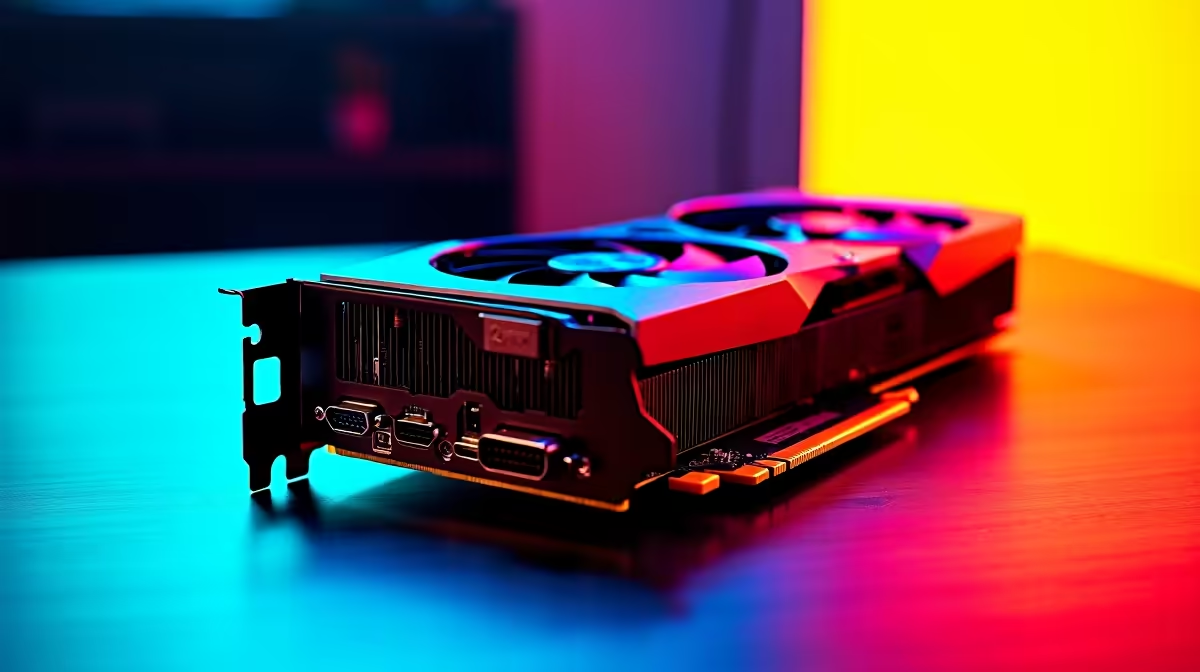
Dropping onto the island with a stuttering frame rate is a quick way back to the lobby. If you recently upgraded, you want every drop of performance. Learning how to optimise RX 9060 for Fortnite is essential for South African gamers chasing those Victory Royales. High ping is bad enough... your hardware should not hold you back. Let us get your rig pushing maximum frames without breaking a sweat. 🚀
The Foundation of High FPS
Before tweaking in-game settings, ensure your system is ready. The RX 9060 is an absolute beast. But it needs a solid foundation. Pairing it with a weak CPU causes massive bottlenecks. If your rig is severely outdated, browsing the best gaming PC deals can help you find a perfectly balanced system.
Always update your Radeon Adrenalin drivers first. AMD frequently releases patches that boost performance for competitive titles. Clean out old drivers to avoid software conflicts. A fresh driver installation is the easiest way to gain free frames.
Best Settings to Optimise RX 9060 for Fortnite
Fortnite offers multiple rendering modes. DirectX 12 is usually the sweet spot for modern graphics cards like the RX 9060. It handles multi-core CPUs much better. It also keeps your 1% low frame rates incredibly stable.
Set your view distance to 'Epic' so you can spot enemies early. Keep shadows and anti-aliasing on 'Low' or 'Off'. You want raw speed and maximum visibility. Competitive players do not care about pretty lighting... they care about winning. Turn off motion blur immediately. It only distracts your eyes during rapid movement.
Performance Pro Tip ⚡
In the Radeon Software, enable Radeon Anti-Lag. It reduces input delay significantly. This is crucial for fast building and editing in Fortnite, giving you a tangible edge over opponents with sluggish setups.
System Tweaks and Thermal Control
South African summers are brutal on gaming hardware. A thermal throttling GPU will drop frames instantly. Keep your case well-ventilated. If you prefer portability without sacrificing cooling power, modern laptops feature incredible thermal designs.
Make sure your RAM runs at its advertised speed. Enable XMP or EXPO in your BIOS. Fast memory is vital when you optimise RX 9060 for Fortnite. It feeds data to your graphics processor much faster.
Upgrading Your Setup
Sometimes software tweaks are simply not enough. If your motherboard or power supply is struggling, it might be time for a fresh start. You can save thousands of ZAR by checking out our pre-built PC deals. They come perfectly balanced and rigorously tested. 🔧
Always keep an eye out for weekly specials to upgrade your RAM or storage on a tight budget. Every little bit helps when you want to dominate the competitive scene. Smooth gameplay makes securing that win much easier. ✨
Ready to Find Your Perfect Match?
Tweaking settings is great, but for maximum power, choice, and value in South Africa, a custom rig is hard to beat. Explore our massive range of gaming specials and find the perfect machine to conquer your world.