

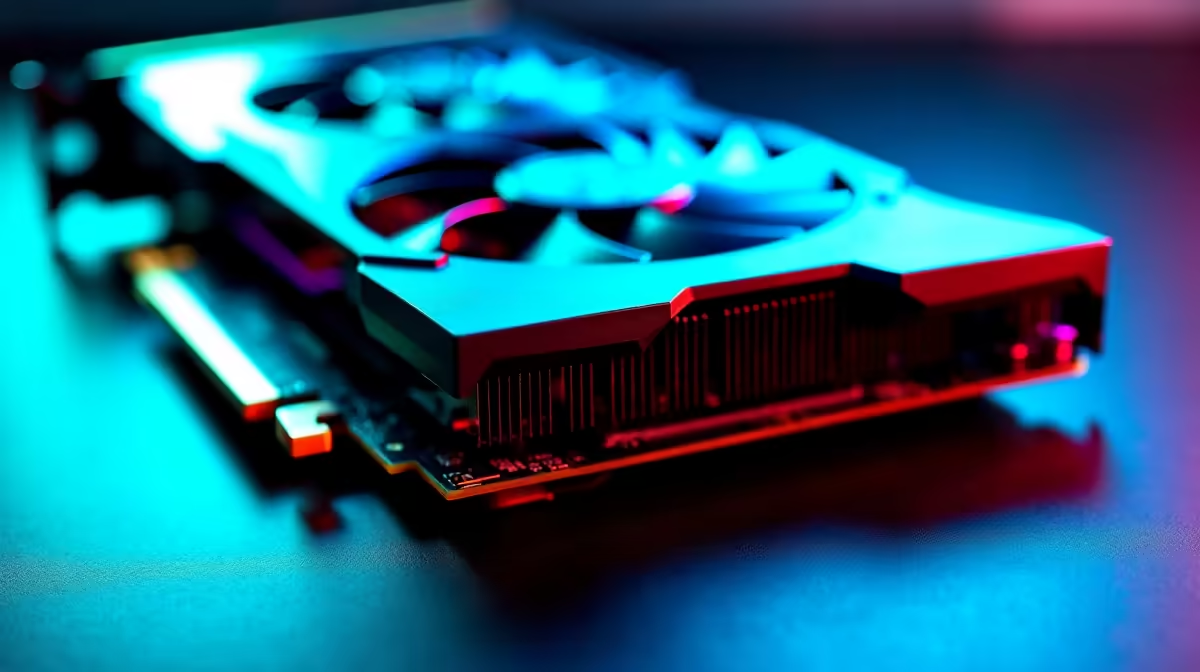
Why replacing thermal pads on your RTX 5070 matters 🔧
South African gamers know that keeping your rig cool is key to consistent performance. The RTX 5070 runs hot under heavy loads, and worn-out thermal pads can boost temps and risk damage. If your graphics card feels hotter than usual or you hear fan noise ramping up dramatically, it’s time to replace those thermal pads. This step-by-step guide walks you through replacing thermal pads on your RTX 5070, helping you extend its lifespan and maintain smooth frame rates.
Tools and materials you need ⚙️
Before you dive in, gather all the essentials:
- Thermal pads compatible with your RTX 5070
- Isopropyl alcohol for cleaning old thermal compound and pads
- A precision screwdriver set
- Tweezers for delicate component handling
Considering an upgrade or a new cooler? Check out Evetech’s CPU coolers selection here for efficient cooling solutions that pair perfectly with your GPU.
Step-by-step guide to replacing thermal pads on your RTX 5070
1. Prepare your workspace and safety first
Work on an anti-static mat or a clean table to avoid damage. Ground yourself to discharge static electricity. Power off your PC, unplug all cables, and carefully remove the RTX 5070 from the PCIe slot.
2. Remove the GPU cooler carefully
Unscrew all visible screws holding the heatsink and shroud in place. Keep track of each screw’s position – some are longer or shorter.
3. Clean off old thermal pads and paste
Use isopropyl alcohol and a lint-free cloth or cotton swab to gently clean old thermal paste and pads. Ensure no residue remains on the GPU die or memory chips.
4. Apply new thermal pads correctly
Replace the thermal pads on the memory chips and VRMs with pads matching the original thickness — usually between 0.5mm and 1.0mm thickness. Confirm exact specs on your card’s service manual or trusted forums.
Pro Tip for Thermal Pad Application
Cut pads a little larger than the chip size and trim edges after placing for full coverage without overlap on the PCB. {{/TipBox}}
5. Reassemble and test
After applying new pads and a fresh smear of thermal paste to the GPU core, carefully screw the heatsink back on. Reinstall the RTX 5070 into your PC. Power up and monitor temperatures with tools like MSI Afterburner.
For those eyeing a new graphics card with assured cooling performance, browse Evetech’s comprehensive graphics cards range.
Maintaining your GPU’s thermal health over time ⚡
Regularly dust your PC and check fan functions. Combining good airflow with timely thermal pad replacements maximises cooling efficiency. If your rig’s ageing or you want hassle-free upgrades, Evetech’s pre-built PC deals offer ready systems optimised for South African gamers.
Interested in gaming on the go? Explore notebooks tailored for South African users that balance power and portability.
Finally, if you’re thinking of a fresh build or PC refresh, Evetech’s unbeatable gaming PC deals deliver power and value in the ZA market.
Keep Your RTX 5070 Cooler for Longer Trust Evetech for top-tier cooling accessories and components to boost your rig’s life. Shop now at Evetech for performance that leaves lag in the dust.











