


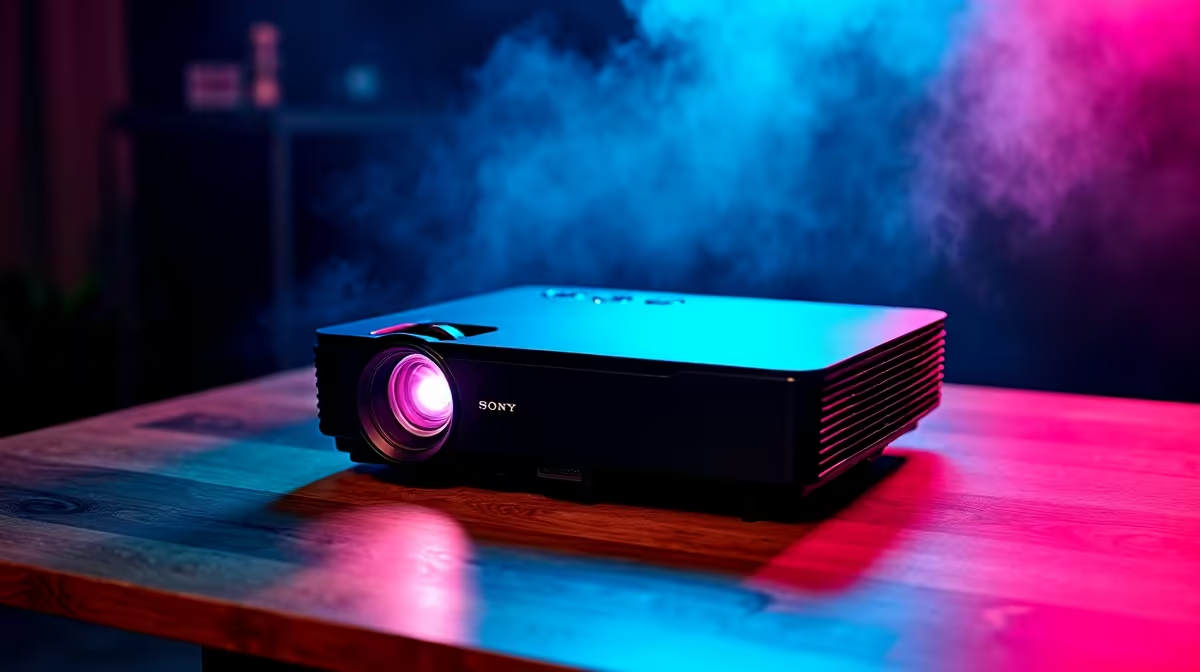
Picture this... you have the braai going outside, but inside, an epic 100-inch gaming session awaits. Projectors used to be slow and clunky. Now, setting up a WANBO projector for gaming brings the cinema straight to your living room. But if you want to dodge terrible input lag and blurry visuals, you need to optimise your setup. Let us dive into getting those frames buttery smooth.
Why Input Lag Matters for Big Screens 🎮
Input lag is the delay between pressing a button and seeing the action on screen. When playing fast-paced games, high latency can ruin your experience. WANBO projectors offer brilliant value for your ZAR... but they are not dedicated esports monitors. You need to tweak them for optimal performance.
Before adjusting the projector, ensure your PC is up to the task. A sluggish computer adds its own delay. You can easily solve this by exploring some incredible gaming PC deals to guarantee your system is never the bottleneck.
Optimising Your WANBO Settings 🔧
The first step to reducing lag is diving into the projector menu. Always look for a dedicated 'Game Mode' and turn it on. This setting disables extra image processing that slows down response times.
Next, try to avoid using digital keystone correction. While it helps square up the image, digital scaling forces the projector to process the video feed. This adds unwanted milliseconds of delay. If you are running a beefy rig from our pre-built PC specials, you want every single frame to hit the wall instantly.
Latency Pro Tip ⚡
Always use a high-speed HDMI cable directly from your PC to the projector. Bypassing audio receivers or splitters shaves off precious milliseconds of input lag. This keeps your reflexes sharp for competitive online matches.
Perfecting Your Environment and Lighting
Projectors thrive in controlled lighting environments. Close the curtains to make those vibrant colours truly pop. A darker room means you can lower the projector brightness, which helps keep the internal temperatures down.
Portability is a huge bonus with WANBO units. If you are hooking up one of the latest high-performance laptops, ensure both devices have enough breathing room. Overheating can cause thermal throttling, which leads to stuttering gameplay.
Upgrading Your Source Hardware 🎬
A smooth projector experience relies heavily on a strong source. You cannot expect crisp 1080p or 4K visuals if your hardware is struggling. Keep an eye on the latest tech specials to find accessories that complement your ultimate home theatre setup.
Pushing a massive 100-inch display at high resolutions demands serious graphical horsepower. If your frame rates are dropping, it might be time for an upgrade. Consider investing in one of the newest graphics cards to maintain high frame rates and keep input lag to an absolute minimum.
Ready to Build Your Ultimate Home Cinema? Setting up a WANBO projector for gaming is just the beginning. For maximum power and flawless performance in South Africa, you need the right hardware backing it up. Explore our massive range of gaming specials and find the perfect machine to conquer your big-screen world.











