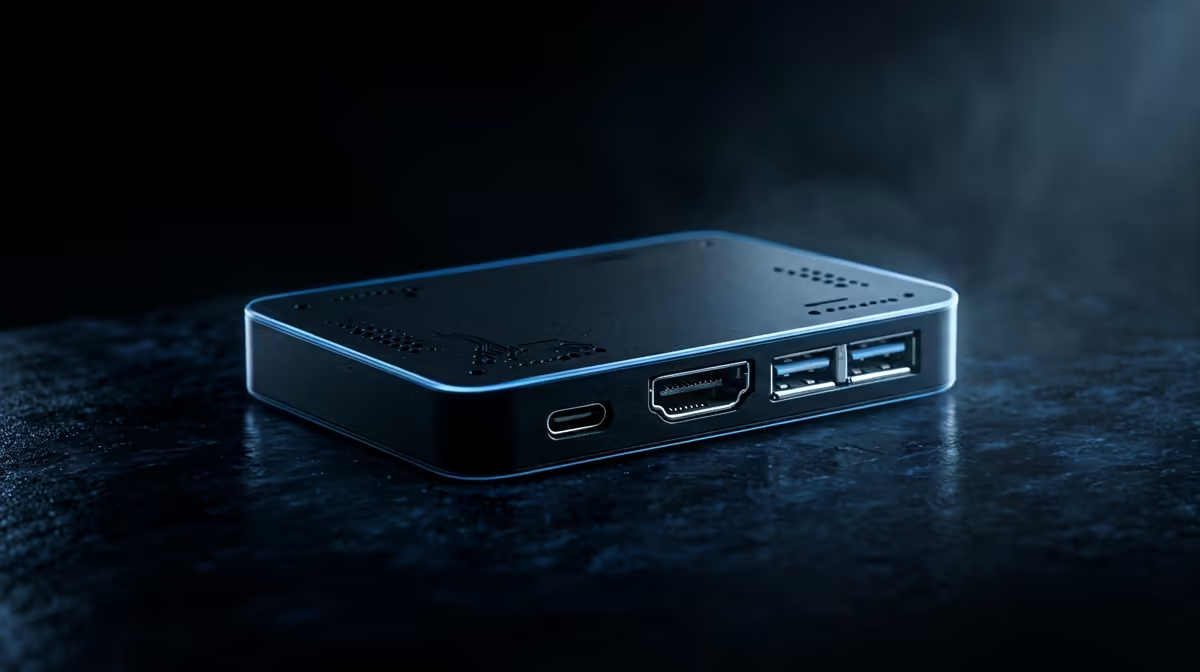
Push a Raspberry Pi 5 hard with no cooler and the BCM2712 climbs to 80 degrees C within a few minutes, then starts shaving clock speed to protect itself. An overclocked board running at 5V 5A can draw close to 10W and reach the hard ceiling even faster. Stopping a Raspberry Pi 5 from overheating is mostly about adding active airflow before the chip ever hits that limit, and the fix is cheaper and simpler than most people expect.
Quick Answer
Fit active cooling. The Pi 5 begins soft-throttling around 80 degrees C and hits its hard 85 degrees C ceiling under sustained load with no cooler. The official Active Cooler, a clip-on heatsink and fan that the firmware controls automatically, holds the SoC well below throttle even at full CPU, and it costs a fraction of the board.
Why the Pi 5 runs hotter than the Pi 4
The Pi 5 is faster, and that performance comes with more heat. Its 2.4GHz quad-core Arm cores and the BCM2712 silicon generate noticeably more thermal energy than the Pi 4 did at the same task. Under a sustained stress test at normal room temperature with nothing attached, the chip reaches 80 degrees C in a couple of minutes and the firmware starts trimming clock speed in steps.
Throttling is gradual, not a cliff. The Pi does not shut down at 85 degrees C; it drops to a minimum frequency to hold the temperature, which is why an overheating Pi feels sluggish rather than dead. The goal is to keep it out of that band entirely so it runs at full speed.
The fixes, in order of impact
The single most effective step is the official Active Cooler. It clips straight onto the two mounting holes, draws power and control from the dedicated fan header, and ramps automatically based on temperature, so it stays quiet at idle and spins up only under load. For boards in an enclosure, a case with a built-in fan does the same job.
If you are overclocking, cooling stops being optional. Raspberry Pi set the default 2.4GHz clock because it is the reliable sweet spot across all chips; pushing to 3.0GHz demands both the 5V 5A supply and active cooling to stay stable. A passive heatsink alone cannot hold an overclocked Pi 5 below the throttle point under continuous load. You can browse compact compute options in the mini PC range at Evetech if you want something with cooling already sorted out of the box.
Frequently Asked Questions
At what temperature does the Raspberry Pi 5 throttle?
Soft throttling starts at 80 degrees C, where the firmware begins reducing clock speed. The hard limit is 85 degrees C, where the CPU drops to its minimum frequency to protect the hardware. Keeping the chip below 70 degrees C under load means you never lose performance.
Is a passive heatsink enough on its own?
For light, bursty workloads, yes. For anything that holds the CPU at high utilisation for more than a few minutes, no. A passive heatsink slows the climb but cannot dissipate enough heat to stop sustained throttling, which is why a fan matters.
How do I check my Pi 5 temperature?
Run vcgencmd measure_temp in the terminal for an instant reading. Watch it during a heavy task; if it climbs toward 80 degrees C and the board feels slow, you are throttling and need better cooling.
Does the official power supply affect heat?
Indirectly. The 5V 5A supply does not cool the board, but it is what allows the Pi 5 to run at full and overclocked speeds reliably. An underpowered supply causes its own instability separate from thermal throttling.