



650W PSU Planning for RTX 5090 Builds in SA
650W for RTX 5090 needs a full-build check, not a simple yes. Review GPU guidance, CPU draw, transient load, connectors, PSU quality, and upgrade plans before deciding.
Read moreStress Test Your CPU: Tools and Safe Temperature. Step-by-step instructions with SA-specific tips, common pitfalls to avoid & expert recommendations.
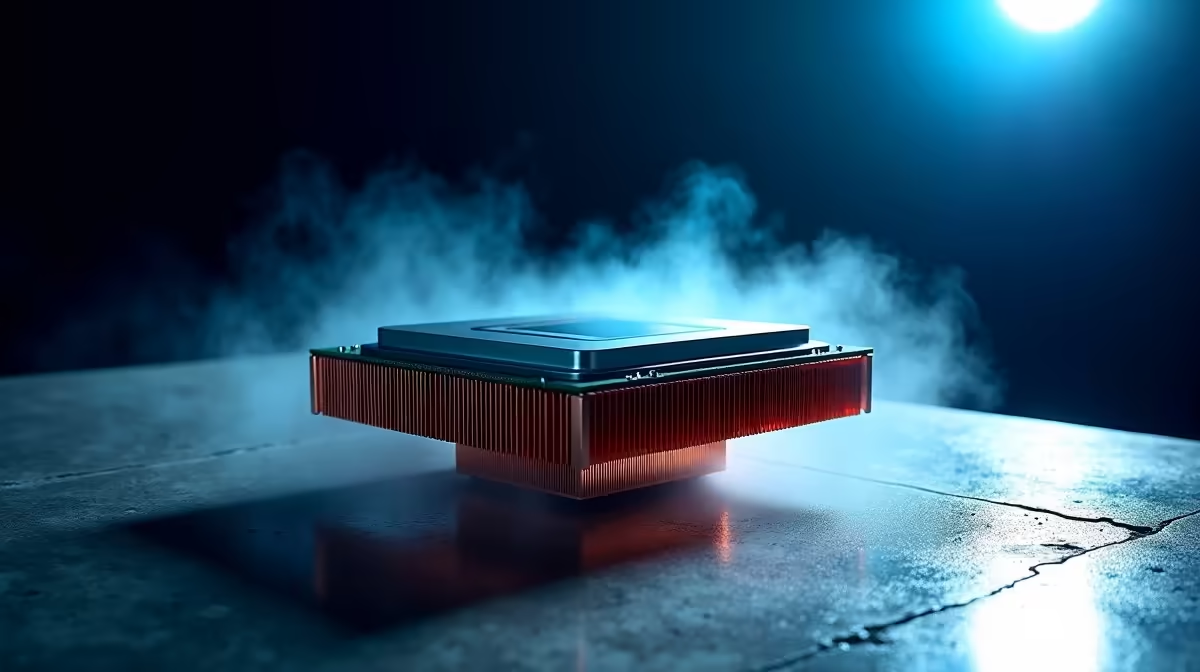
South African summers are unforgiving on your hardware. When the ambient temperature spikes, your gaming rig works overtime just to stay cool. You might have just built a brand new rig. Or maybe you bought a second-hand beast. Either way, you need to know how to stress test your CPU. It is the only way to ensure your system will not crash during an intense ranked match. ⚡
Stress testing forces your processor to run at maximum capacity. This reveals cooling flaws and system instability before they ruin your day. If you recently decided to upgrade your processor, running a benchmark confirms you installed the cooler correctly. It also ensures your power supply can handle the sudden power draw. Nobody wants a blue screen when they are one shot away from a victory.
You need reliable software to push your silicon to the absolute limit. Cinebench is fantastic for a quick burst test to check raw rendering performance. For absolute stability testing, Prime95 remains the trusted industry standard. These tools are completely free to download. They work perfectly whether you have a massive desktop tower or use modern laptops available in South Africa.
Always run a dedicated monitoring tool like HWiNFO64 or Ryzen Master alongside your stress test. Do not rely on Windows Task Manager for accurate thermal readings. You need to watch the core package temperatures to see exactly how hot your silicon gets under maximum load.
So... how hot is too hot? For most modern chips, idle temperatures should sit comfortably between 35°C and 45°C. When you run a stress test, temperatures will spike rapidly. This is completely normal behaviour. Anything under 80°C under full load is excellent.
If your chip hits 85°C to 90°C during a synthetic benchmark, it is still safe. However, if you hit 95°C or higher, your CPU will start thermal throttling to protect itself. This drops your clock speeds and ruins your gaming performance. If you are shopping for elite gaming PCs, always verify the cooling solution matches the processor. Even the absolute best pre-built PCs need proper room airflow to keep workloads stable.
If your stress test reveals dangerous temperatures, do not panic just yet. Start by checking your thermal paste application. It dries out over time and usually needs replacing every few years. Next, look closely at your case airflow. Sometimes adding just two high-quality intake fans makes a massive difference.
Ensure your PC is not shoved into a suffocating desk cabinet. If you are still thermal throttling, it might be time to upgrade your cooler entirely. Keep a close eye out for daily specials to grab a premium cooler. Saving a few Rands on cooling is never worth frying your expensive hardware. 🚀
Ready to Upgrade Your Setup? If your current rig cannot handle the heat, it might be time for an upgrade. Evetech offers the best deals on custom cooling, powerful processors, and fully built systems in South Africa. Explore our massive range of specials and build a machine that stays frosty under pressure.
How to Stress Test Your CPU: Tools and S available at Evetech.co.za with local warranty and fast delivery.
How to Stress Test Your CPU: Tools and S - check Evetech for latest stock and SA pricing.
Depends on your use case. How to Stress Test Your CPU: T offers good value at current Rand pricing.
650W for RTX 5090 needs a full-build check, not a simple yes. Review GPU guidance, CPU draw, transient load, connectors, PSU quality, and upgrade plans before deciding.
Read more
How to fix FPS drops Windows 11 RX 9070 XT starts with GPU drivers, overlays, power plans, and frame pacing checks. For SA gaming PCs, verify chipset updates, HAGS, refresh rate, thermals, and per-game graphics settings.
Read more
How to fix FPS drops on X870E motherboard starts with BIOS, chipset drivers, PCIe settings, and memory stability. SA gamers can check EXPO, resize BAR, thermals, display refresh, and background apps before replacing components.
Read more
RTX 5060 is popular with SA students because it can fit gaming, coursework, and creative app needs in one setup. Compare total system price, cooling, RAM, storage, and screen quality before picking a desktop or laptop.
Read more
1440p is the sweet spot for SA gamers because it balances sharp visuals, high frame rates, and GPU cost better than 4K. It is a practical monitor target for players who want smoother upgrades without the heavier hardware demands of 4K.
Read more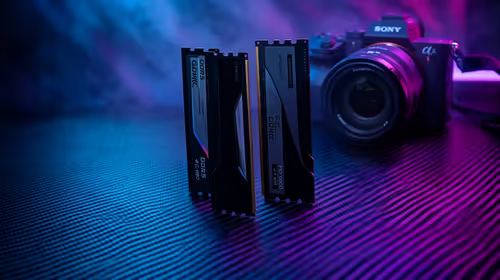
RAM pricing for Midrand gamers can shift with exchange rates, supply, specs, and model tier. Treat the title as a buying prompt, then compare SA warranty, timing, and build priorities.
Read more
Windows 11 update KB5121003 is linked to crashes in several multiplayer games on versions 24H2 and 25H2. Check the build, report the fault and avoid risky file or update changes unless the problem is confirmed on your PC.

Sennheiser's Momentum True Wireless 5 adds user-replaceable batteries, 12-hour playback and a $299.95 launch price. There is no confirmed South African date, so compare longevity with live earbuds from R199 to R2,999.

AVerMedia's GC531 and GC535 are professional HDMI capture devices for continuous streaming, with RGB24 capture up to 2K30 and 4K30. South African creators should compare them with live 4K capture cards from R2,099.

From 1 October 2026, WhatsApp Business Platform service replies in South Africa are expected to cost about $0.0076, or 12 cents, per delivered message.
Windows 11 update KB5121003 is linked to crashes in several multiplayer games on versions 24H2 and 25H2. Check the build, report the fault and avoid risky file or update changes unless the problem is confirmed on your PC.

Comsol's standalone 5G network covers about one million Gauteng homes and starts commercial ISP service in September. Early packages range from R275 to R875 a month, but coverage and fair-use rules still decide the real value.
Sennheiser's Momentum True Wireless 5 adds user-replaceable batteries, 12-hour playback and a $299.95 launch price. There is no confirmed South African date, so compare longevity with live earbuds from R199 to R2,999.
AVerMedia's GC531 and GC535 are professional HDMI capture devices for continuous streaming, with RGB24 capture up to 2K30 and 4K30. South African creators should compare them with live 4K capture cards from R2,099.
Windows 11 update KB5121003 is linked to crashes in several multiplayer games on versions 24H2 and 25H2. Check the build, report the fault and avoid risky file or update changes unless the problem is confirmed on your PC.
Comsol's standalone 5G network covers about one million Gauteng homes and starts commercial ISP service in September. Early packages range from R275 to R875 a month, but coverage and fair-use rules still decide the real value.
Sennheiser's Momentum True Wireless 5 adds user-replaceable batteries, 12-hour playback and a $299.95 launch price. There is no confirmed South African date, so compare longevity with live earbuds from R199 to R2,999.
AVerMedia's GC531 and GC535 are professional HDMI capture devices for continuous streaming, with RGB24 capture up to 2K30 and 4K30. South African creators should compare them with live 4K capture cards from R2,099.