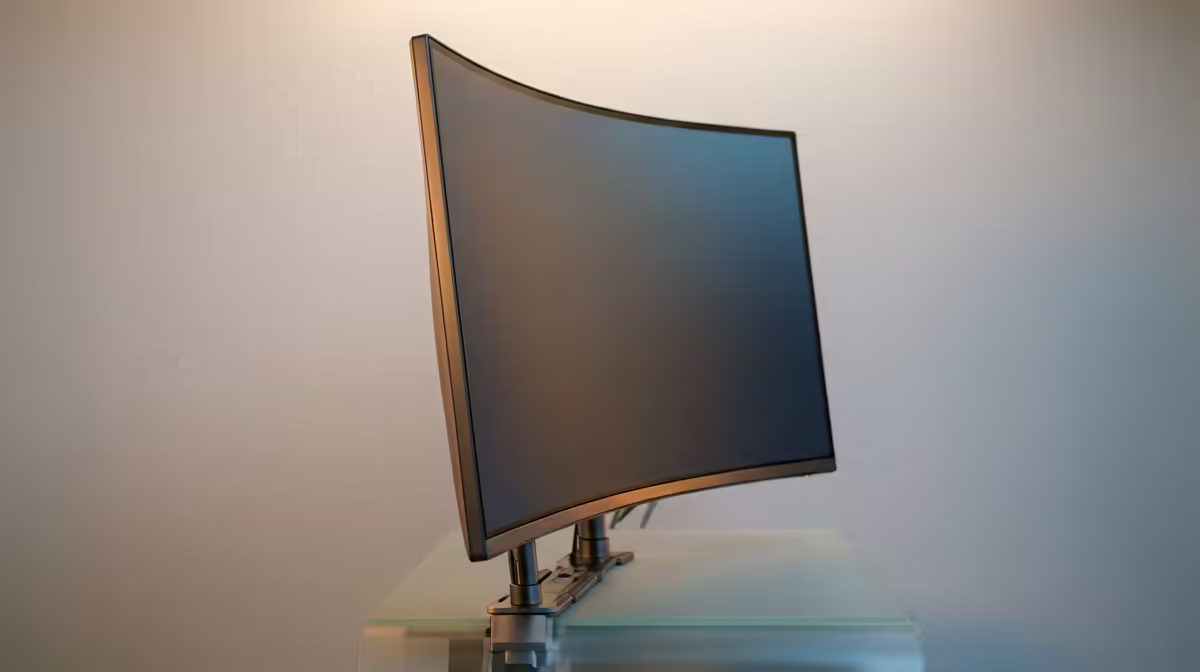
A monitor that is too heavy for its arm does not always announce itself at the till. The mount looks fine on paper, you bolt the panel on, and a week later the screen has drifted downward or the arm sags every time you nudge it. The number that decides this is the net weight of the panel alone, and almost nobody checks it against the arm's rating before buying.
Quick Answer
A monitor is too heavy for its arm when the panel's net weight, measured without its original stand, exceeds the arm's maximum rated capacity. Add the weight of any VESA adapter, then leave a 20 to 25 percent safety margin. If your panel sits inside that buffer, the arm will hold it steadily.
Use net panel weight, not the box figure
Monitor arm ratings refer to the net weight of the display panel on its own. They do not mean the boxed shipping weight, and they do not include the original desk stand. Find the net weight on the manufacturer spec sheet, usually listed as "weight without stand", and that is the figure you compare against the arm. A 27-inch IPS panel often runs 4 to 6kg net, while a Mini-LED version of the same size can add several kilograms because of its dense backlight array, and a large ultrawide can pass 10kg. Guessing from the boxed weight will mislead you every time.
Read the arm's rating the right way
Arm capacity is a maximum, not a target. Professional installers leave a 20 to 25 percent gap between the panel's net weight and the arm's top rating, because the gas spring or tension joint takes dynamic load every time you tilt or raise the screen, and that margin protects against slow sag and drift over months of use. So a 9kg arm is a comfortable home for a 6 to 7kg panel, not a 9kg one. Pairing the right arm with a proper desk matters too, and the gaming and standing desks at Evetech complement a well-mounted display for a workspace that holds its position all day.
Do not forget the adapter weight
If your monitor lacks native VESA holes and needs an adapter plate, remember two things. The adapter does not raise the arm's capacity, and it adds its own weight to the load. Subtract the adapter mass from the arm's rating before you compare, otherwise you quietly eat into the safety margin you thought you had. Check the VESA pattern as well, commonly 75x75mm or 100x100mm, so the plate actually fits. A stable workspace built around the right mount and the right desk accessories, like the options in the desk accessories best sellers, is what keeps long sessions comfortable.
Frequently Asked Questions
How do I find my monitor's net weight?
Look on the manufacturer spec sheet for "weight without stand" or net panel weight. That is the figure the arm rating is measured against. Ignore the boxed shipping weight, which includes packaging and the original stand.
Does a VESA adapter increase the arm's capacity?
No. An adapter never raises the maximum rating, and its own weight reduces the arm's usable capacity. Always subtract the adapter weight before comparing your panel against the arm's limit.
How much safety margin should I leave?
Aim for 20 to 25 percent between the net panel weight and the arm's maximum. That buffer absorbs the dynamic load of tilting and raising the screen and prevents slow sag as the gas spring wears.
What happens if the monitor is too heavy?
The arm sags, drifts downward, or will not hold its set position. Over time the gas spring or joints wear faster under constant overload, and the mount can eventually fail to support the panel at all.
Will a heavier-rated arm always work?
A higher rating gives more margin, but still confirm the VESA pattern fits and that any adapter weight is accounted for. A strong rating is no help if the mounting holes do not line up with your panel.