Quick Answer
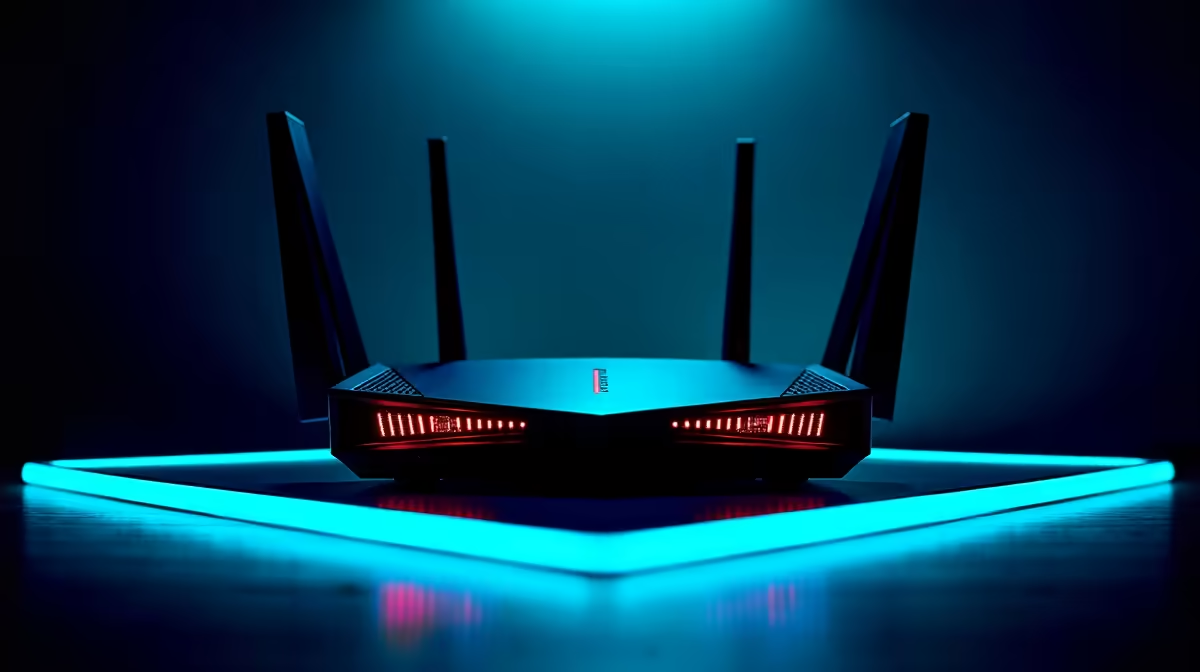
IPv6 is rarely the actual cause of gaming lag, but it can route traffic through tunnels or interfere with NAT type detection on some ISPs. Disabling it in Windows or your router often clears phantom latency spikes for SA gamers on certain fibre lines.
Why IPv6 Sometimes Causes Gaming Headaches
Many SA fibre ISPs run dual-stack networks where IPv6 is enabled but routes to game servers go through IPv4. When Windows prefers IPv6, it can fail-over slowly when a v6 path drops, leading to packet loss and lag spikes that look random. Some game services also misreport NAT type as Strict when v6 is active, blocking lobby joins or voice chat in titles like Call of Duty and Fortnite.
Disabling IPv6 in Windows Step by Step
Open Settings, then Network and Internet, then your active connection's Properties. Scroll to IP assignment and change DNS settings if needed, but for IPv6 specifically: open Control Panel, Network and Sharing Centre, click your adapter, hit Properties, and untick Internet Protocol Version 6. Click OK, then restart the connection or reboot. For a deeper fix on Windows 11, run netsh interface ipv6 set state disable in an admin PowerShell.
Disabling on Your Router (and When Not To)
Log into your router at 192.168.0.1 or 192.168.8.1, find IPv6 settings, and switch to disabled or IPv4-only. Save and reboot the router. Be aware: some SA ISPs like RSAWEB and Vumatel use IPv6 for certain services, and disabling it on the router can break IPTV or smart-home integrations. Try the Windows-only fix first and only escalate to router-level if lag persists.
Frequently Asked Questions
Will disabling IPv6 break my internet?
No, IPv4 still works for nearly every site and game in 2026. You may notice a slight DNS lookup delay on dual-stack networks while Windows learns to skip v6, but daily browsing, gaming, and streaming carry on normally.
What Improves Connection Reliability?
Settings persist on most routers. If your router resets to factory defaults after a power cut, that is a sign the backup battery on the config flash is failing, not an unexpected outage. A short-runtime UPS on your router solves both issues.
Are there any games where I should keep IPv6 enabled?
A handful of newer titles and Xbox Live services prefer IPv6 for matchmaking. Test by re-enabling it for those specific games. Most SA gamers see better consistency on IPv4-only across the board, especially on capped or shaped fibre packages.
Ready to Find Your Perfect Match?
Pair your tuned network with a gaming rig that keeps up. Browse gaming PC deals