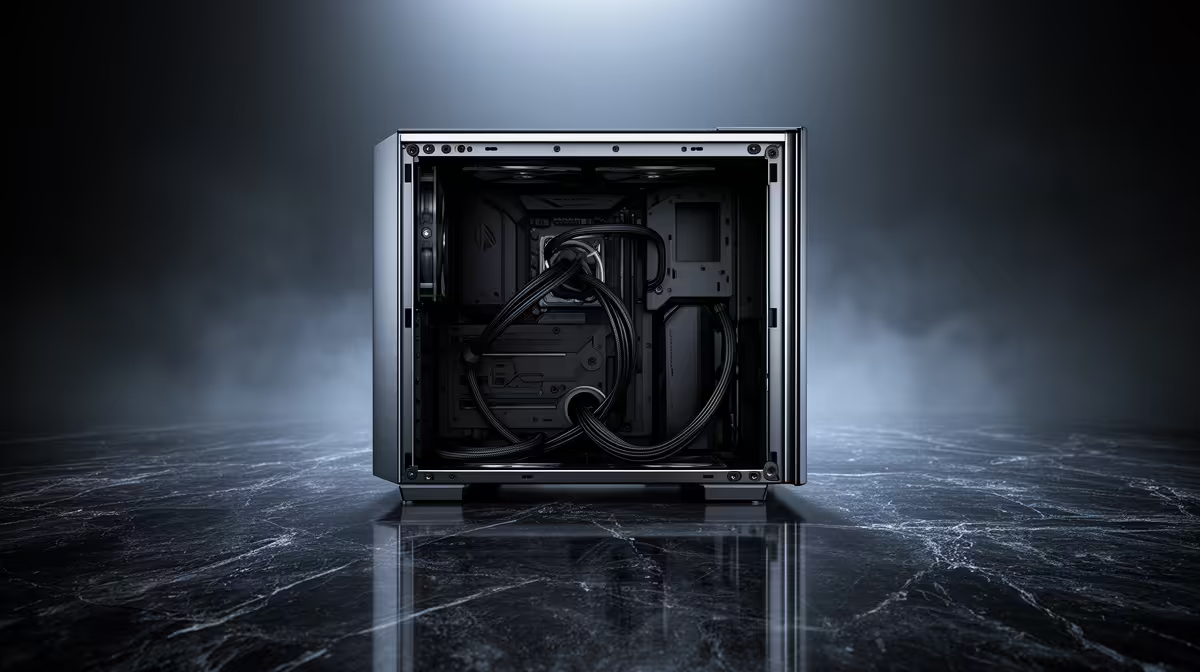
Cable clutter is the difference between a build that looks intentional and one that looks like a drawer of chargers exploded behind the motherboard tray, and the depth of that hidden space is what decides which result you get. Twenty-four millimetres does not sound like much on paper, but it is the working figure that matters for routing thick PSU cables without bowing the side panel. This atx mid-tower case lists exactly that much room behind the tray for keeping wiring out of sight.
Quick Answer
Yes, 24mm of cable management space is enough for a clean build in most standard setups, particularly with a modular power supply that lets you leave unused cables out entirely. At R1,499, this case pairs that routing depth with a sliding glass panel, so tidy work behind the tray stays visible from the front once the build is closed up.
🧵 What 24mm actually allows
That depth is enough to bundle a handful of cables flat against the tray using ties or a basic cable comb, though it is tighter than deeper cases built specifically around thick cable channels. A modular PSU makes the biggest practical difference here, since it removes several cables from the equation before routing even starts.
🪛 Getting a tidy result in practice
Working in stages helps more than trying to route everything at once: mount the motherboard and PSU first, run the largest cables, the 24-pin and CPU power leads, along the main channel, then fit fans and front panel headers last so their thinner cables can tuck into whatever gaps remain. Velcro straps are worth using over permanent zip ties in this depth, since they allow small adjustments later without cutting anything loose and starting the routing over.
🔋 Choosing the right PSU for this depth
A fully modular unit is worth the small premium here, since every cable left unused is one less thing competing for the 24mm behind the tray, and it keeps the front glass panel showing a clean build rather than a stuffed one. Builders comparing chassis options before committing can view this case's listing for the exact routing dimensions, look across the EINAREX case lineup for deeper alternatives, and check our fan range if additional case fans are needed to finish the build.
Frequently Asked Questions
Does 24mm of cable space limit which PSU I can use?
Not directly, though a fully modular PSU makes routing noticeably easier in this depth since there are fewer unused cables to hide.
Will thick cables bow the side panel?
Bundling cables flat and using ties close to the tray reduces this risk considerably, and a sliding glass panel makes it easy to check and adjust before final assembly.
Is more cable space always better?
Not necessarily for this size of build; 24mm is a practical middle ground for a mid-tower case rather than a compromise, provided cables are routed with some care.
Can I still see cables through the glass panel?
Some cable runs near the tray edge may be faintly visible, though careful routing and ties keep this to a minimum for most builds.
Should I route cables before or after installing the graphics card?
Routing the main power and motherboard cables before fitting a long graphics card is usually easier, since the card can get in the way of reaching the lower part of the tray once it is installed.
Ready to judge if 24mm is enough room?
Line up EINAREX's mid-tower Pulse P100 at Evetech, right now priced steady at R1,499. See how far 24mm of cable space actually goes on a real build.