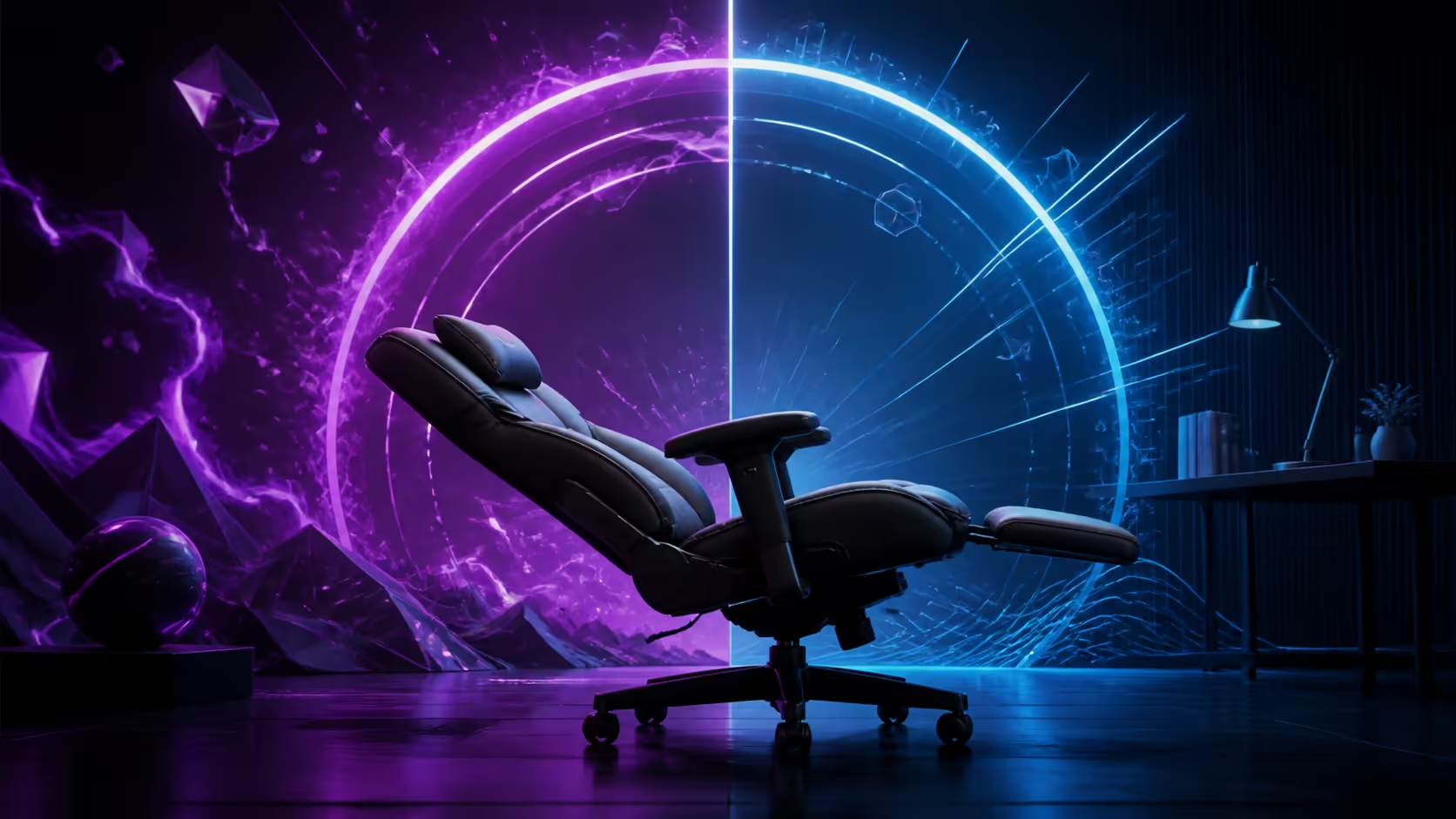
A 165-degree recline is worthwhile when it creates useful, controlled break positions without weakening ordinary desk fit. It adds less value when the chair stays upright all day or a separate relaxation seat already serves that role.
Quick Answer
For gaming and home work, deep recline can help with short video, reading or recovery breaks. Keep focused keyboard and mouse tasks closer to upright, maintain lumbar contact and move clear of the desk before lowering the backrest. Judge the chair first on seat, armrest and backrest fit; treat the maximum angle as an extra rather than the core ergonomic feature.
Begin with work posture
Set feet, chair height and lumbar support before testing recline. Bring the chair close enough that the elbows stay near the body. If upright posture already fails, a deep angle will not correct it.
Browse the gaming chair collection to compare recline with the rest of each adjustment package.
Match angle to task
Typing, aiming and spreadsheet work usually need stable forearms and a screen placed for an upright gaze. A modest recline can suit reading or calls. The deepest setting belongs to a short rest with the inputs set aside.
The R5,299 Pink Vernazza Supersoft from Arozzi is a standard chair whose backrest can reach 165 degrees. It is not an XL model.
Check clearance and stability
Move away from the desk, wall and cables before reclining. Confirm every caster rolls freely and the aluminium wheelbase sits on a level surface. Lower the backrest gradually while keeping body weight centred.
Do not lean sideways to reach an object in deep recline. Return upright and move the chair instead.
Coordinate the 4D armrests
Forearm position changes as the torso moves back. Adjust height and depth for a reading or controller break, then restore the saved desk profile. Pads should support gently without pushing the shoulders towards the ears.
Use rocking as a smaller movement
The Pink Vernazza rocks up to 12 degrees. That motion may redistribute pressure without moving into a deep backrest position. Lock or increase resistance when movement interferes with precise mouse control.
Compare premium mechanisms in gaming chairs above R4,000.
Decide from weekly use
Count how often a video, controller session or work break would use recline. If the function serves several days each week, it earns part of the budget. If it is a rare demonstration, prioritise lumbar fit and armrest range.
Use the Arozzi gaming setup category for styling context while keeping body fit first.
Keep movement in the routine
Recline changes sitting pressure but does not replace standing or walking. Schedule brief movement, then return by placing the feet, pelvis and lumbar support before resuming focused work.
Compare recline with a separate chair
When the room already contains a comfortable reading or relaxation chair, deep gaming-chair recline can duplicate a solved need. Measure how often the user would stay at the PC for a break instead of moving elsewhere. Leaving the desk can provide a stronger activity change than remaining in the same seat.
In a small room, one reclining chair may replace that extra furniture. Check the rear clearance at 165 degrees and ensure the base does not enter a walkway.
Assess screen and audio placement
The monitor should remain within comfortable gaze when the torso moves back. Raising the chin towards a high screen or bending towards a low laptop defeats the rest position. Use a stand or adjustable monitor placement where suitable.
Headset cables must stay clear of the wheels and backrest. Wireless equipment removes a cable but still needs a safe charging location away from the caster path.
Test return-to-work friction
After a five-minute recline, restore the backrest, rocking lock, lumbar contact and armrest profile. Time how easily the chair returns to the keyboard position. A break feature that requires repeated awkward rebuilding may be used less than expected.
Save the settings by counting clicks or taking a reference photo. Confirm that the chair can approach the desk without pad collision.
Include other household users
A shared chair needs recline resistance and armrests reset for each person. A setting controlled for one body can move too quickly or slowly for another. Teach every user where locks and levers are before deep recline.
Keep children and pets away from the moving backrest and base. Return the chair upright when unattended.
Frequently Asked Questions
Is 165 degrees suitable for working?
It is better for a short break; focused input generally needs a more upright posture.
Can recline reduce pressure?
It can redistribute pressure temporarily, especially when combined with regular movement outside the chair.
Does a deep recline require more floor space?
Yes. The backrest and base need clear space away from walls, desks and cables.
Is the Pink Vernazza XL?
No. It is the standard-size Pink Vernazza Supersoft.
Want 165 degrees to earn its place beyond a showroom demonstration?
Map real break tasks, test stable movement and value recline only after the upright fit works.