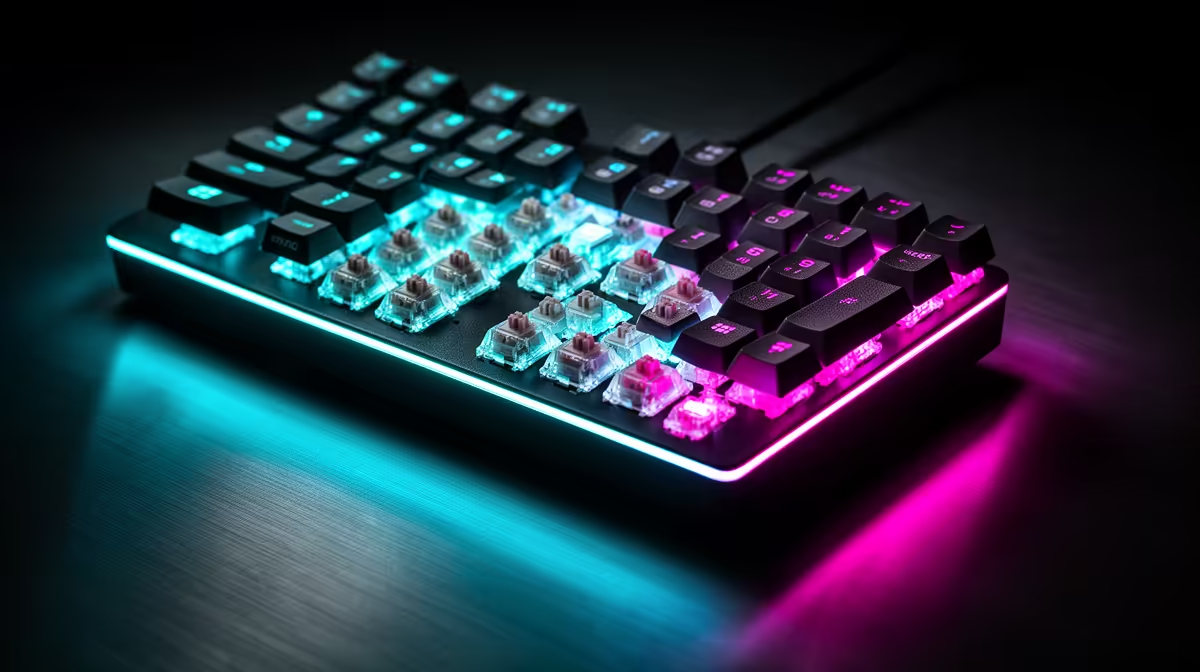
A solid hot-swap board can feel new again when the contact points under your fingers change. A keycap and switch upgrade makes sense when the case, plate, sockets and electronics still deserve to stay.
Quick Answer
New switches and keycaps are worth fitting when your keyboard case, plate, circuit board and stabilisers are sound, and the board supports the parts you want. They can change weight, texture, travel and sound without replacing a chassis you like. Buy a new keyboard when the old one has failing electronics, a layout you have outgrown or soldered switches you cannot service with the tools and skill you have.
Separate the problem into feel and function
Keycaps change the surface your fingers touch, the profile of each row and part of the sound. Switches change actuation force, travel character and return. Neither fixes a loose USB socket, broken circuit trace or warped case.
Write the complaint in one sentence. If the legends are worn and the keys feel fine, start with caps. If keys chatter or the weight causes fatigue, inspect the switches and sockets. If the board disconnects, repair or replacement comes before cosmetics.
Hot-swap needs an exact compatibility check
A hot-swap socket lets you remove a supported switch without soldering. It does not accept every switch format. Check the board manual for mechanical or optical support, pin count, switch orientation and interference around LEDs.
Use a switch puller and support the socket from below when the case allows it. Straighten bent pins before insertion. Test each key in software before closing the case, because a pin folded under the switch can look seated while the contact is open.
Soldered boards need desoldering tools and heat control. A first-time mod on the keyboard you need for work is a poor place to learn.
Keycap kits hide layout traps
Match stem type, key sizes and layout. The bottom row, right Shift, Enter and spacebar deserve close attention. South-facing and north-facing switch orientation can affect interference with some cap profiles.
Material names do not guarantee texture or sound. Wall thickness, mould quality and legends vary. Buy the profile your fingers enjoy, then choose colour.
Price the whole mod
Count enough switches for the layout plus a few spares. Add keycaps, pullers, lubricant or stabiliser parts only when the plan needs them. If that total approaches a complete board with the layout and features you want, compare both routes.
A mod makes sense when you are preserving a good foundation. It is less compelling when you are replacing the switches, caps, stabilisers and cable while wishing the case were different too.
Browse compatible boards and parts in the gaming keyboard deals, then use the keyboard best-seller page to price a complete replacement with similar switches and size.
FAQ
Do I need hot-swap sockets to change switches?
They make the job accessible without soldering. A soldered keyboard needs desoldering and soldering work.
Can keycaps change keyboard feel?
Yes. Profile, texture and thickness change the touch and sound, though the switch controls much of the key movement.
When should I replace the whole board?
Replace it when electronics fail, the layout no longer works or the full mod cost reaches a better complete keyboard.
Diagnose whether caps, switches or the keyboard foundation causes the problem, then price the complete mod against one replacement board.