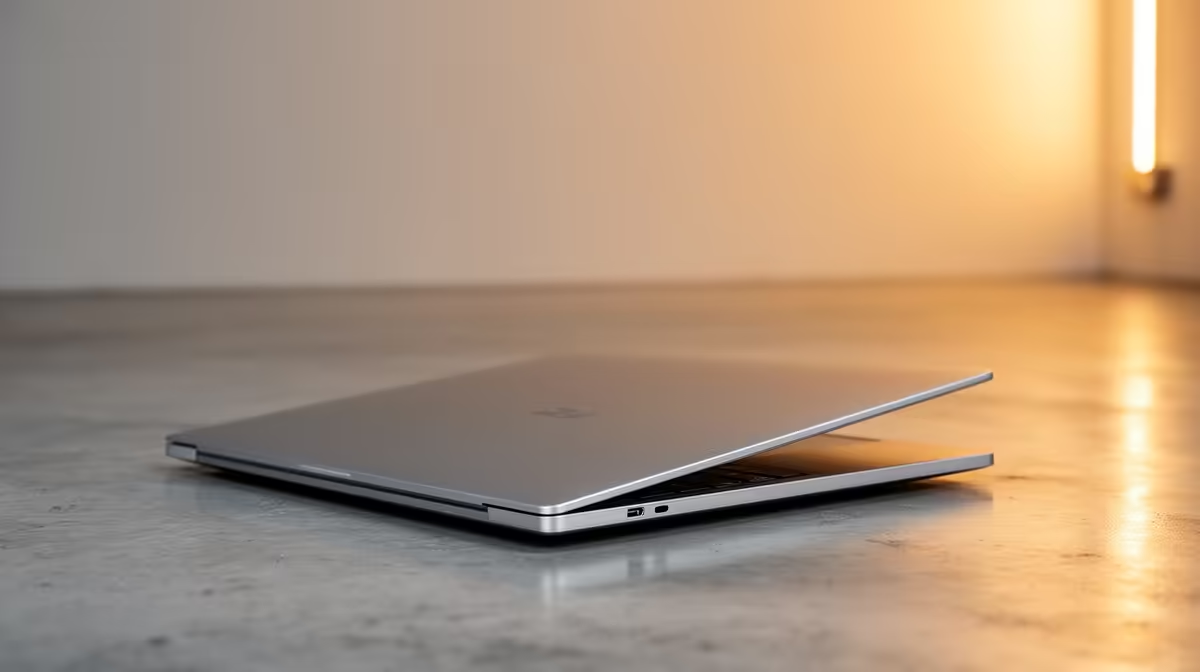
A 512GB laptop is worth buying in 2026 when study, office work or a small game library fits the space and the price leaves room for a future drive. It feels tight for several large games, local video projects or years of media. Usable capacity is lower than the number on the box.
Quick Answer
Choose 512GB if you keep files organised, use cloud or external storage appropriately and can upgrade the internal SSD. Choose 1TB when the laptop is for gaming, creation or offline travel and the total July 2026 price difference is sensible.
Compare storage configurations among current laptop best sellers and gaming laptop deals. Use named models because a category minimum cannot tell you the storage, screen or memory included.
Start With the Real Free Space
The operating system, recovery files, updates and installed applications use part of the drive before your data arrives. Keep free working room for updates, temporary files and SSD maintenance. Filling the disk to its last few gigabytes makes everyday management painful.
Check your present laptop's used space. Add the games or project files planned for the new machine and leave a buffer. This gives you a personal answer faster than an average game-size claim.
Games Can Fill It Fast
A few large games can each occupy tens or more than one hundred gigabytes once updates and optional texture packs are installed. Launchers, captures and mods add more.
You can uninstall finished titles and keep save data synchronised, but slow or capped internet makes repeated downloads costly in time and data. A 1TB drive is valuable when you rotate several games.
Check Upgrade Access
Read the exact service manual. Some laptops have a free M.2 slot; others require replacing the only drive and cloning or reinstalling the system. Drive length, interface and supported capacity must match.
External SSDs suit media, backups and some game libraries. They occupy a port and are easier to lose or disconnect. Keep a separate backup because an external drive is still one device.
Compare Complete Systems
A 1TB configuration may also include more RAM or a different screen, so record both full model codes and prices as of July 2026. If the 512GB model has an open slot, price a named compatible SSD plus any installation route.
For study and office work, 512GB can last well with disciplined file storage. For gaming and creation, buying capacity upfront reduces weekly housekeeping.
Keep irreplaceable coursework and photos in a separate backup. Extra capacity gives room, while it does not protect against drive failure, loss or theft.
FAQ
How much of a 512GB SSD is usable?
Formatted capacity is lower, and Windows, recovery data and apps consume part of what remains.
Can every laptop SSD be upgraded?
No. Slot count, form factor, interface and service access vary by exact model.
Does an external SSD solve the problem?
It adds useful capacity, but takes a port and still needs backup and careful handling.
Measure your current used space, add the games and projects you plan to keep, then choose 512GB only with a workable upgrade or archive plan.