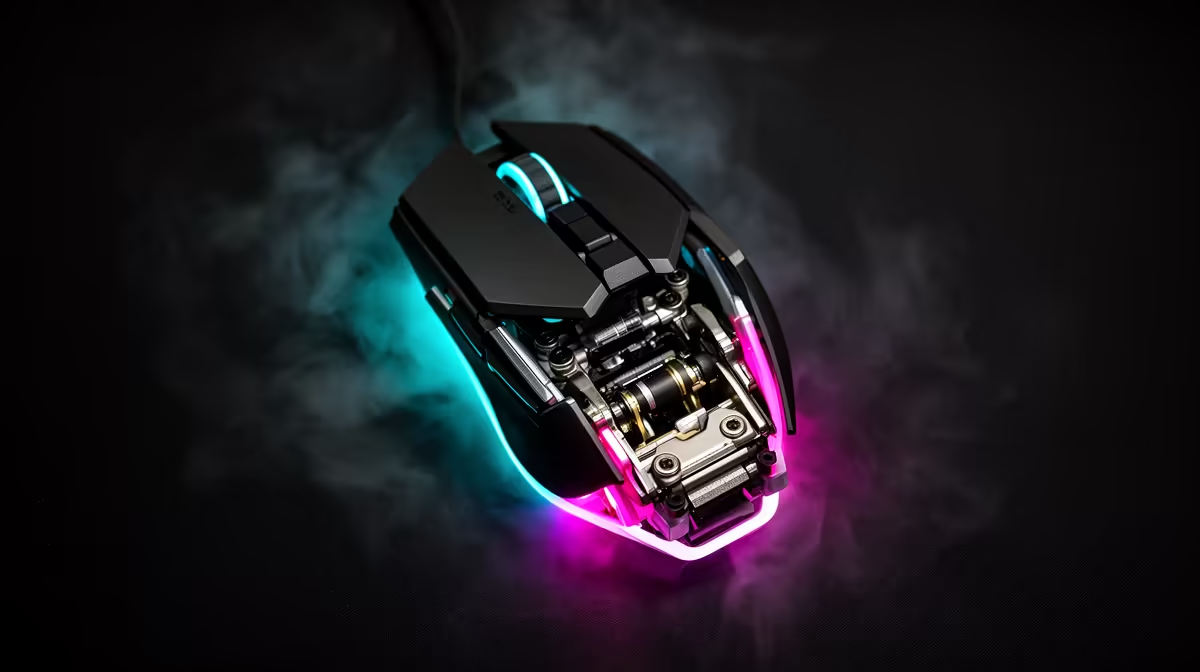
Lifting a mouse to reset your hand should not drag the crosshair across the screen. Lift-off distance controls when tracking stops above the pad, and the best setting is the lowest one that remains dependable on your surface.
Quick Answer
Lift-off distance is the height where a mouse sensor stops reporting movement as you raise it from the pad. A low LOD can reduce cursor drift while low-sensitivity players lift and reset the mouse. The lowest setting is not always best. If tracking cuts out during a normal tilt or the sensor struggles on your pad, raise it one step. Adjustment support, surface calibration and actual height vary by model. Test repeated lift-and-place movements rather than trusting a millimetre label.
Why repositioning exposes LOD
Low-sensitivity aim can use the whole pad. You lift the mouse, move it back and place it down for another swipe.
If the sensor keeps tracking high above the surface, that reset can move the view. A lower cutoff reduces the unwanted report.
High-sensitivity players lift less, so LOD can matter less. Shape, weight and grip still affect the tilt.
Pad and skates change the height
Thick skates raise the sensor from the surface. A soft pad can compress under hand pressure. Surface colour and texture can affect the optical image.
Run the test after changing skates or pads. Use the manufacturer's surface calibration only when the model supports it.
Find the stable setting
Start at default, draw a line, lift and reset ten times. Watch for view movement and early cut-outs.
Lower one step and repeat fast tracking. Keep the lowest value that never drops a normal on-pad movement.
Test tilt, not only a flat lift
Many players raise one side of the mouse before the other. Rock the shell through your normal reset angle and watch when tracking stops.
A very low setting can cut out while one skate still touches a soft pad. A high setting can keep moving the view after the mouse is in the air. Choose the point that suits your real lift.
Repeat with the cable pulling gently from its normal direction or the wireless receiver in place. A stiff cable can change the tilt and make the setting look inconsistent.
Recheck after skate wear
New skates can be thicker than worn ones. The sensor-to-pad height changes as they settle, and the glide can alter how you lift.
Record the skate model and LOD level. Recalibrate only through the manufacturer when you replace feet or switch to another surface.
If the sensor skips while fully planted, LOD is not the first suspect. Check the pad, lens, firmware and report stability.
Check popular peripheral options for current input choices. Use the gaming accessories range to match pad and mouse needs.
FAQ
Can every mouse adjust LOD?
No. Some offer levels or calibration, while others use a fixed sensor and firmware setting.
Can LOD be too low?
Yes. The sensor can stop during a tilt or on an unsupported surface. Raise it until normal tracking is clean.
Does pad thickness matter?
Skates, compression, texture and sensor distance can change the practical result. Retest after a surface change.
Lift and reset ten times at default, lower one supported step and keep the first setting that stops drift without cutting a real swipe.