


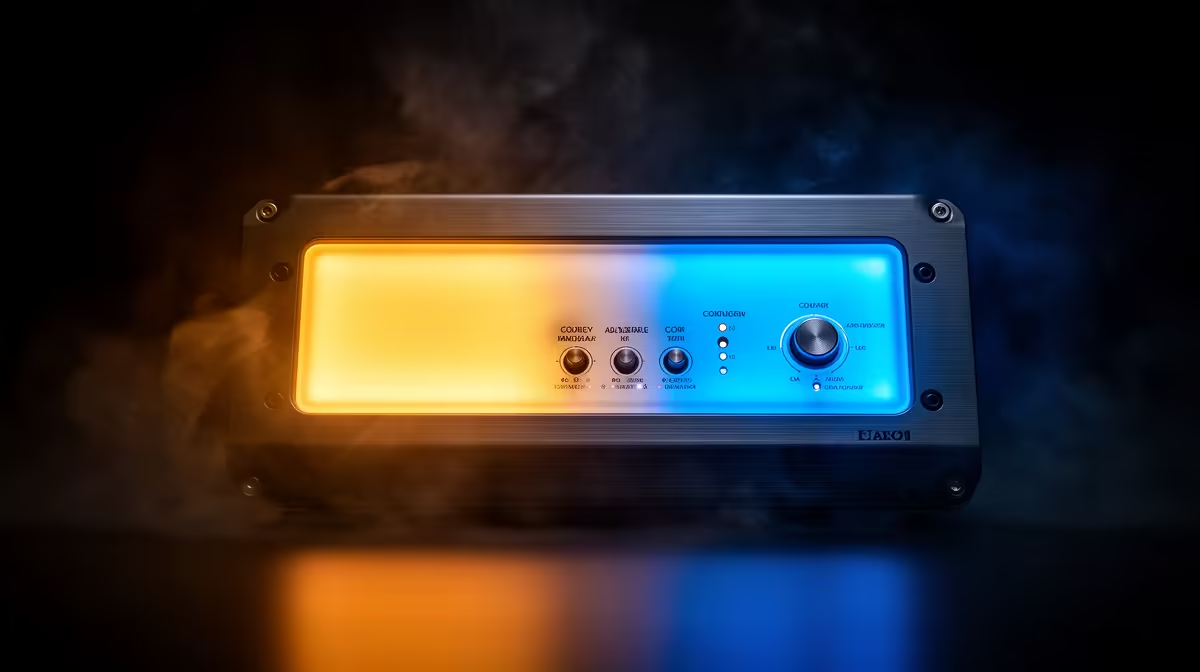
Your camera does not see colour the way your eyes do. It measures light and interprets white, and if the light sources in your frame disagree on what white looks like, the sensor cannot win. Matching a bi-colour streaming light to ambient room lighting is how you give the camera one consistent reference point so skin tones land correctly and the background does not fight the foreground.
Quick Answer
Set your bi-colour light within about 300K of the dominant bulb in your room. Warm incandescent or halogen bulbs sit around 2700K to 3000K; standard cool white LEDs sit near 4000K; daylight rooms push toward 5500K to 6500K. Match the dial, then lock manual white balance on camera.
🔆 Reading Your Room First
Before touching the dial, identify your dominant light source. Most rooms run two or more different colour temperatures, and they rarely agree. A 4000K ceiling panel and afternoon sun through a window are competing white points your camera cannot resolve on its own. Close blinds, simplify to one source, and check the packaging of your dominant bulb for its Kelvin value. Standard warm bulbs cluster around 2700K to 3200K. Cool white LEDs sit between 3800K and 4500K. Daylight bulbs and indirect sunlight land around 5500K to 6500K.
⚡ Setting the Bi-Colour Dial
With your room's Kelvin identified, set the streaming panel to within 300K of that value. A 4000K ceiling pairs cleanly with the panel at 3800K to 4200K. The 300K tolerance reflects how much difference human vision tolerates before a cast appears. The problem starts at gaps of 600K or more, which produces the orange-on-one-side, blue-on-the-other effect that auto white balance makes worse by averaging. Keep the streaming light 1.5 to 2 times brighter than your ambient source so your face is what the camera exposes for, with the room reading naturally behind you as background context rather than a competing exposure plane.
🧠 Lock Manual White Balance After Matching
Matching Kelvin at the source is half the equation. Auto white balance drifts mid-stream whenever the scene shifts, including when you lean forward, a light behind you dims, or a colourful object enters the background. After setting the panel, grab a manual white balance from a white or neutral grey surface held at your seated position. In streaming software, set the white balance to the Kelvin value you matched rather than leaving it on auto. It does not need to be exact to the digit, just within the same 300K window.
Frequently Asked Questions
How close does the panel Kelvin need to be to my ceiling bulbs?
Within 300K. A 4000K ceiling and a panel set to 3800K or 4200K read as one white point. A gap wider than 600K produces a visible colour split between your lit face and the room behind you.
What happens if I leave two mismatched sources in frame?
The camera averages them, so neither looks correct. You get a warm tint on one side and a cool cast on the other. Auto white balance makes this worse by chasing a moving average during the stream.
What Kelvin suits a warm-bulb room?
Set the bi-colour panel to around 2800K to 3200K. Standard warm LED and incandescent-style bulbs typically measure between 2700K and 3000K, so matching to that range aligns both sources.
Should I match brightness as well as colour temperature?
Yes. If the ambient light is brighter than the streaming panel, the camera exposes for the background and leaves your face underlit. Keep the panel at roughly 1.5 to 2 times the ambient level so your face dominates the sensor's exposure.
Ready to get a clean, consistent colour on every stream? Browse the bi-colour LED streaming light range and find a panel whose 2700K to 6500K range covers every room and lighting condition you shoot in.











