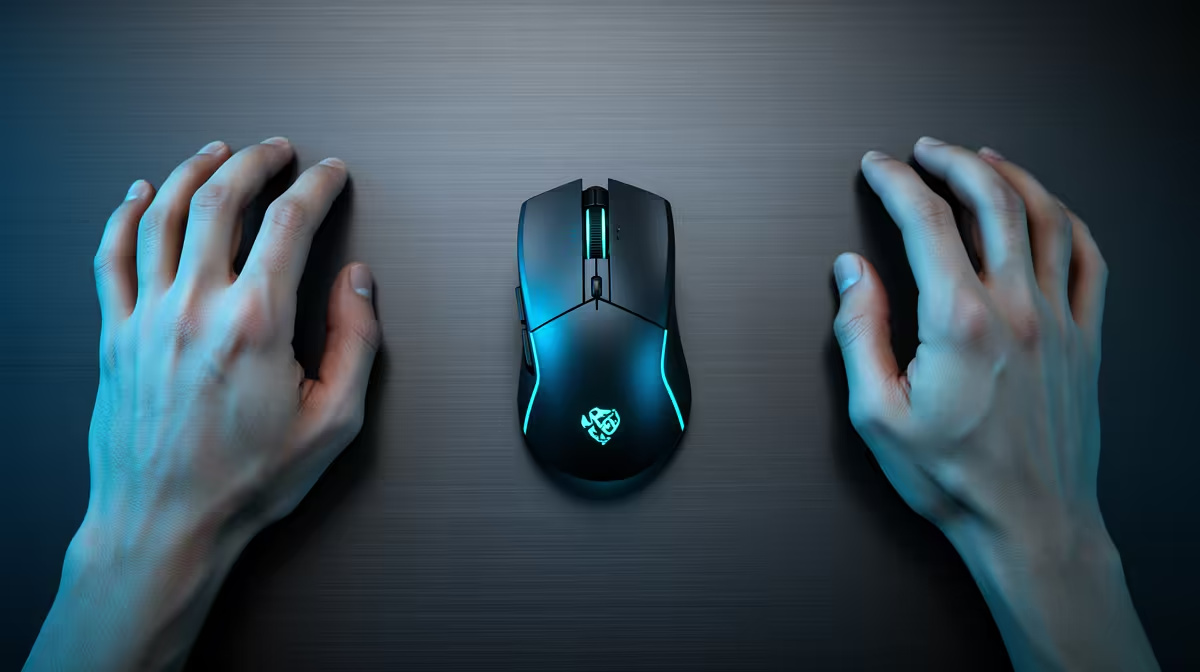
Palm, claw and fingertip describe how your hand supports and moves a mouse. Most people use a blend that changes with shell shape and task. Use the labels to shortlist shapes, then trust comfort and control.
Quick Answer
Palm grip places much of the hand on the shell and often suits a longer ergonomic shape. Claw grip arches the fingers and supports the rear of the palm on the hump. Fingertip grip controls the mouse with the fingers while the palm stays clear.
Measure your hand and compare dimensions through gaming mouse deals. Use the mouse best sellers to inspect shell profiles and button placement, not as a substitute for your own fit.
Palm Grip
A relaxed palm user often wants enough length and height to support the hand without forcing the wrist upward. Right-handed ergonomic shells can fill the thumb side and slope towards the little finger.
Too short a mouse leaves the fingers hanging over the buttons. Too tall a rear can bend the wrist. Look at side-profile photographs and dimensions rather than the top view alone.
Claw Grip
Claw users curl the fingers and anchor part of the palm around the rear hump. A defined hump can provide leverage for quick stops and lifts. The preferred hump may sit in the centre or towards the back.
Button height and stiffness matter because the fingers press at an angle. A shell that is too wide can force the ring finger out, while a narrow body can make the thumb squeeze.
Fingertip Grip
Fingertip users guide the mouse with finger movement and keep the palm off the body. Shorter, lighter symmetrical shells are common choices because they leave room inside the hand.
Side flare can help lift control or block the fingers from adjusting position. Check where the sensor sits relative to your grip, since finger-led rotation can feel different with a forward or rear sensor position.
Measure and Shortlist
Measure from the wrist crease to the tip of the middle finger and across the widest part of the palm. Use those figures as a starting point, since finger length and flexibility also affect fit.
Compare two or three shells in the same grip session. Move, lift, click side buttons and make a wide swipe. Your hand should stay relaxed without dragging the palm or pinching the sides.
Stop if a shape causes pain, tingling or numbness. Adjust desk height and posture as well as the mouse.
FAQ
Can your mouse grip change?
Yes. A different shell, game or sensitivity can move you between relaxed claw, palm and fingertip blends.
Is an ergonomic mouse only for palm grip?
No. Some claw users like an ergonomic slope and side support. Dimensions and hump position decide the fit.
Should large hands buy the largest mouse?
Use hand size to shortlist, then consider grip. A large fingertip user may prefer a shorter shell than a large palm user.
Measure your hand, identify how you support the shell, and choose a mouse shape that stays comfortable through a full session.