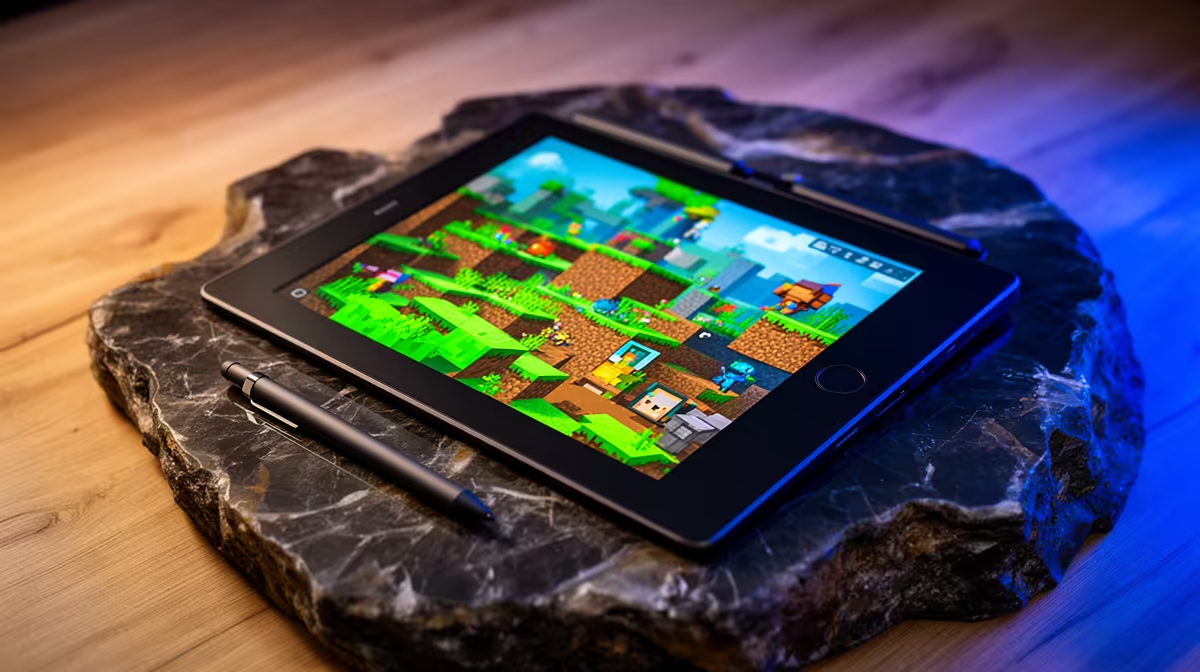
A note-taking tablet does not improve Minecraft mod performance. It can be useful beside the game for build plans, recipes, server notes or tutorials, but the gaming computer still needs suitable memory, processor performance and storage.
Test the companion role
Open a modpack guide, sketch a build and sync the note back to the PC. Check whether the tablet stays readable beside the monitor without blocking controls. If the intent is to run Minecraft directly, verify Android or Windows compatibility with the exact edition and mods. Many desktop mod loaders will not work on a mobile operating system.
Keep server addresses and account recovery information secure. A paper notebook may serve occasional planning more cheaply, while a tablet helps when annotated screenshots and searchable pages are used often.
If the tablet is only displaying guides, use a stand that keeps it outside the mouse movement area and does not block PC ventilation. Turn off unnecessary notifications during play. Sync useful build notes in an open format so they remain available if the note application or tablet changes later.
Modded-game documentation can disappear, so save essential installation notes locally and record which versions produced the known-good working setup.
No note-taking tablet SKU or verified price appears in the supplied product evidence. Compare operating system, pen support, display, update policy, storage, warranty and file-sharing workflow.
Planning a modded-game companion? > Browse Evetech tablets after checking edition compatibility.